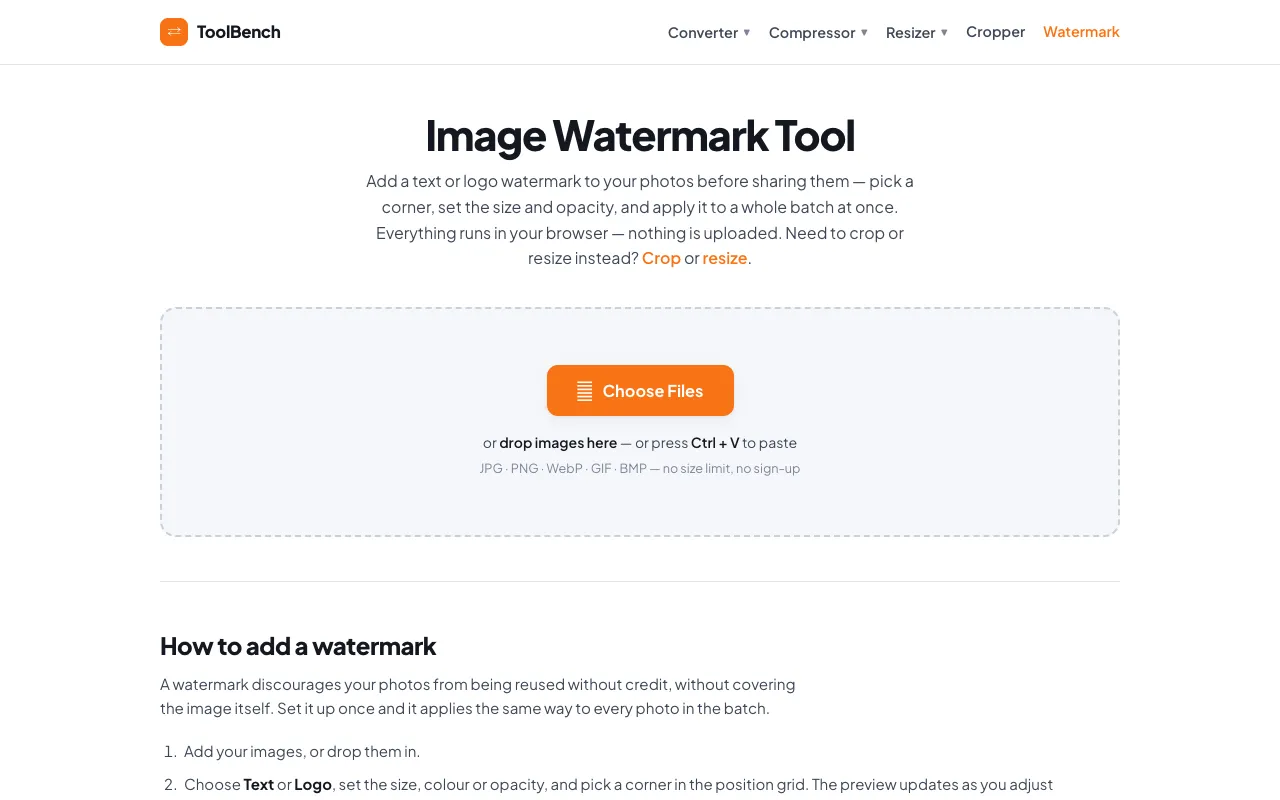
Add a text or logo watermark to your photos in the browser, with adjustable position, size and opacity. Processes bat...
Watermark Image
Stamps custom text or image watermarks onto photos with adjustable positioning using Watermark Image tool. Users upload an image, add desired watermark elements, choose placement options, then download the modified photo. Photographers, artists, businesses, and anyone needing to protect their intellectual property by marking images can use this tool. It helps maintain copyright, track ownership,...
Side by side
Watermark Image options compared
| Tool | Best for | Strengths | Limitations |
|---|---|---|---|
| MyToolsBench mytoolsbench.com | Privacy and large batches |
|
|
| iLoveIMG iloveimg.com | Familiar interface |
|
|
Buyer's guide
How to choose a watermark image
If protecting privacy is your top priority, choose a tool that processes images locally without uploading them to a server. If you frequently work with large image batches or sensitive photos, avoid tools that require uploading. When you do need to upload, check the file size limits beforehand, as some tools restrict how big an image can be before watermarking. The trade-off is convenience versus control: upload-based tools often offer more font and style options, while local-processing tools prioritize speed and security.
Questions
Watermark Image FAQ
- Can I watermark multiple images at once?
- Yes, both tools support batch watermarking. MyToolsBench processes batches locally on your device, while iLoveIMG allows you to upload and stamp multiple pictures at once, though you may encounter file size limits depending on the individual image.
- Will my watermark look pixelated or blurry?
- It depends on the source image quality. MyToolsBench recommends using a PNG with a transparent background for logos to avoid a solid box appearing around the mark. iLoveIMG warns that small watermark images will look pixelated when stamped larger than their real size, so choose a bigger source image for best results.
- Do I need to create an account to use these tools?
- No, neither tool requires sign-up or registration. MyToolsBench emphasizes no sign-up and no uploads, while iLoveIMG lets you start watermarking immediately after uploading files from your computer or cloud storage services.
- Can I add both text and logo watermarks?
- Yes, both tools let you add text or logo watermarks. MyToolsBench offers adjustable position, size, and opacity for both text and logo elements. iLoveIMG provides similar customization with font type, color, size, and opacity level controls for text watermarks.
- Which tool gives me more control over where the watermark appears on the image?
- MyToolsBench uses a position grid to let you pick a corner for the watermark placement, while iLoveIMG offers precise control over the watermark's appearance including font, color, size, and opacity, but may have limitations on exact positioning depending on the image dimensions.

