134 tools
Escapes strings for safe embedding in Java or .NET source code, preventing compilation errors from quotes and backslashes by adding escape sequences where needed. Developers and programmers would use this tool to ensure their string literals are correctly formatted for inclusion in Java or .NET applications, avoiding syntax errors that could halt development progress.
Converts strings into a format safe for embedding in JavaScript source by escaping special characters such as quotes, backslashes, and Unicode characters. Developers, web designers, and anyone working with JavaScript code will find this tool useful for ensuring that their scripts run correctly without syntax errors due to improperly formatted strings.
Escapes fields for safe inclusion in CSV output, handling commas, quotes, and newlines according to RFC 4180 standards. Ideal for developers preparing data for CSV files to ensure correct parsing by CSV readers. Helps users prepare data for CSV files by automatically escaping necessary characters, ensuring the integrity of their data during import into spreadsheets or databases that use CSV format.
Escapes string literals to safely prepare user input for inclusion in SQL queries. The tool processes raw text strings, automatically handling special characters that could otherwise be misinterpreted by a database engine. By escaping these problematic sequences, the utility formats data so that when it is incorporated into an SQL query structure, the database treats the content strictly as literal text rather than executable code commands. Developers use this resource to prevent common security vulnerabilities, specifically SQL injection attacks, during development and testing phases. It helps ensure that user-provided variables are correctly formatted for safe inclusion in queries, improving data integrity and application robustness.
Provides a comprehensive list of MIME types with descriptions and example file extensions, sourced from the IANA registry. Users can easily look up and understand the purpose and corresponding file formats for various MIME types. Developers, web designers, and IT professionals would use this tool to ensure correct file handling, data transmission, and content delivery across different platforms and applications.
Parses URLs into their components, extracting paths, parameters, and other elements for easy analysis. Splits query strings into key-value pairs, allowing users to quickly inspect and understand the data passed in URL requests. Developers and web analysts would use this tool to debug issues related to URL structures or to analyze incoming traffic by examining the query parameters being sent with URLs.
Helps users format dates, currencies, and numbers according to locale standards using code snippets in multiple programming languages. Provides a comprehensive reference for developers working on internationalized applications. Developers need this tool to ensure their software displays data correctly across different regions, enhancing usability and user experience globally.
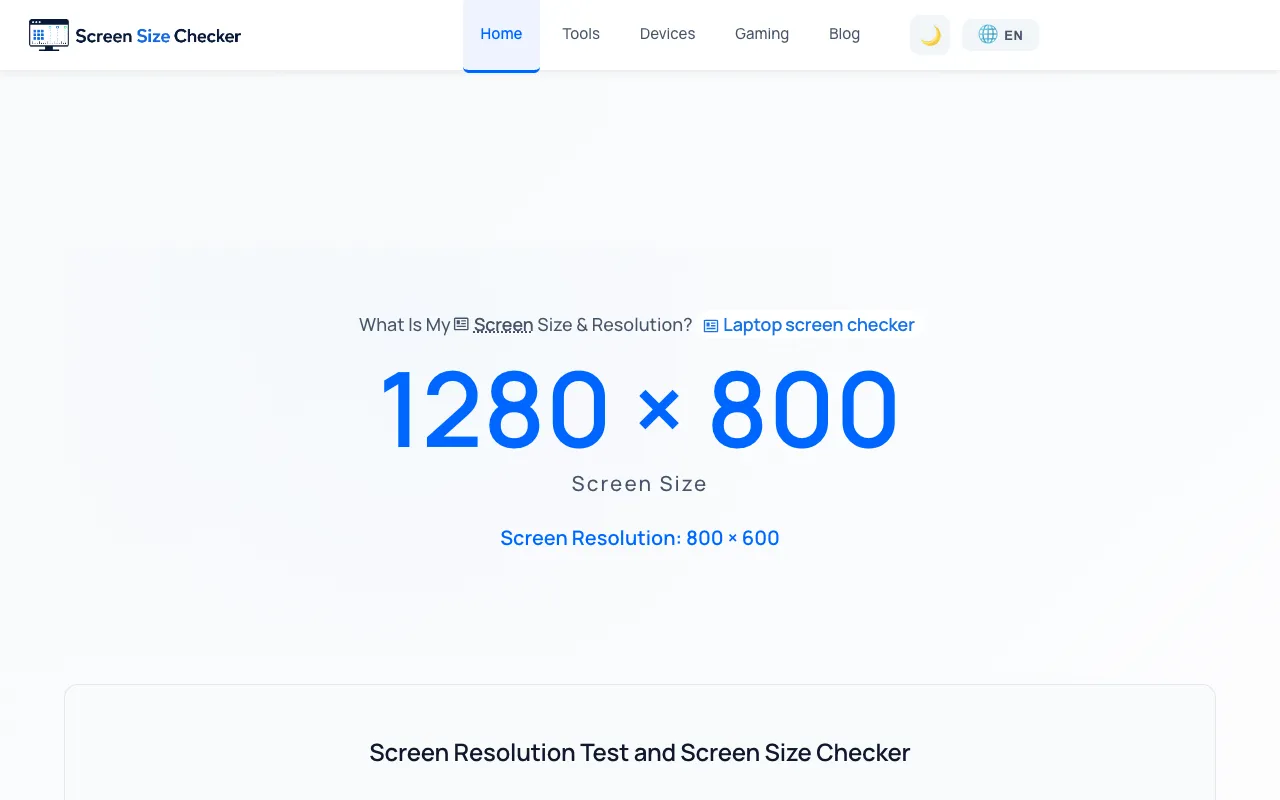
Instantly check your browser's screen resolution, viewport dimensions, pixel ratio, and other display details without installing software. This free browser-based utility is designed for web developers, designers, and anyone troubleshooting responsive design layouts. The tool provides real-time information about your display configuration, making it essential for testing how websites render across different screen sizes and device types. Useful for diagnosing display-related issues and verifying that responsive designs work correctly on your specific hardware.
A free, no-account playground for testing how streaming Markdown renders in real-time AI chat interfaces and LLM applications. Supports Mermaid diagrams for creating visualizations, KaTeX syntax for mathematical expressions, syntax-highlighted code blocks in multiple programming languages, safe HTML rendering, and includes working examples across multiple frontend frameworks to demonstrate streaming behavior. Designed for developers building and testing chat applications, conversational AI interfaces, and any system that delivers formatted content as it streams in real-time. Experiment with how various Markdown features render as they arrive, verify that different frameworks handle streaming correctly, and prototype interactions without constructing a separate backend server. Perfect for rapid iteration and validation of streaming Markdown implementations across different web application architectures.
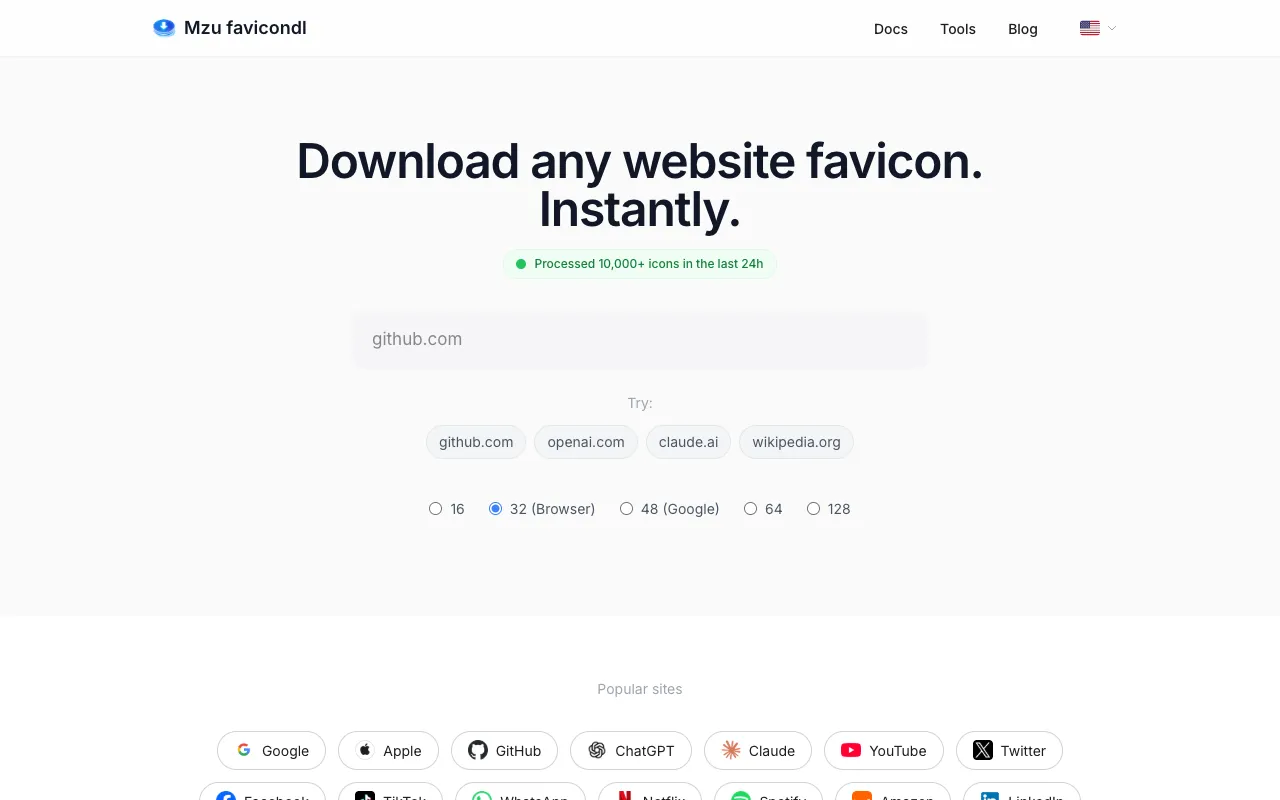
FaviconDL is a free tool that enables developers to quickly extract and download favicons and app icons from any website. Users simply enter a domain or URL, and the tool instantly retrieves all icon files associated with that site for collection and local storage. It streamlines the process of gathering website branding assets for documentation, archives, integration into applications, or building reference collections without requiring manual extraction. The tool is particularly useful for developers who frequently work with multiple websites and need to acquire their icons efficiently. It eliminates the manual process of visiting each site, identifying available icons, and saving them individually, significantly reducing the time required for projects that reference external websites or maintain comprehensive icon directories.
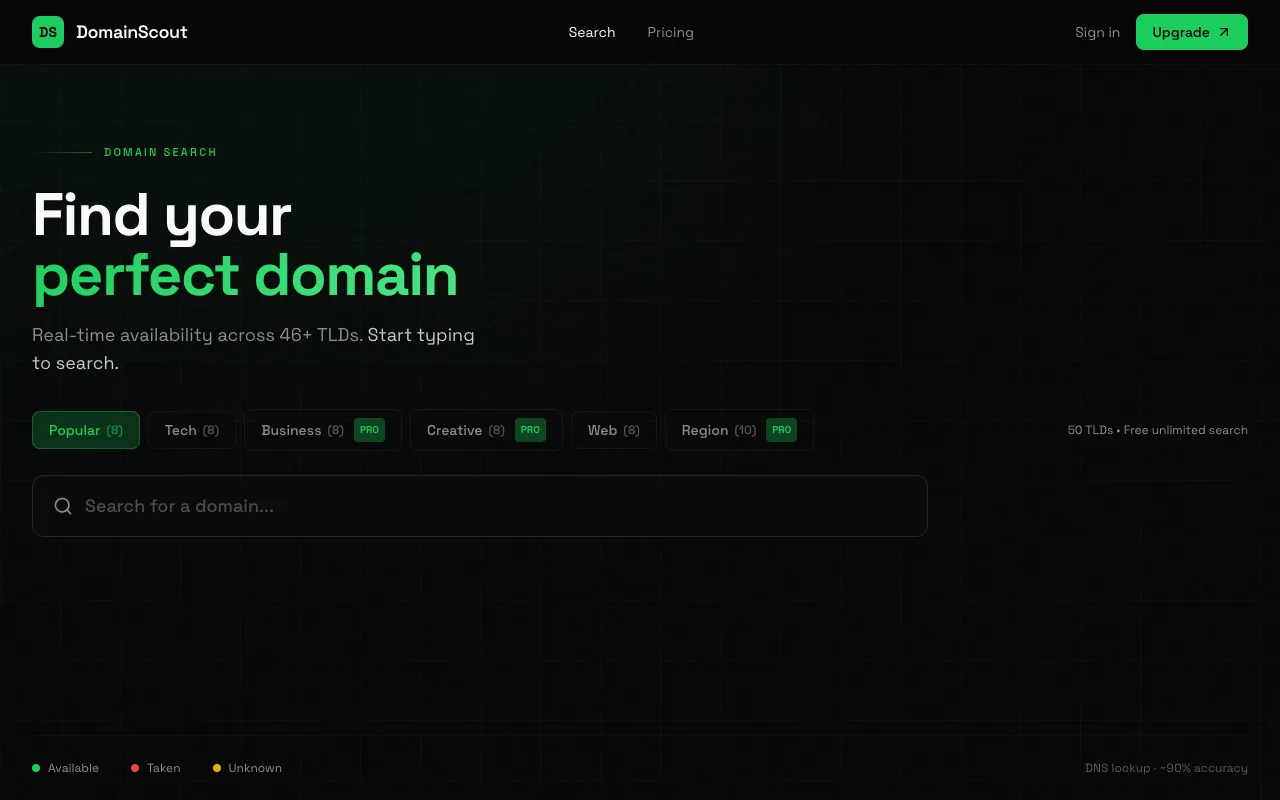
DomainScout is a free tool designed to help developers discover and check the availability of domain names for new projects. It provides a streamlined way to explore potential domain name options and verify whether they are available, consolidating the discovery and availability-checking process into one interface rather than requiring multiple separate lookups. The tool is ideal for developers launching new projects, entrepreneurs starting businesses, and anyone planning to establish an online presence. By centralizing domain name discovery and availability checking, DomainScout simplifies the research process, helping users quickly identify domain names that are both suitable for their project and actually available for registration.
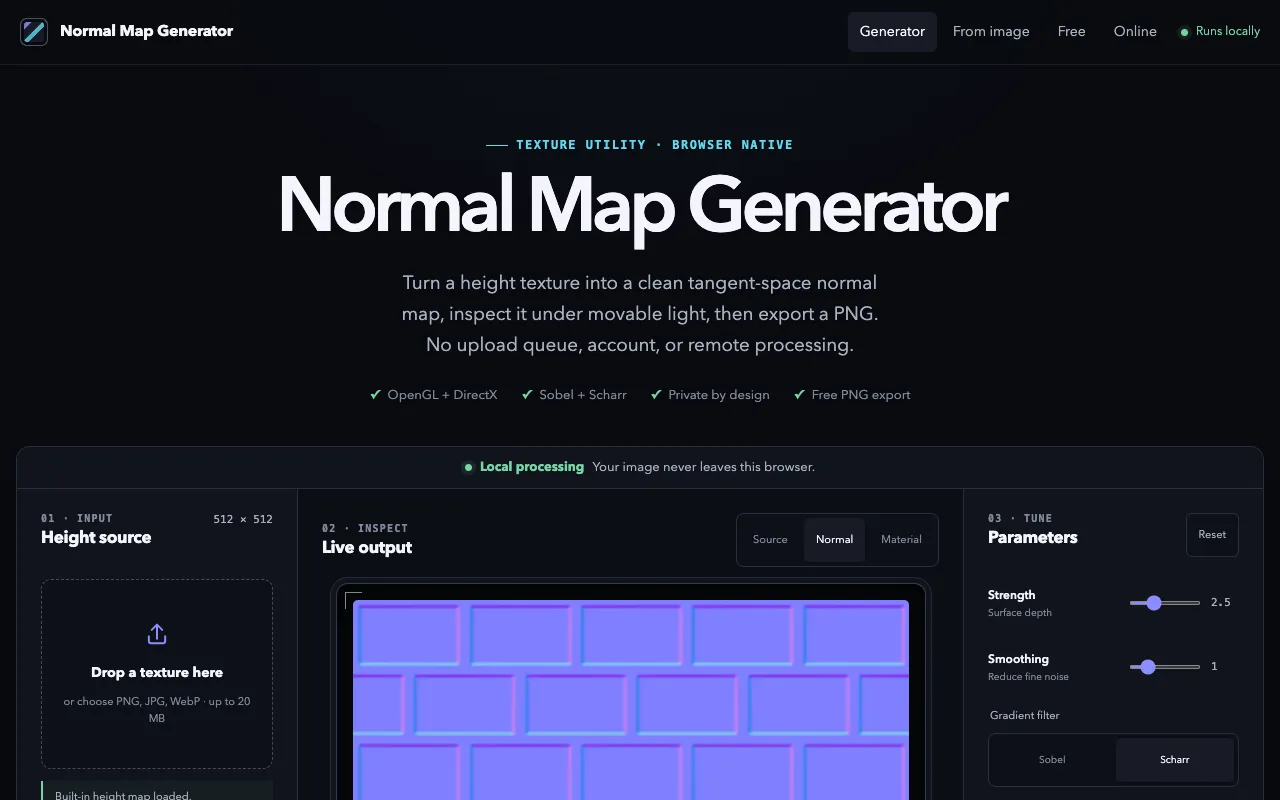
A browser-based tool for converting height map textures (PNG, JPG, or WebP) into tangent-space normal maps entirely on your machine. No account or file uploads required—all processing happens locally in your browser for complete privacy. Designed for game developers, 3D artists, and graphics programmers who need to convert height maps into normal maps for 3D models and games. Features include real-time 3D preview with live lighting to visualize how your generated normal map renders on geometry. Adjustable strength and smoothing controls let you fine-tune the conversion quality to match your needs. The tool supports both OpenGL and DirectX normal map formats for compatibility with different 3D engines and graphics applications. Export your finished normal map as PNG for immediate use in your game engines, 3D software, or graphics pipelines.
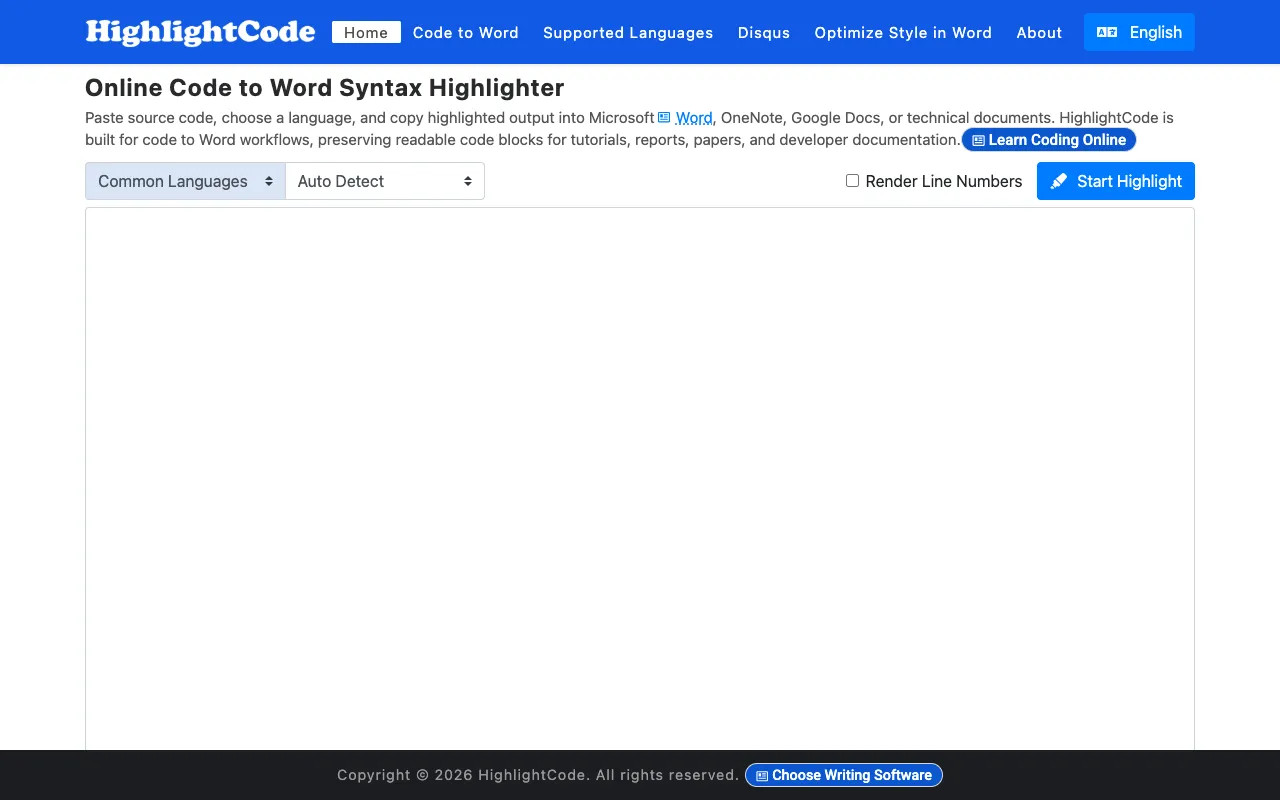
Format and syntax-highlight code with a full range of customizable colors and styling options. Export your formatted code directly to Word, OneNote, Google Docs, and other documentation platforms while preserving all colors, indentation, and formatting precisely. The tool works entirely in your browser with no installation or account creation required, offering an intuitive interface suitable for developers of any skill level. Ideal for creating technical documentation, embedding code snippets in presentations and blog posts, and sharing highlighted code examples in collaborative documents and tools. Supports multiple programming languages and includes pre-built color themes designed to match various documentation styles and organizational brand guidelines. Whether you're writing tutorials, API documentation, or technical articles, this tool simplifies the process of creating polished, readable code examples.
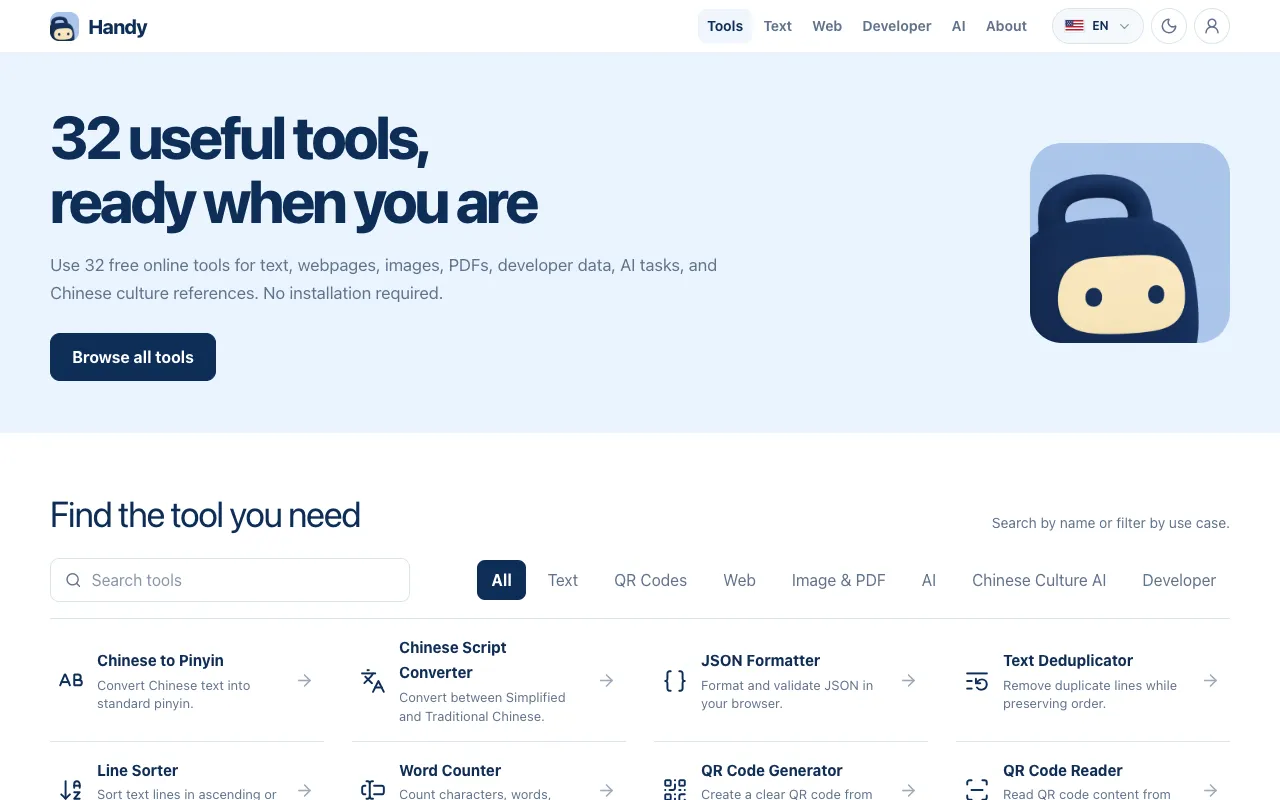
Handy offers a collection of 32 free online utilities covering diverse digital tasks. The toolkit includes tools for text processing, webpage utilities, image handling, PDF operations, developer data tools, AI task automation, and cultural reference lookups. All tools are accessible directly from the web without requiring installation or account registration. The platform supports multiple languages to serve a global audience. Tools are organized by function, allowing users to quickly find utilities for specific needs. The collection spans from everyday computing tasks to specialized developer operations, providing free access to utilities that might otherwise require paid software.