Code Syntax Highlighter
Format and syntax-highlight code with a full range of customizable colors and styling options. Export your formatted ...
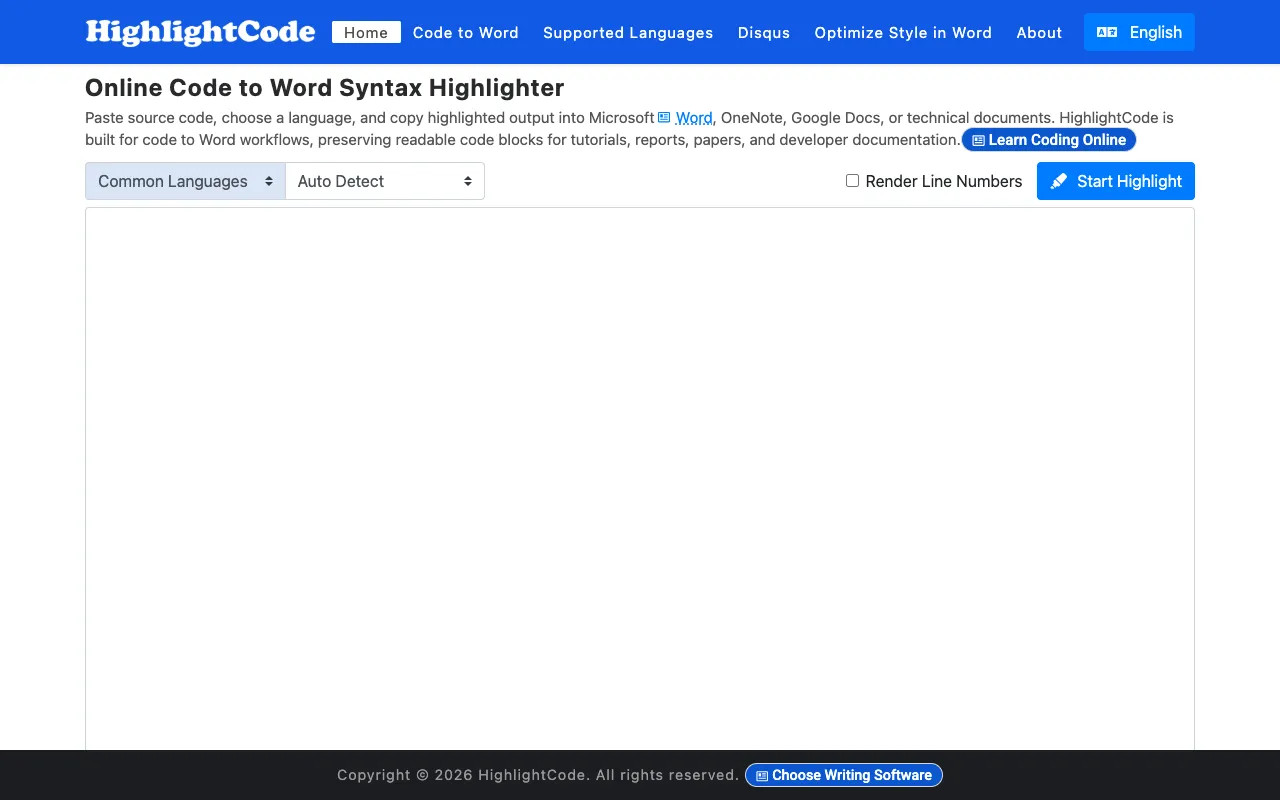
What Code Syntax Highlighter does
Code Syntax Highlighter is a browser-based tool that formats and syntax-highlights code using a full range of customizable colors and styling options. Users can export the formatted code directly to Word, OneNote, Google Docs, and other documentation platforms while preserving all colors, indentation, and formatting precisely. The tool requires no installation or account creation and is designed to be intuitive for developers of any skill level.
How to use the HighlightCode Code Syntax Highlighter
- 1
Paste or type your code into the editor
- 2
Select a language and customize colors and styling options
- 3
Preview the highlighted result in real time
- 4
Export the formatted code to your preferred documentation platform
Best for
Developers and technical writers who need to create formatted code snippets for documentation, presentations, or blog posts without installing software.
Limitations
- No unit switching
- Results are estimates
- Ads on the page
Code Syntax Highlighter FAQ
- Do I need to install anything to use Code Syntax Highlighter?
- No, the tool works entirely in your browser with no installation or account creation required.
- Can I export highlighted code to Word or Google Docs?
- Yes, you can export formatted code directly to Word, OneNote, Google Docs, and other platforms while preserving colors, indentation, and formatting.
- Is the tool suitable for beginners?
- Yes, it offers an intuitive interface suitable for developers of any skill level.
- What file formats can I export to?
- The tool supports export to Word, OneNote, Google Docs, and other documentation platforms.
Similar tools
Based on shared tags