Utilities Suite
Handy offers a collection of 32 free online utilities covering diverse digital tasks. The toolkit includes tools for ...
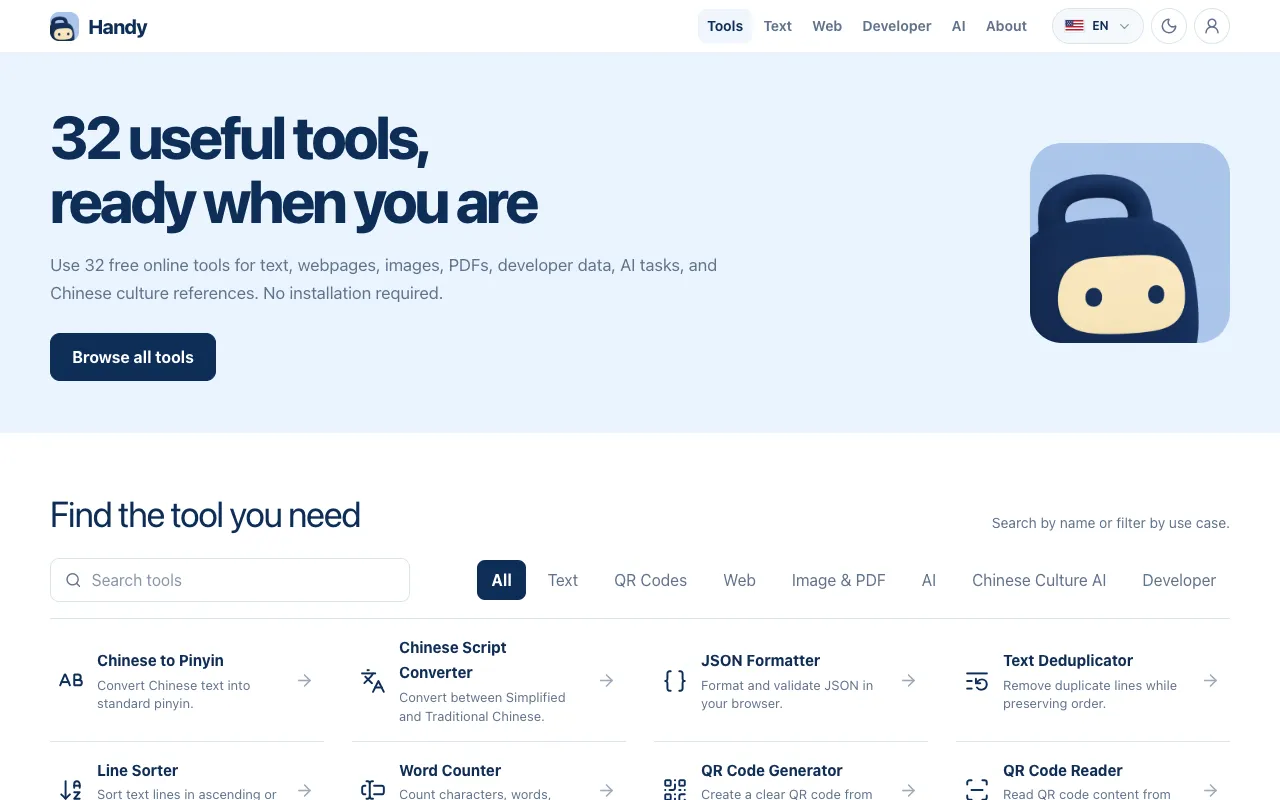
What Utilities Suite does
Utilities Suite on Handy is a web-based toolkit of 32 free utilities covering text processing, image handling, PDF operations, developer data tools, AI tasks, and Chinese cultural references. Users can convert Chinese text to pinyin, format JSON, deduplicate lines, sort text, count words, generate and read QR codes, convert coordinates, inspect SSL certificates, and extract webpage data or image text, all without installing software or creating an account. The platform organizes tools by function and supports multiple languages for a global audience. Results appear instantly in the browser, and users can switch between categories such as Text, QR Codes, Web, Image & PDF, AI, Chinese Culture, and Developer to locate the specific utility they need.
How to use the Handy Utilities Suite
- 1
Open the Utilities Suite on Handy and browse or search for the desired tool by name or category
- 2
Select a tool such as Text Deduplicator, QR Code Generator, or PDF Splitter and input the relevant content into the provided field
- 3
Click the process button to run the utility; the output appears instantly in the browser
- 4
Copy or download the result, or adjust settings if the tool offers options like sort order or language selection
- 5
Repeat with other tools for tasks such as image compression, OCR extraction, or AI translation without leaving the site
Best for
Ideal for anyone who needs quick, no-installation access to a variety of digital utilities for text, image, PDF, or developer tasks, especially users who want multilingual support and a single destination for both everyday and specialized f
Limitations
- Tools are web-based only, requiring an internet connection to function
- Some utilities may have file size or length limits not specified in the overview
- Results depend on the accuracy of the underlying conversion or processing algorithms
Utilities Suite FAQ
- Do I need to create an account or pay to use the tools?
- No, all 32 tools on Handy are free and accessible immediately without registration or payment.
- Can I use these tools on a mobile device or tablet?
- Yes, the Utilities Suite is web-based and accessible from any device with a browser and internet connection.
- What types of files or content can I process with these utilities?
- You can process text, QR codes, webpages, images, PDFs, JSON data, and Chinese cultural references, depending on the specific tool selected.
- Are the results from the tools accurate for professional use?
- The tools are designed for quick processing and convenience; for critical projects, users should verify outputs, especially for OCR, translation, and data extraction tasks.
Similar tools
Based on shared tags