2 tools
Edits HTML code in real-time, offering syntax highlighting, auto-completion, and error checking to help users create and maintain web pages efficiently. Perfect for developers, designers, and anyone looking to write or modify HTML content without leaving their browser. Ideal for professionals working on websites or students learning web development, it streamlines the editing process, ensuring accurate code with minimal effort.
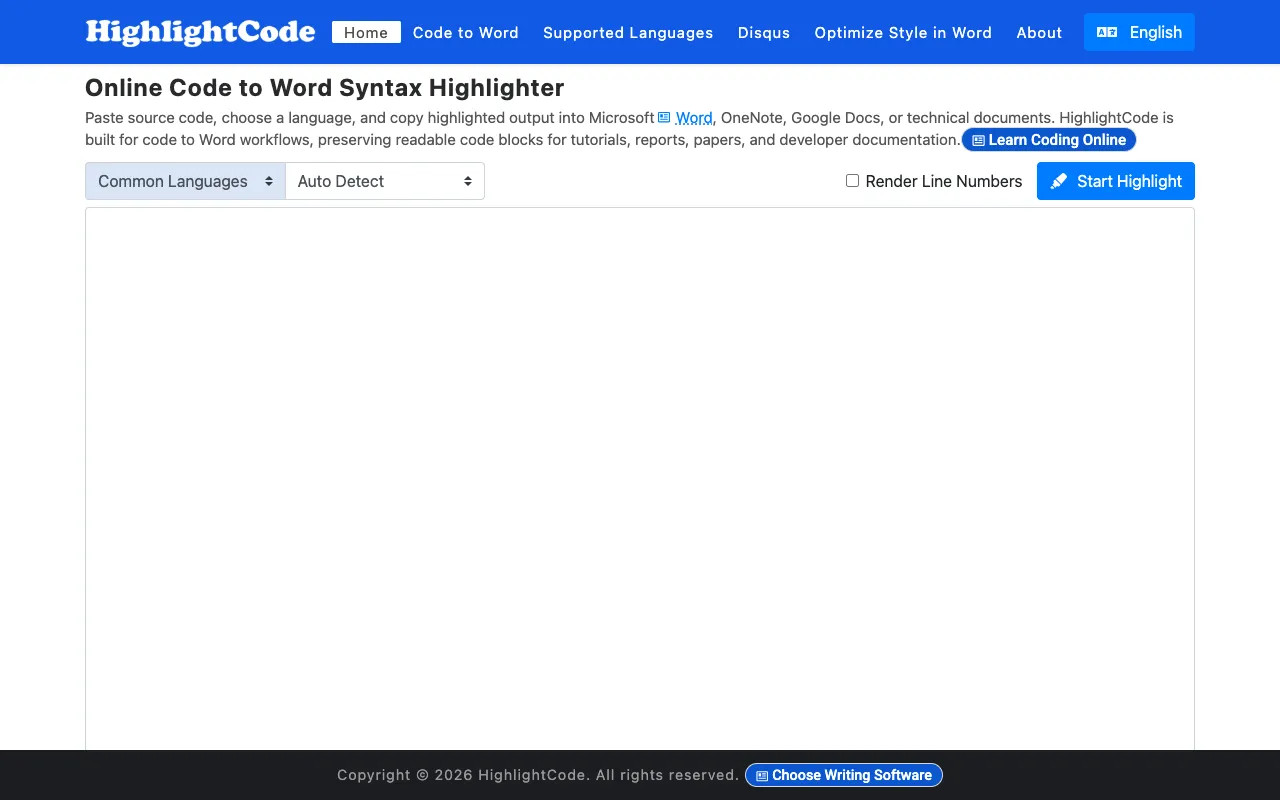
Format and syntax-highlight code with a full range of customizable colors and styling options. Export your formatted code directly to Word, OneNote, Google Docs, and other documentation platforms while preserving all colors, indentation, and formatting precisely. The tool works entirely in your browser with no installation or account creation required, offering an intuitive interface suitable for developers of any skill level. Ideal for creating technical documentation, embedding code snippets in presentations and blog posts, and sharing highlighted code examples in collaborative documents and tools. Supports multiple programming languages and includes pre-built color themes designed to match various documentation styles and organizational brand guidelines. Whether you're writing tutorials, API documentation, or technical articles, this tool simplifies the process of creating polished, readable code examples.