Display Checker
Instantly check your browser's screen resolution, viewport dimensions, pixel ratio, and other display details without...
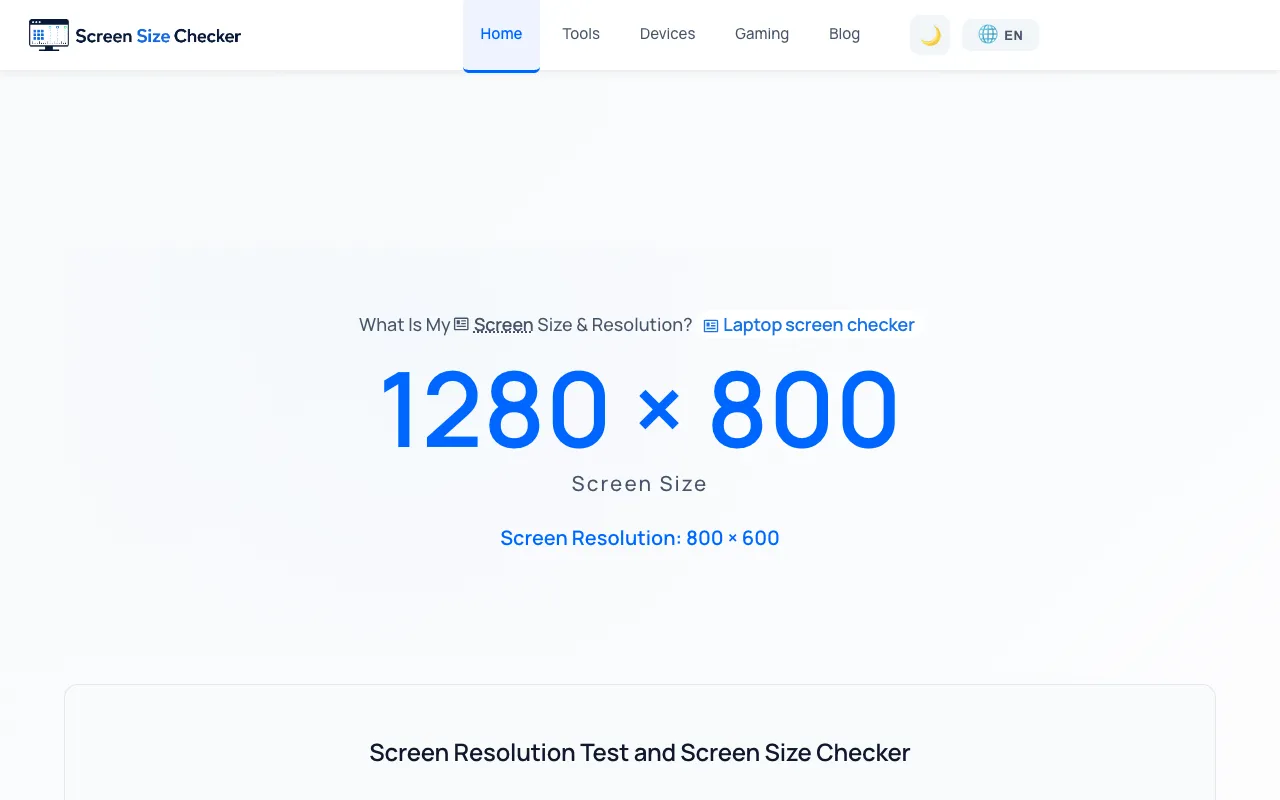
What Display Checker does
Display Checker is a free, browser-based utility that instantly reports your screen's physical resolution, viewport size, device pixel ratio, color depth, operating system, and browser details. It outputs this information in real time, making it useful for testing how websites render across different screen sizes and verifying that responsive designs function correctly on your specific hardware. What sets this particular site apart is its structured layout of labeled detection fields and dedicated sections for developers, designers, and QA testers. The page organizes results into clear categories—such as Aspect Ratio, Device Pixel Ratio, Color Depth, and System & Browser information—with copy-to-clipboard functionality. It also includes explanatory sidebars that define concepts like the difference between screen resolution and viewport size, and what device pixel ratio means, which aids users who are less familiar with display terminology.
How to use the Screen Size Checker Display Checker
- 1
Open the Display Checker page in your browser
- 2
Wait for the tool to detect and display your screen details
- 3
Review the reported values for resolution, viewport, DPR, color depth, OS, and browser
- 4
Use the Copy All Info button to copy the full set of data
Best for
Web developers, designers, and QA testers who need a quick, no-install way to check their current display configuration and debug responsive layout issues.
Limitations
- Results reflect only the current browser and device, not a range of devices
- No option to manually input or test arbitrary screen sizes
- Detection relies on browser capabilities and may not capture all hardware nuances
Display Checker FAQ
- Can I use this tool to check the screen size of a different device?
- No, the tool only detects the screen of the device and browser currently being used. It cannot test or simulate other devices' resolutions.
- What is the difference between screen resolution and viewport size?
- Screen resolution is the full physical pixel size of your display, while viewport size is the visible browser area available to a web page, measured in CSS pixels and often smaller than the full screen.
- Does the tool report pixel ratio, and what does it mean?
- Yes, it reports Device Pixel Ratio (DPR), which is the ratio between physical pixels and CSS pixels. A DPR of 2 means the device has twice as many physical pixels per CSS pixel, common on high-density screens like Retina displays.
- Is any software installation required to use Display Checker?
- No, it is a free browser-based utility that runs entirely within the browser, so no software installation is needed.
Similar tools
Based on shared tags