Redact PDF
Draw boxes or search a name or number to permanently delete the sensitive text and images beneath, not just cover the...
What Redact PDF does
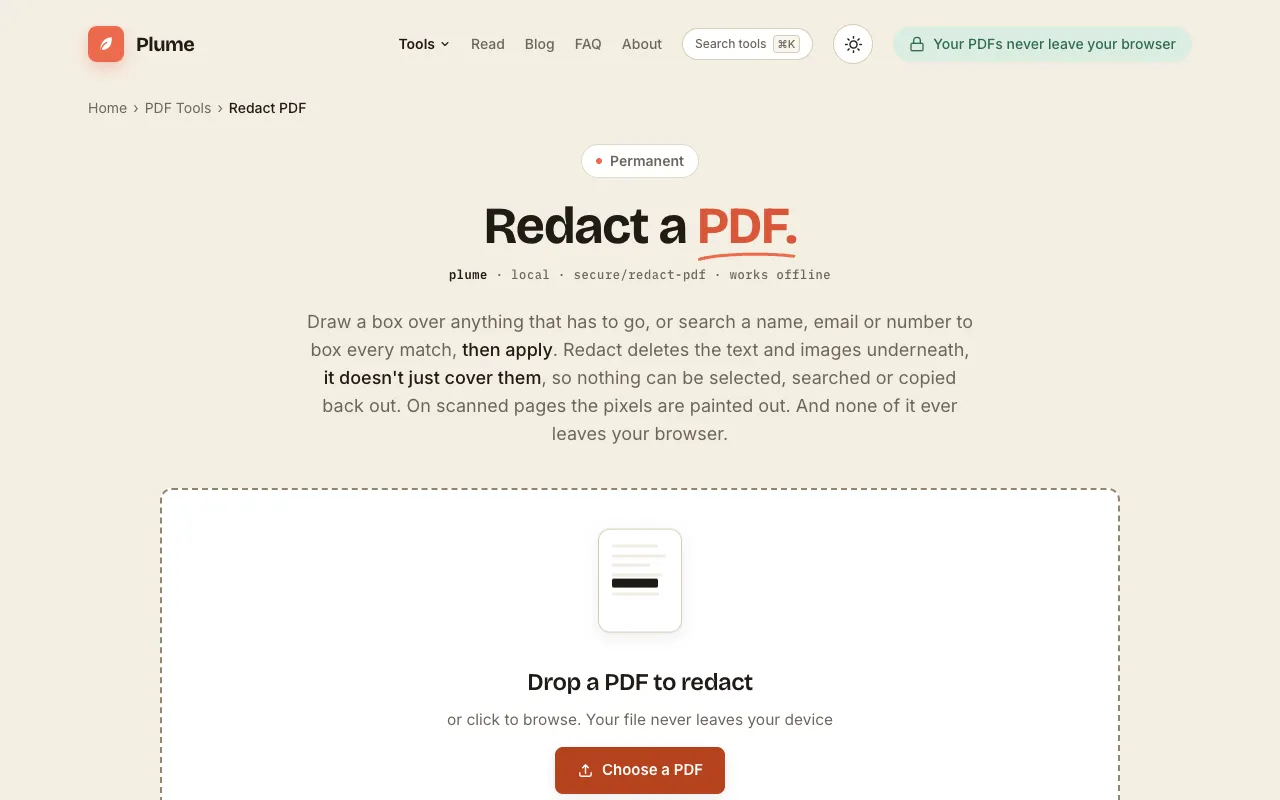
PlumeDocs Redact PDF is a browser-based tool that permanently removes sensitive content from PDFs rather than simply covering it with black boxes. Users upload a document, then either draw redaction boxes over target areas or search for specific words, emails, or numbers to find and delete every instance. The result is a modified file where the underlying text and images are gone, preventing selection, searching, or copying of the hidden information. The service emphasizes that all processing happens locally in the user's browser, keeping documents on device and never uploading them to servers.
How to use the PlumeDocs Redact PDF
- 1
Open your PDF in PlumeDocs Redact PDF by dragging and dropping the file or browsing to select it from your device.
- 2
Mark the content to remove by either drawing boxes over target areas or using the search function to find and box specific names, emails, or numbers.
- 3
Apply the redactions to permanently delete the text and images beneath each marked area.
- 4
Download the modified PDF with the sensitive content permanently erased from the file.
Best for
This tool suits anyone who needs to permanently remove sensitive information from PDFs before sharing, particularly users concerned about privacy compliance who require a solution that works entirely offline within their browser.
Limitations
- Redactions are permanent and cannot be undone once applied
- Scanned PDFs require pixel-level redaction rather than text-based search
- Large files may take longer to process depending on device capabilities
Redact PDF FAQ
- Can redacted text be recovered from the downloaded PDF?
- No, PlumeDocs Redact PDF permanently deletes the text and images beneath redaction boxes, making the information unrecoverable through normal means.
- Does the redaction process upload my PDF to PlumeDocs servers?
- No, all redaction processing happens within your browser on your device; the PDF never leaves your computer or phone.
- Can I redact text in scanned image-only PDFs?
- Yes, the tool paints out pixels on scanned pages, permanently removing the visible content even when the PDF contains no selectable text.
- What file formats does PlumeDocs Redact PDF support?
- The tool works with PDF files specifically, handling both text-based and scanned document formats.
More Redact PDF tools
Similar tools
Based on shared tags