PDF to Images
Render PDF pages into downloadable PNG images in your browser. Keep the original PDF until you have checked resolutio...
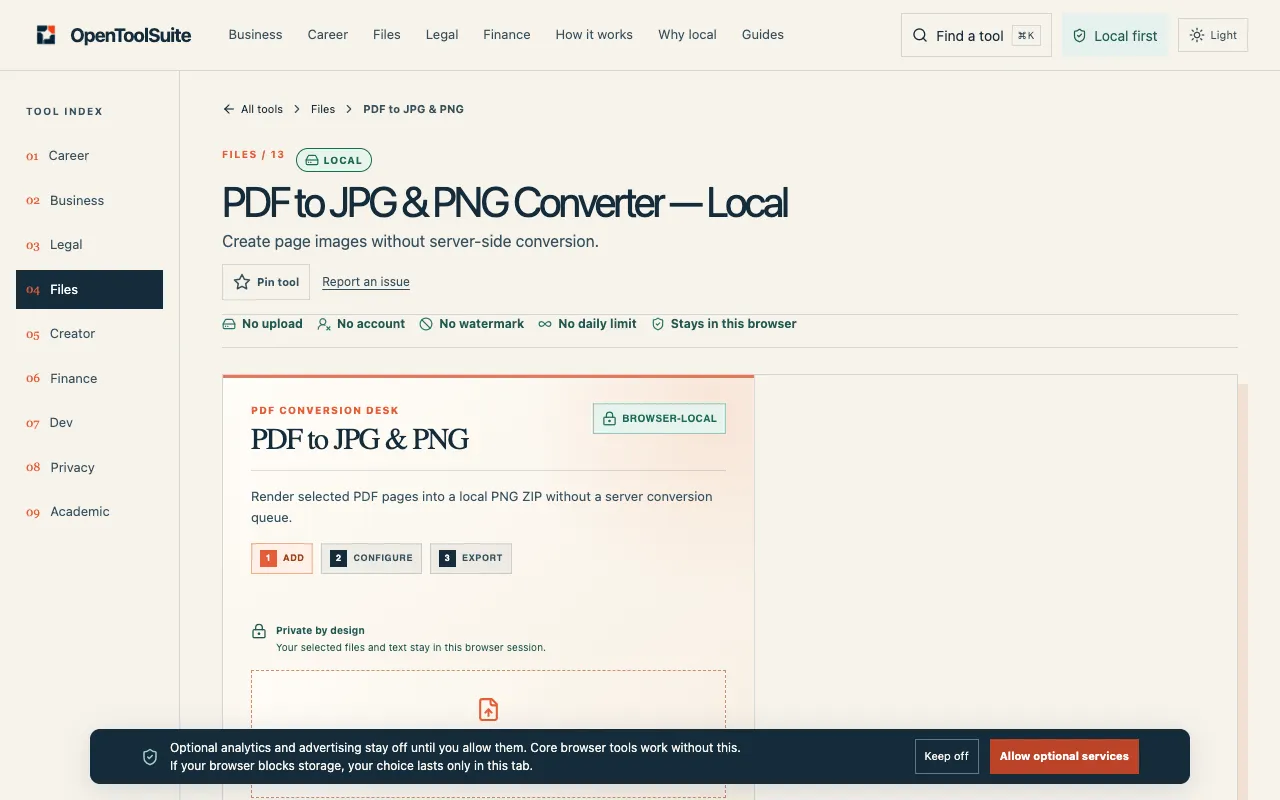
What PDF to Images does
PDF to JPG & PNG on OpenToolSuite converts PDF pages into individual image files directly within the user's browser. The tool accepts uploaded PDF documents and lets the user choose between JPG and PNG output formats. Once conversion completes, the resulting images are available for download, preserving the layout and content of each original page. The service emphasizes that no files are sent to a server, keeping the entire process local to the user's device. This makes it suitable for anyone who needs to extract visual content from a PDF without uploading sensitive documents elsewhere, and who wants to inspect the output before sharing it further.
How to use the OpenToolSuite PDF to Images
- 1
Upload the PDF file you want to convert using the PDF to JPG & PNG tool on OpenToolSuite.
- 2
Select your preferred output format, choosing between JPG or PNG for the image pages.
- 3
Initiate the conversion process, which renders each PDF page into a downloadable image file within your browser.
- 4
Inspect the generated images on screen and download the ones you need to your device.
- 5
Keep the original PDF file handy until you have verified the resolution, page order, and content of the new image files.
Best for
Designers and individuals who need to extract page images from a PDF for digital assets, presentations, or reference, particularly when they want to keep the process local and review the output before sharing.
Limitations
- Results depend on the quality and size of the uploaded PDF; very large files may be limited by browser memory.
- Password-protected PDFs must be unlocked before conversion can proceed.
- The tool does not support unit switching or advanced image editing options beyond format selection.
PDF to Images FAQ
- Does PDF to JPG & PNG upload the file to a server?
- No. The conversion happens entirely within the current browser session, and selected files stay local to your device.
- What should I do if my PDF is password protected?
- Unlock the encrypted PDF first, as password protection can stop the local file tool from processing the file.
- When might PDF to JPG & PNG fail to work?
- Failure can occur due to PDF damage, file size exceeding browser memory limits, or if the PDF has password protection that has not been removed.
- Should I keep the original PDF after conversion?
- Yes. Keep the original PDF until you have checked the resolution, page order, and content of the new image files to ensure they meet your needs.
More PDF to Images tools
Similar tools
Based on shared tags