01
01
CreatorFileKit
creatorfilekit.com
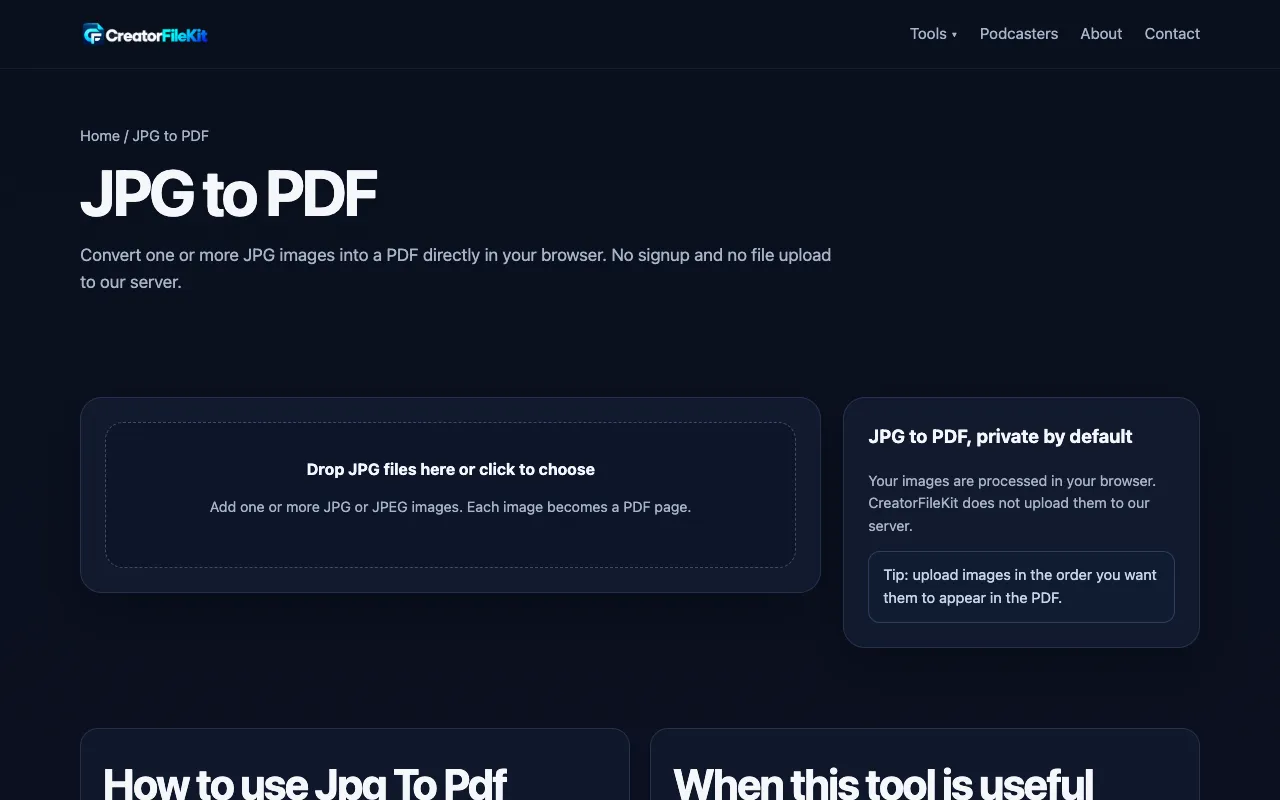
Convert one or more JPG images into a PDF directly in your browser. No signup and no file upload to our server.
Converts JPG images into a single PDF file with ease using EZGIF's JPG to PDF tool. Users can simply upload their JPG files, select any desired settings, and download the resulting PDF document instantly. This tool is ideal for individuals looking to organize digital photos or share multiple images in one compact format. Students, professionals, and anyone managing large collections of...
Convert one or more JPG images into a PDF directly in your browser. No signup and no file upload to our server.

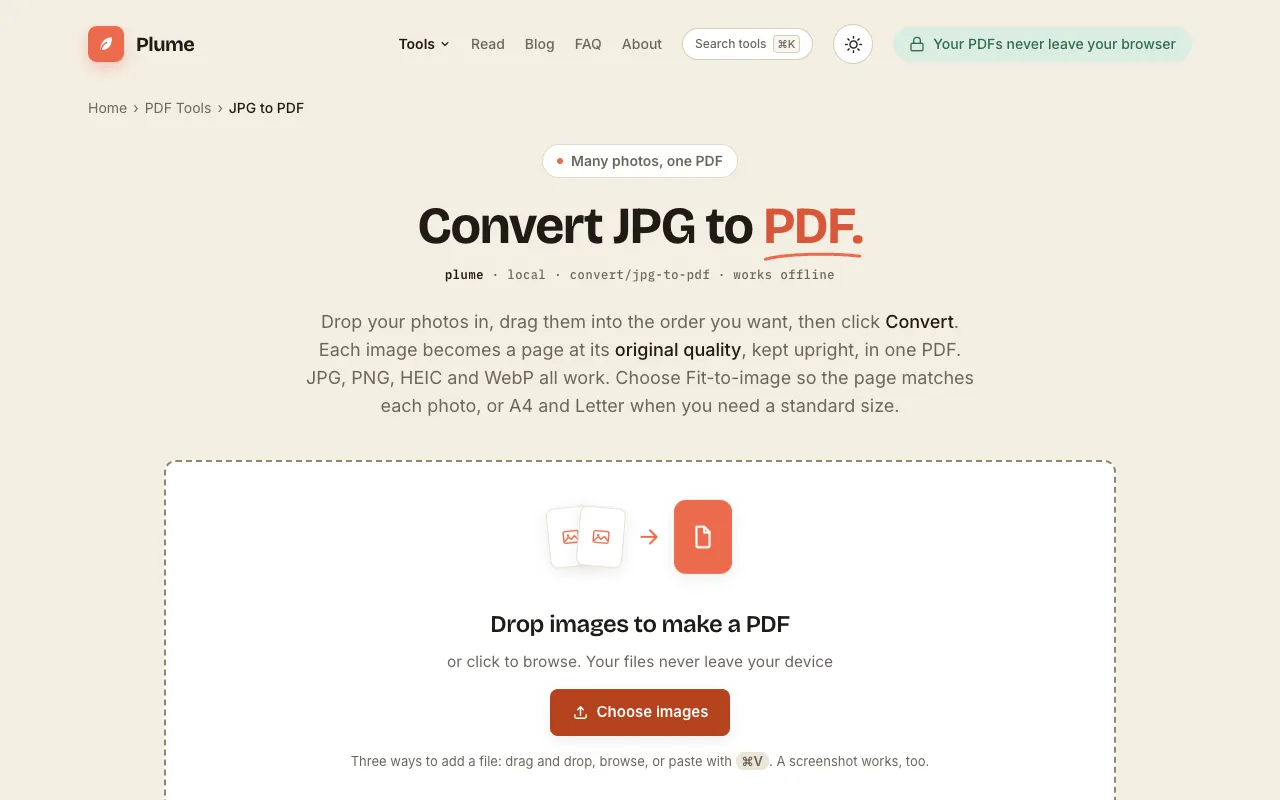
Turn JPG, PNG, HEIC or WebP images into one PDF at original quality, free. Drag to set page order, choose Fit, A4 or ...
Side by side
| Tool | Best for | Strengths | Limitations |
|---|---|---|---|
| CreatorFileKit creatorfilekit.com | Quick PDFs without signup |
|
|
| Ezgif ezgif.com | Detailed PDF customization |
|
|
| PlumeDocs plumedocs.com | Offline quality preservation |
|
|
Buyer's guide
If you need to convert many different image types or want to fine-tune how the PDF looks—choosing paper size, margins, or background color—Ezgif gives you those controls in the browser. If privacy is the top priority and you cannot upload any file to the internet, PlumeDocs keeps everything on your device with no server involvement. CreatorFileKit is best when you want a completely signup-free experience but are limited to JPG files only.
Questions