JPG to PDF
Turn JPG, PNG, HEIC or WebP images into one PDF at original quality, free. Drag to set page order, choose Fit, A4 or ...
What JPG to PDF does
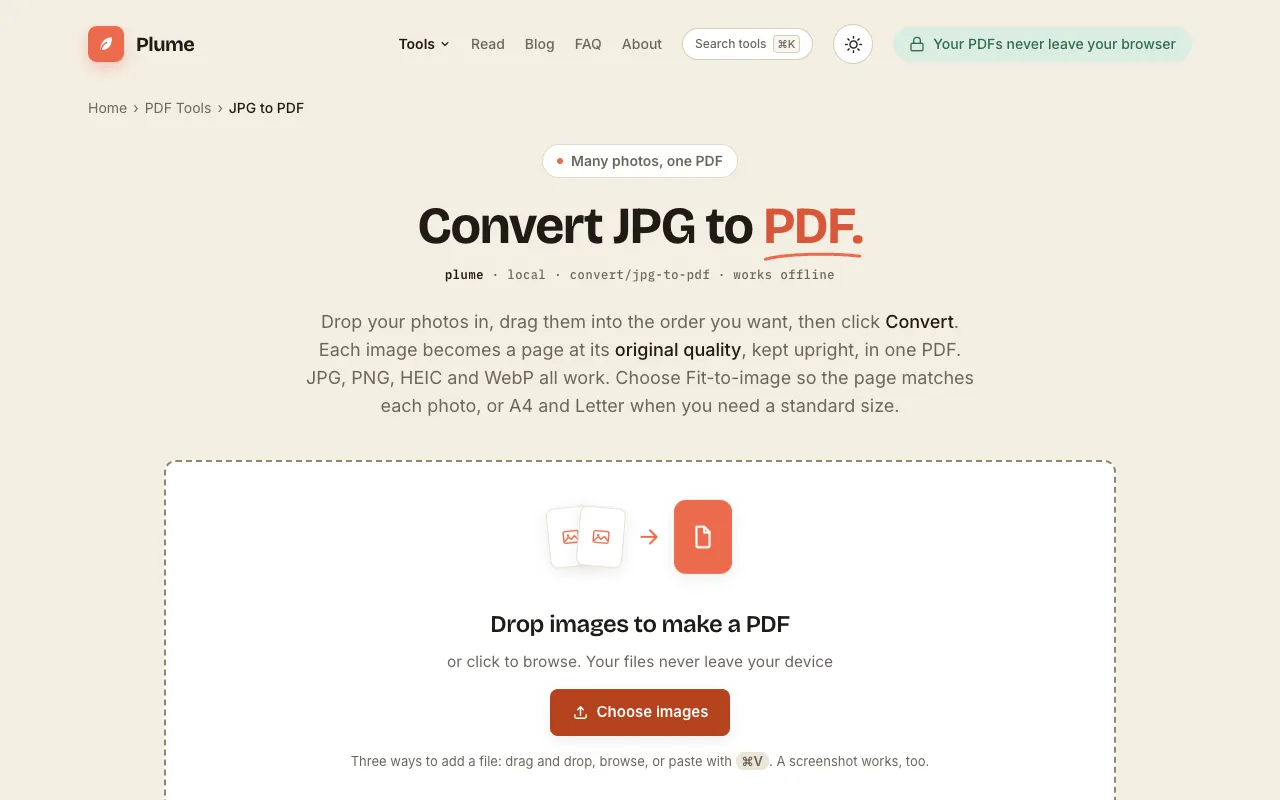
PlumeDocs' JPG to PDF tool converts image files into a single PDF document directly in the browser. Users upload JPG, PNG, HEIC, or WebP files, arrange them by dragging into desired order, and choose page size options like Fit, A4, or Letter. The result preserves original image quality without forced re-compression, producing a tidy, emailable document that maintains orientation and sharpness across different photo layouts.
How to use the PlumeDocs JPG to PDF
- 1
Drop images onto the page or click to browse and add JPG, PNG, HEIC, or WebP files
- 2
Drag images to reorder them and select page size (Fit, A4, or Letter) plus margin settings
- 3
Click Convert to assemble the images into one PDF at original quality
- 4
Download the resulting PDF file to your device
Best for
Ideal for anyone needing to combine multiple photos—such as phone shots of receipts, IDs, or whiteboards—into a single, shareable PDF without uploading files or creating an account.
Limitations
- No unit switching between measurement systems
- Page size options limited to Fit, A4, or Letter
- No built-in image editing or annotation features
JPG to PDF FAQ
- Can I combine several photos into one PDF?
- Yes. Add as many images as you like and they become pages in a single PDF, in whatever order you drag them into. It’s the fastest way to send a batch of photos as one file.
- Will it lower the quality of my photos?
- No re-compression is forced on you; your images are placed at original quality into the PDF.
- Do my images get uploaded to a server?
- Your files never leave your device. Everything is assembled in your browser.
- What page size options are available?
- Choose Fit-to-image so the page matches each photo, or select A4 and Letter when you need a standard size.
More JPG to PDF tools
Similar tools
Based on shared tags