Edit PDF
Click existing text to retype it right in the page, then add text, images, signatures, shapes and links. Even scanned...
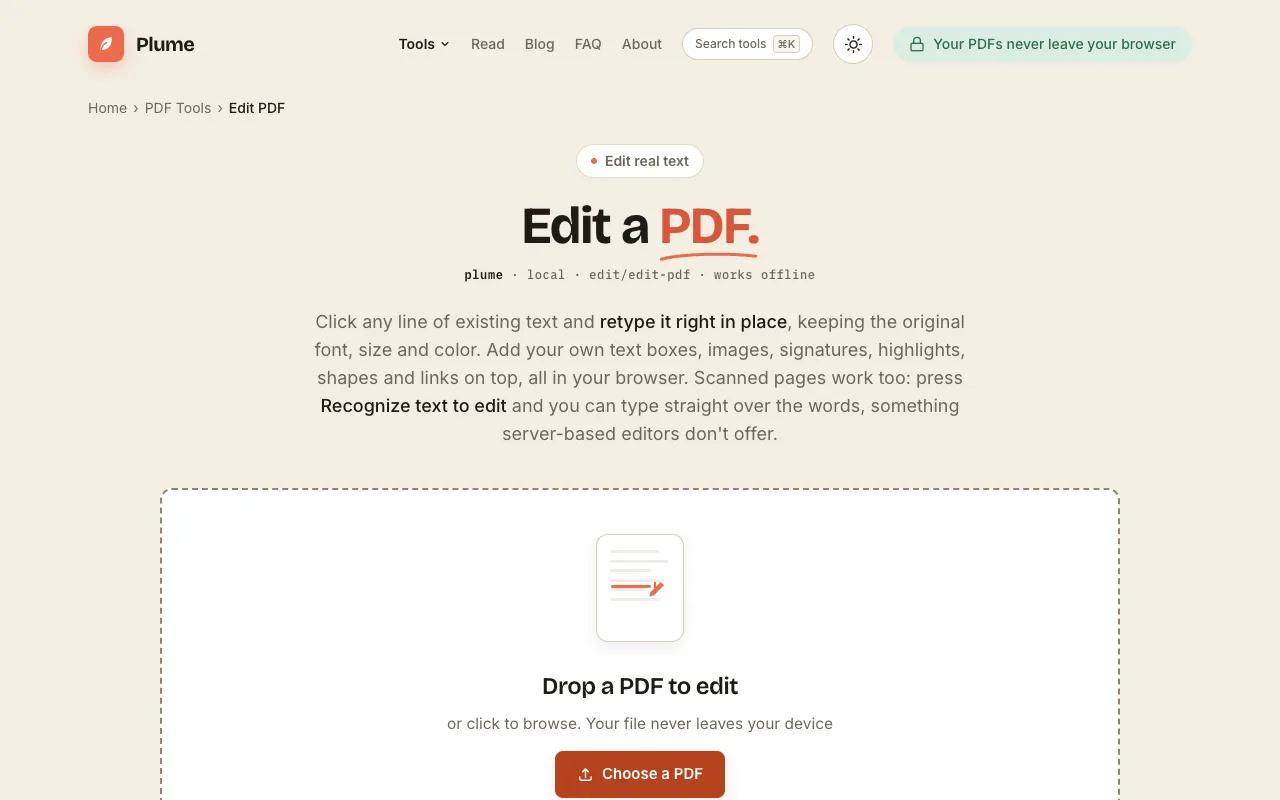
What Edit PDF does
PlumeDocs' Edit PDF tool lets you modify existing PDF documents directly in your web browser. You can click on any line of text already in the file and retype it in place, preserving the original font, size, and color, or add new text boxes, images, signatures, highlights, shapes, and links. A key capability is editing scanned pages using built-in OCR, which recognizes words so you can type straight over them—a feature most free online editors lack. Once edits are complete, the processed PDF downloads to your device with no uploads, no account required, and no watermark on the finished file.
How to use the PlumeDocs Edit PDF
- 1
Drop a PDF onto the editor or click to browse and select a file from your device
- 2
Click existing text to retype it in place, or add new text boxes, images, signatures, highlights, shapes, or links
- 3
Use the built-in OCR to recognize text in scanned pages if you need to edit words over an image
- 4
Download the edited PDF to your device once all changes are applied
Best for
Professionals and anyone needing to make quick edits to existing PDFs or create new ones without installing software, especially when working with scanned documents that require OCR.
Limitations
- Ads may appear on the page
- Results depend on the quality of the original PDF or scan for OCR accuracy
- Advanced layout adjustments may require manual repositioning of added elements
Edit PDF FAQ
- Can I edit text that is already in the PDF without changing the formatting?
- Yes. The tool includes built-in OCR that recognizes words in scanned pages, allowing you to type straight over the words, a capability most free online editors do not offer.
- Are my PDF files uploaded to a server when I use this editor?
- No. Everything runs in your browser; your file never leaves your device and no uploads occur.
- Will the edited PDF have a watermark?
- No. The finished file has no watermark, and no account or sign-up is required to use the tool.
More Edit PDF tools
Similar tools
Based on shared tags