Delete PDF Pages
Delete pages from a PDF online for free. Remove unwanted pages and download your updated PDF quickly and easily.
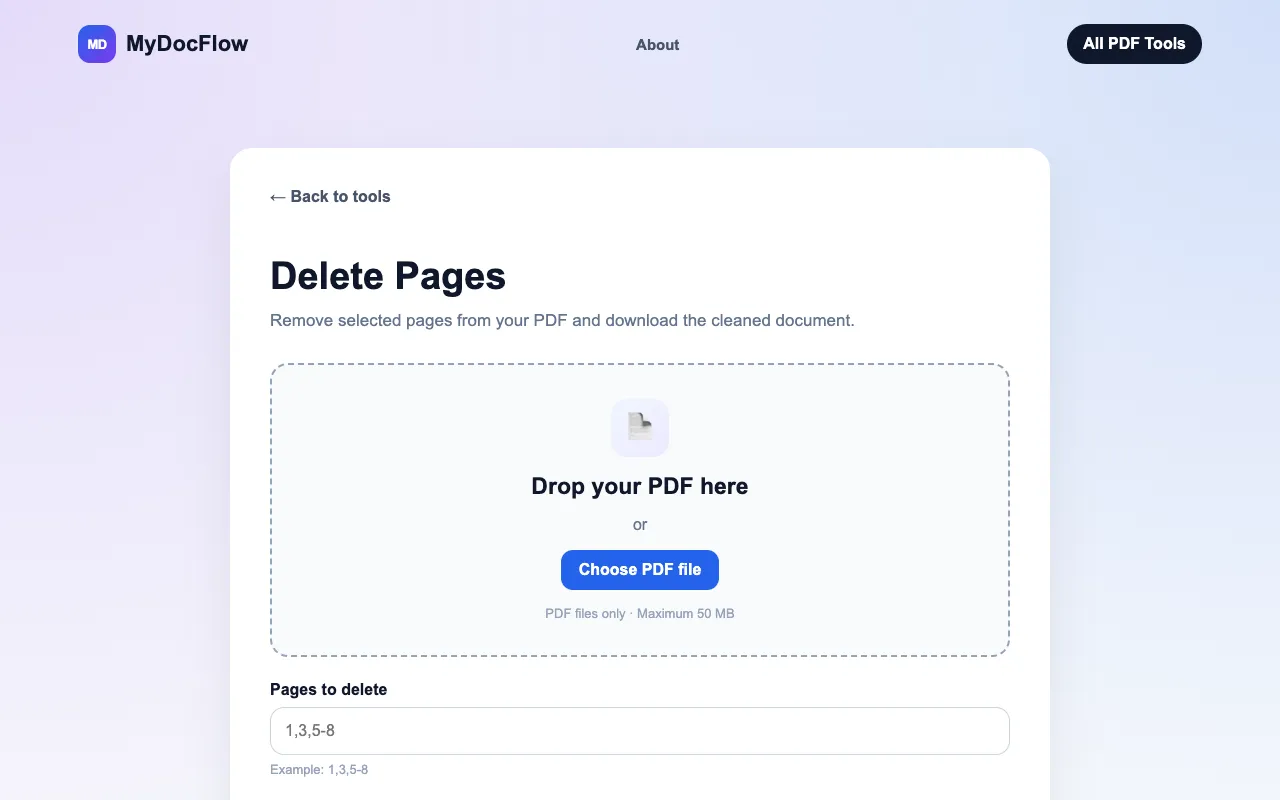
What Delete PDF Pages does
MyDocFlow offers a straightforward online solution for removing unwanted pages from PDF documents. Users upload an existing PDF file and can then visually select specific pages or ranges of pages to remove. The tool processes the document and generates a new PDF without the selected pages, allowing the user to download the cleaned version. This provides a quick and accessible way to trim PDFs without installing software, focusing on the core function of page removal with minimal fuss.
How to use the MyDocFlow Delete PDF Pages
- 1
Upload your PDF Select a PDF file from your device or drag it into the upload area
- 2
Select pages to remove Enter the page numbers or ranges you want to delete, such as 2,4,6-8
- 3
Download the updated PDF Remove the selected pages and download the new PDF document
- 4
Verify the result Check the downloaded PDF to ensure only the intended pages were removed
Best for
This option suits anyone needing to quickly trim a PDF without installing software, particularly those who prefer a simple interface for selecting individual pages or ranges and want to keep their original file unchanged.
Limitations
- Maximum file size of 50 MB
- No registration required but page range limits apply
- Results depend on accurate page number input
Delete PDF Pages FAQ
- How do I remove specific pages from a PDF?
- Upload your PDF and enter the page numbers you want to remove, such as 2,5,9. MyDocFlow will create a new PDF without those pages.
- Can I delete a range of PDF pages?
- Yes. You can enter a range such as 4-8, or combine individual pages and ranges using a format such as 2,4,6-8.
- What happens to my uploaded PDF after processing?
- MyDocFlow creates a new PDF, so the original file on your device is not modified.
- What is the maximum file size for uploads?
- You can upload PDF files up to 50 MB.
More Delete PDF Pages tools
Similar tools
Based on shared tags