Crop PDF
Crop PDF pages with a live preview. Drag the box, type exact margins in mm or inches, or auto-trim white edges in one...
What Crop PDF does
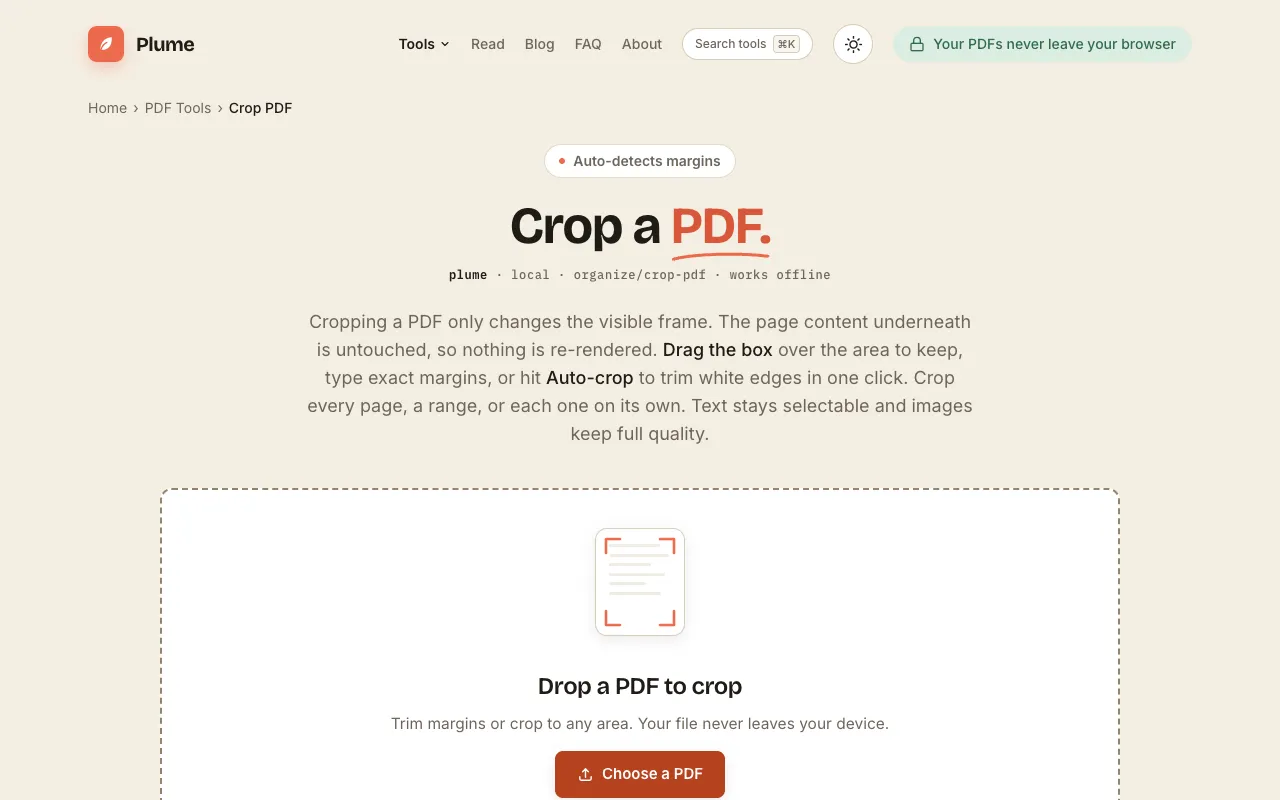
Crop PDF is an online tool that trims margins from PDF document pages, allowing users to remove unnecessary white space for better readability or reduced file size. The result is a trimmed PDF where the visible frame changes but the underlying content remains untouched, preserving text selectability and image quality. Users can choose between auto-detecting margins or manually defining the crop area by dragging a box or entering exact measurements in millimeters or inches. The processed file stays entirely on the user's device with no uploads, sign-up, or watermarks.
How to use the PlumeDocs Crop PDF
- 1
Open your PDF by dragging and dropping it onto the page, browsing your device, or pasting with Ctrl+V.
- 2
Drag the crop box over the area to keep, or select 'Auto-crop' to trim white edges in one click.
- 3
Choose to crop every page, a specific range, or individual pages on their own.
- 4
Download the trimmed PDF directly to your device.
Best for
This option suits anyone needing to remove white space from PDFs without installing software, especially those who prioritize privacy since files are processed locally in the browser.
Limitations
- Cropping only changes the visible frame; the underlying page content remains unchanged.
- The tool requires a PDF file to function and does not support other document formats.
- Advanced page manipulation features beyond cropping are available through separate tools on the site.
Crop PDF FAQ
- Will cropping a PDF reduce its file size?
- Cropping changes the visible frame but the underlying content stays, so file size reduction depends on how much white space was removed and whether the trim actually deletes embedded data.
- Can I crop just specific pages of a multi-page PDF?
- Yes, you can crop every page, a range, or each page individually.
- Is the cropped PDF still editable?
- Yes, the tool preserves text selectability and image quality, so the cropped PDF remains fully editable and readable.
- Do I need to create an account to use the crop function?
- No, the service is free and does not require sign-up; files are processed locally in your browser without uploads.
More Crop PDF tools
Similar tools
Based on shared tags