Compare PDFs
Compare two PDF documents. Highlight differences between versions.
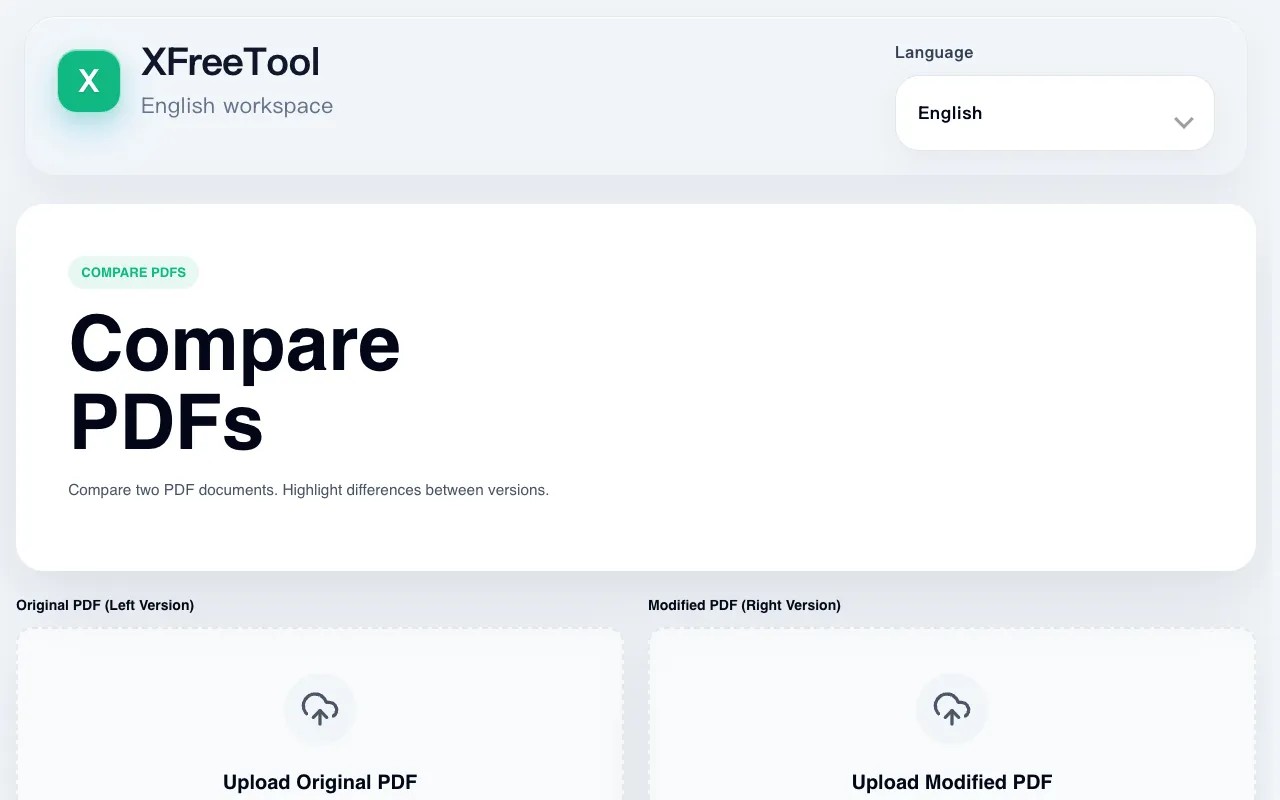
What Compare PDFs does
Compare PDFs is a browser-based tool that lets users upload two PDF documents to identify and visualize differences. The output presents the original and modified versions side-by-side or in overlay mode, highlighting added, removed, or changed content. It is designed for reviewing document revisions, checking contract changes, or verifying edits while keeping files private, as all processing occurs locally in the browser. The tool also supports scanned documents when OCR is applied beforehand, and offers export options for a comparison report or annotated PDF.
How to use the XFreeTool Compare PDFs
- 1
Upload the original PDF as the baseline version
- 2
Upload the modified PDF to compare against the original
- 3
View differences highlighted in side-by-side or overlay mode
- 4
Export results as a comparison report or annotated PDF
Best for
Users who need to review and verify changes between two versions of a document, such as contract reviewers, editors, or quality assurance staff, especially when privacy is a concern.
Limitations
- No unit switching between measurement systems
- Scanned documents require OCR processing before comparison
- Results may vary depending on PDF formatting complexity
Compare PDFs FAQ
- What types of differences does the tool detect?
- The tool detects text additions, deletions, modifications, and formatting changes between the two uploaded PDFs.
- Can I compare scanned PDF documents?
- Scanned documents should be OCR processed first for text comparison, though visual overlay mode is available for unprocessed scans.
- Is my document privacy protected when using this tool?
- All comparison happens in your browser, ensuring your documents remain private and are not uploaded to a server.
- What export options are available after comparison?
- Users can download a comparison report or an annotated PDF that highlights the differences between the two versions.
More Compare PDFs tools
Similar tools
Based on shared tags