Add Watermark
Add a custom text watermark to your PDF online for free. Choose the color, opacity and rotation. No account required.
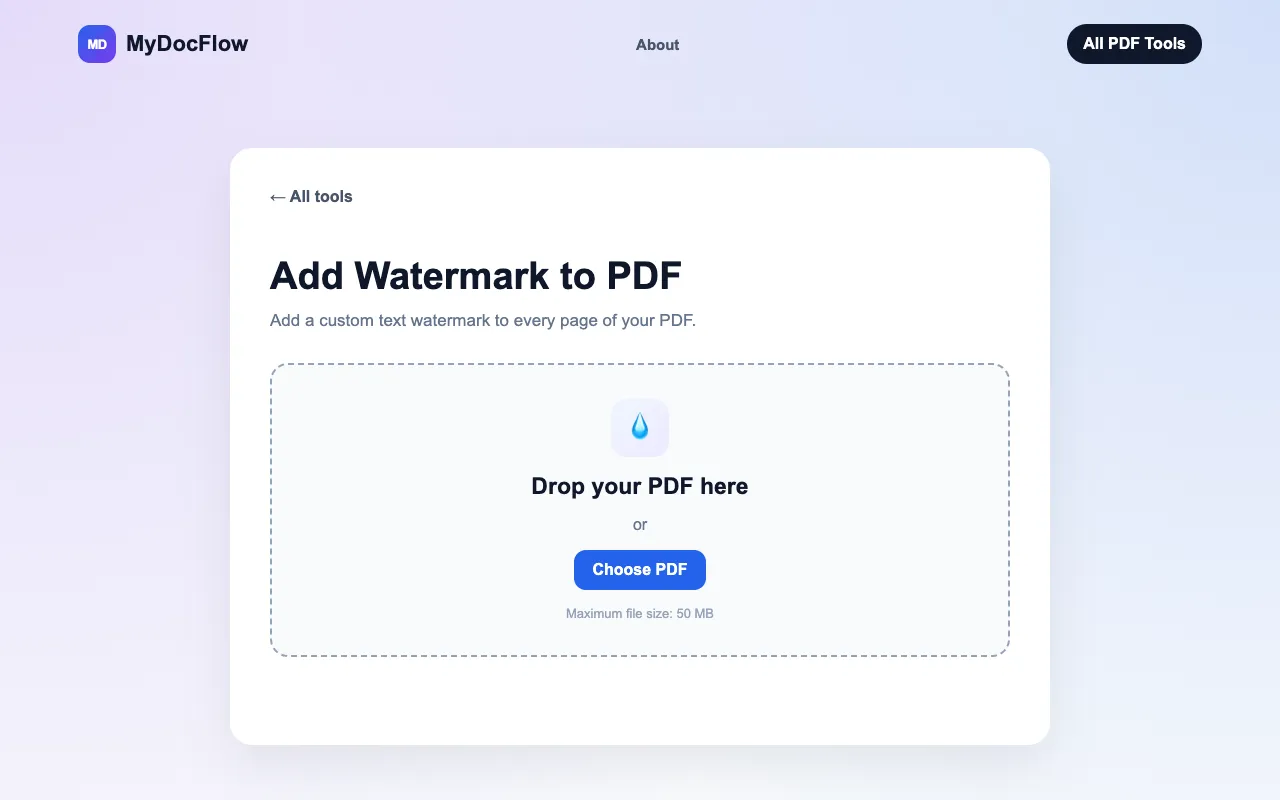
What Add Watermark does
MyDocFlow's Add Watermark tool lets users upload a PDF and apply a text or image watermark across every page. The output is a modified PDF with the chosen watermark embedded, ready for download. The service handles files up to 50 MB and requires no account creation to begin. Users can type custom text or upload an image, then adjust the watermark's color, opacity percentage, and rotation angle to suit their document's style. The process is designed for quick protection or branding without technical steps.
How to use the MyDocFlow Add Watermark
- 1
Upload your PDF by dragging it into the upload area or selecting a file from your device.
- 2
Enter your watermark text and choose the opacity, color, and rotation from the available options.
- 3
Click the Add Watermark button to apply the watermark to every page of the PDF.
- 4
Download the modified PDF once the process completes.
- 5
Review the downloaded file to confirm the watermark appears as intended.
Best for
Individuals and businesses that need to add custom text or image watermarks to PDFs quickly without creating an account or installing software.
Limitations
- Maximum file size of 50 MB per upload.
- Watermark customization limited to text appearance settings; advanced layout options may be absent.
- No unit switching or measurement tools beyond opacity and rotation controls.
Add Watermark FAQ
- How do I add a watermark to a PDF using MyDocFlow?
- Upload your PDF, enter your watermark text, customize its appearance with color, opacity, and rotation, then click Add Watermark and download the updated document.
- Is the watermark applied to every page of the PDF?
- Yes. The watermark is applied to every page of the PDF automatically after you customize its appearance and click Add Watermark.
- Can I change the watermark color and transparency?
- Yes. You can choose a custom color for your text watermark and use the opacity control to adjust transparency.
- Do I need to create an account to use the watermark tool?
- No registration is required. You can add watermarks to PDF files without creating an account or signing in.
More Add Watermark tools
Similar tools
Based on shared tags