Creator Tools Suite
CreatorFileKit provides a comprehensive suite of free browser-based tools specifically designed for podcasters, YouTu...
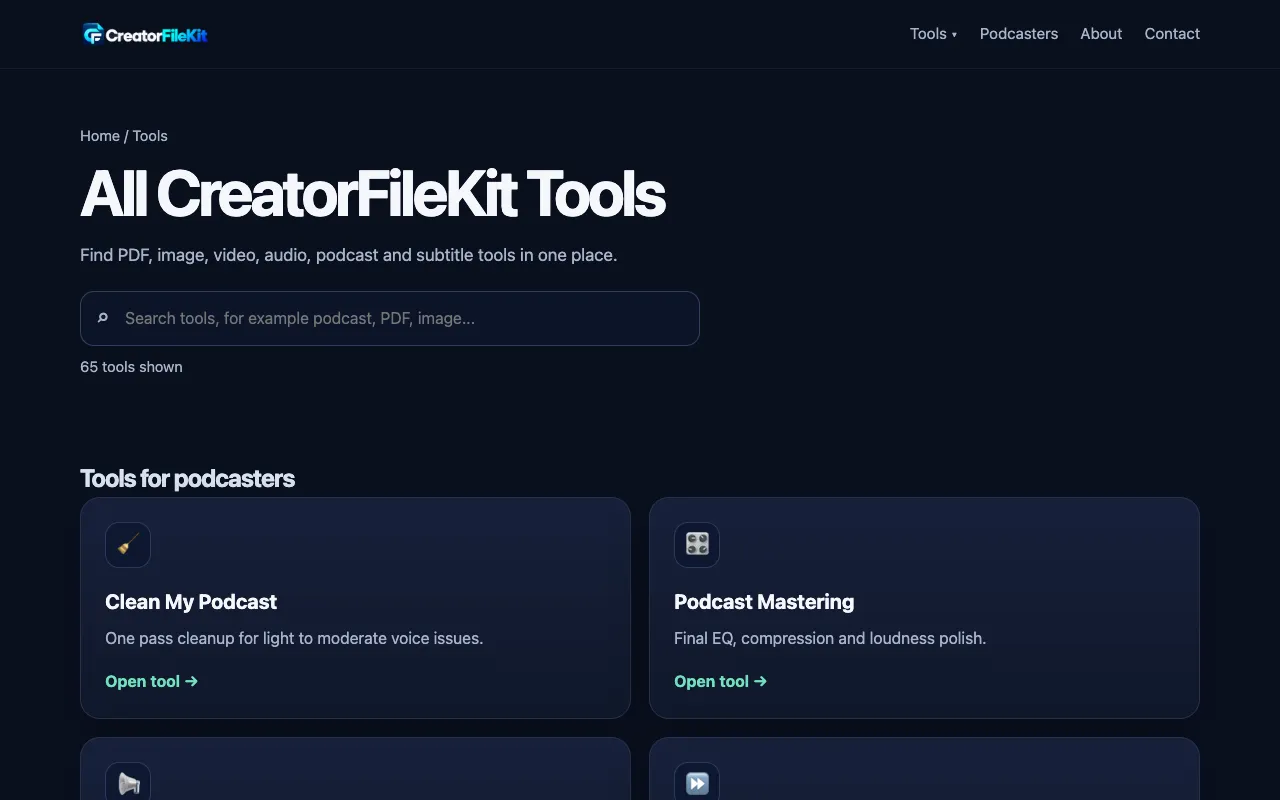
What Creator Tools Suite does
CreatorFileKit is a browser-based toolkit built for podcasters and digital content creators who need to process and refine media files without installing software. The suite delivers file conversion, audio enhancement, and podcast production utilities in a single interface, letting users convert MP4 to MP3, normalize loudness, trim silence, and adjust channel configuration all from one dashboard. Each tool produces a ready-to-use output file that can be downloaded immediately after processing, streamlining the post-production workflow for creators who work across multiple platforms.
How to use the CreatorFileKit Creator Tools Suite
- 1
Open CreatorFileKit and select the desired tool from the All Tools dashboard
- 2
Upload the audio or video file you want to process using the file browser
- 3
Adjust any available settings such as target loudness level or output format
- 4
Click the process button and download the resulting file once conversion completes
Best for
Podcasters and YouTubers who need a quick, no-install way to clean, convert, and normalize audio for distribution across platforms.
Limitations
- Browser-dependent performance limits on very large files
- No desktop application for offline use
- Output quality may vary depending on source file format
Creator Tools Suite FAQ
- Do I need to create an account to use CreatorFileKit tools?
- No, all tools are accessible directly through the web browser without requiring software installation or account creation.
- Can I convert video files to audio formats like MP3?
- Yes, CreatorFileKit includes an MP4 to MP3 converter among its media conversion utilities.
- Are the podcast production tools suitable for professional editing?
- The tools provide cleanup and normalization functions such as loudness adjustment and noise reduction, but they are designed for quick post-production tasks rather than full-scale professional editing workflows.
- What audio formats can I convert between using CreatorFileKit?
- The platform supports multi-format audio and video conversion, including common formats like MP4, MP3, and various sample rate options for podcast production.
More Creator Tools Suite tools
Similar tools
Based on shared tags