File Conversion Tools Suite
OneToolkit is a privacy-first comprehensive online suite of 121+ free utilities for file and data processing tasks. T...
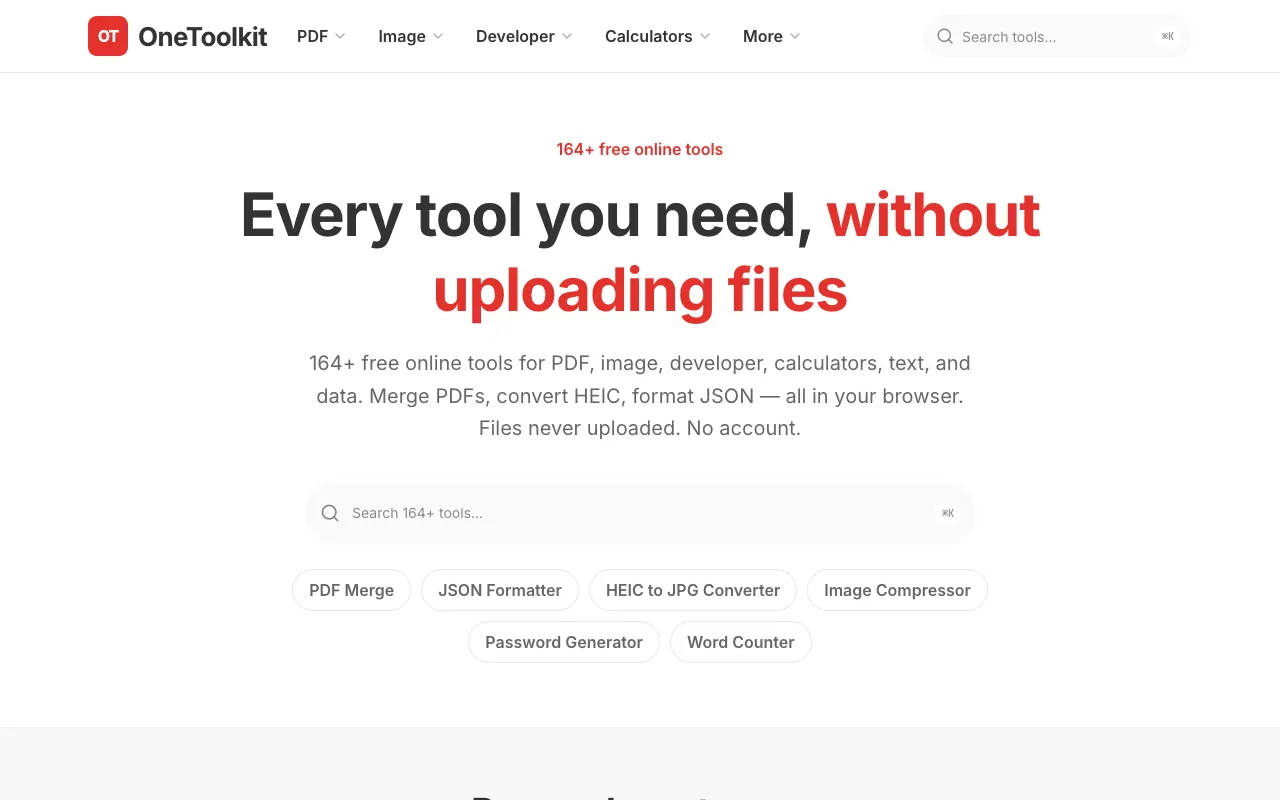
What File Conversion Tools Suite does
OneToolkit is a privacy-first online suite of 121+ free utilities for file and data processing. It provides tools for merging and splitting PDFs, converting HEIC images to standard formats, compressing images, formatting and validating JSON, and performing text, CSV, XML, and YAML transformations. Users access all functions directly in their browser without uploading files, creating accounts, or installing software. The result is a locally processed file or formatted output that remains on the user's device. The platform organizes its extensive catalog into clearly labeled categories—PDF, Image, Developer, Text, Calculators, and more—making it easy to locate specific conversion or formatting utilities among the 164+ available tools.
How to use the OneToolkit File Conversion Tools Suite
- 1
Visit the OneToolkit website and select the desired tool category or use the search function to find a specific conversion utility.
- 2
Upload the file to be processed—such as a PDF, image, JSON, CSV, or text document—using the on-screen upload button.
- 3
Adjust any available settings, such as page range for PDF merging, output format for HEIC conversion, or compression level for images.
- 4
Initiate the processing operation; the tool will handle the task entirely within the browser.
- 5
Download the resulting file or copy the formatted output once processing completes.
Best for
Ideal for users who need a quick, private, and registration-free way to convert or format common file types without installing dedicated software.
Limitations
- Processing limits may apply for large files, as tools operate within browser constraints.
- Advanced features found in desktop applications, such as OCR or batch processing across multiple files, are not available.
- Results depend on the user's local device performance and browser capabilities.
File Conversion Tools Suite FAQ
- Are files uploaded to a server when using OneToolkit tools?
- No, OneToolkit emphasizes privacy by processing all files locally within the user's browser; files are not uploaded to external servers.
- Do I need to create an account to use the conversion tools?
- No account or registration is required; all 121+ tools are accessible immediately without signing up.
- Can I convert HEIC images to JPG or other common formats using OneToolkit?
- Yes, OneToolkit includes an HEIC to JPG converter among its image utilities, allowing users to convert HEIC files to standard formats directly in the browser.
- Is there a cost or subscription required to use the file conversion suite?
- All tools on OneToolkit are free to use with no subscription or hidden fees; the platform operates on a free-access model.
Similar tools
Based on shared tags