Pixel Art Converter
MCImgArt is a free browser tool that converts your images into detailed Minecraft pixel-art building plans. Upload an...
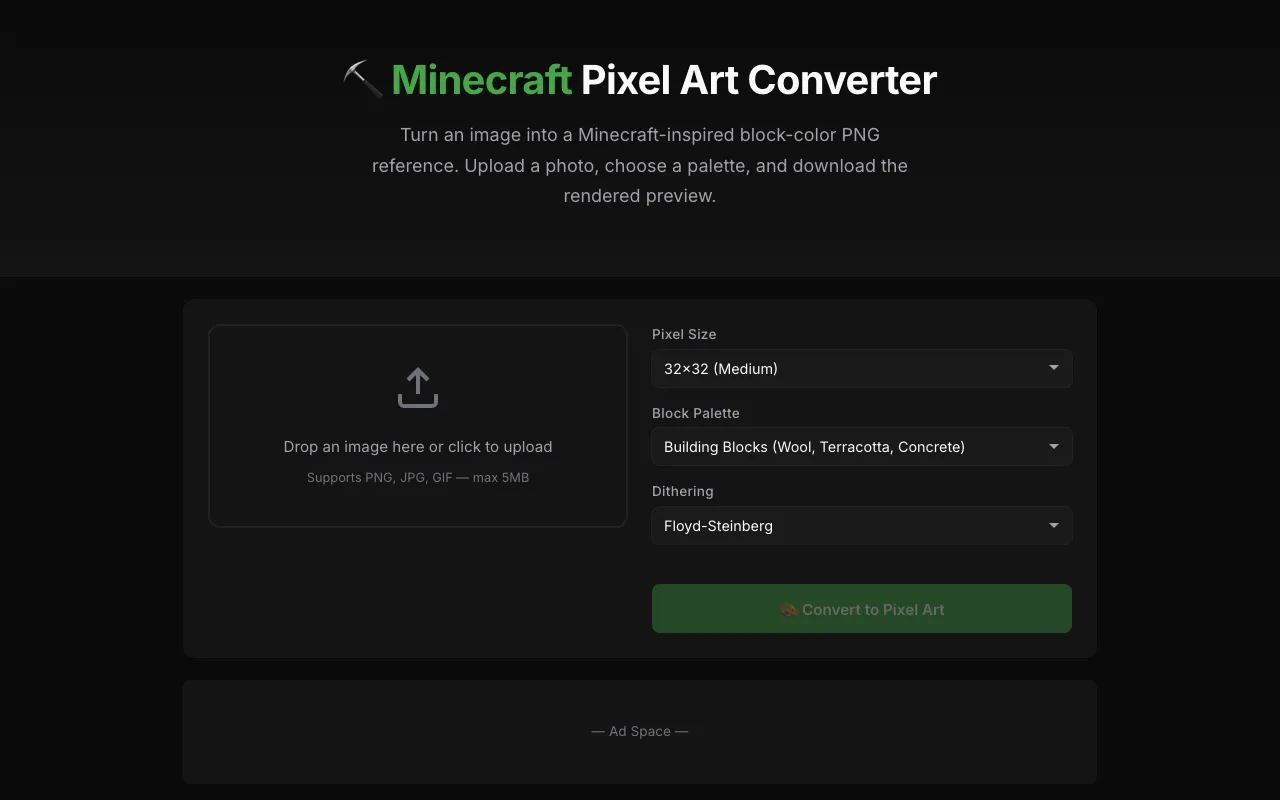
What Pixel Art Converter does
MCImgArt is a free browser-based tool that transforms any photo or artwork into a Minecraft-compatible pixel-art building plan. Users upload an image, select a block palette, and receive a block-by-block layout that maps each pixel to the closest Minecraft block color. The output includes a visual PNG reference and a comprehensive block palette listing all required materials, allowing builders to source the exact wool, terracotta, or concrete needed for each section of their project without guesswork.
How to use the MCImgArt Pixel Art Converter
- 1
Upload any photo, drawing, or logo by dragging it onto the converter or clicking to select from your device
- 2
Choose a block palette from the available options, including All Blocks, Building Blocks (Wool, Terracotta, Concrete), Wool Only (16 colors), or Terracotta Only
- 3
Adjust the pixel scale using the size presets from 8×8 (Tiny) up to 128×128 (Extra Large) to control the detail level of the generated art
- 4
Download the rendered PNG as a visual reference for your Minecraft build, noting that this version provides visual guides only and does not generate schematics, commands, or material lists
Best for
Minecraft players who want to recreate real-world images, logos, or artwork as accurate block builds, particularly those who need a clear visual reference and a detailed block palette to source materials without trial and error.
Limitations
- No unit switching or coordinate export for direct import into Minecraft world editors
- Results are visual PNG references only; this version does not generate schematics, mcfunction files, commands, or material lists
- File size limit of 5MB for uploads may restrict very high-resolution source images
Pixel Art Converter FAQ
- Can I use the converted image directly in Minecraft as a schematic?
- No, this tool generates a PNG visual reference and block palette only; it does not create downloadable schematics, commands, or file formats for direct import into Minecraft world editors.
- What block types are available in the palette options?
- The tool offers four palette modes: All Blocks, Building Blocks (Wool, Terracotta, Concrete), Wool Only (16 colors), and Terracotta Only, allowing you to match the output to the materials you have on hand.
- How does dithering affect the final result?
- Floyd-Steinberg dithering creates smooth color transitions and natural gradients using the limited block color palette, while selecting 'None' produces a sharper, more pixelated look with distinct color blocks.
- Is there a maximum file size for uploaded images?
- Yes, the converter supports PNG, JPG, and GIF files up to 5MB in size.
Similar tools
Based on shared tags