Image Tools3 options compared

PNG to GIF converter

Converts PNG images to GIF format online, allowing users to easily change image resolution and file size. Simply upload a PNG file, select desired settings, and download the converted GIF. Ideal for web designers, social media managers, and anyone who needs to compress or resize images for digital use.

Editors’ Top PickBased on community votes
Other OptionsRanked by votes
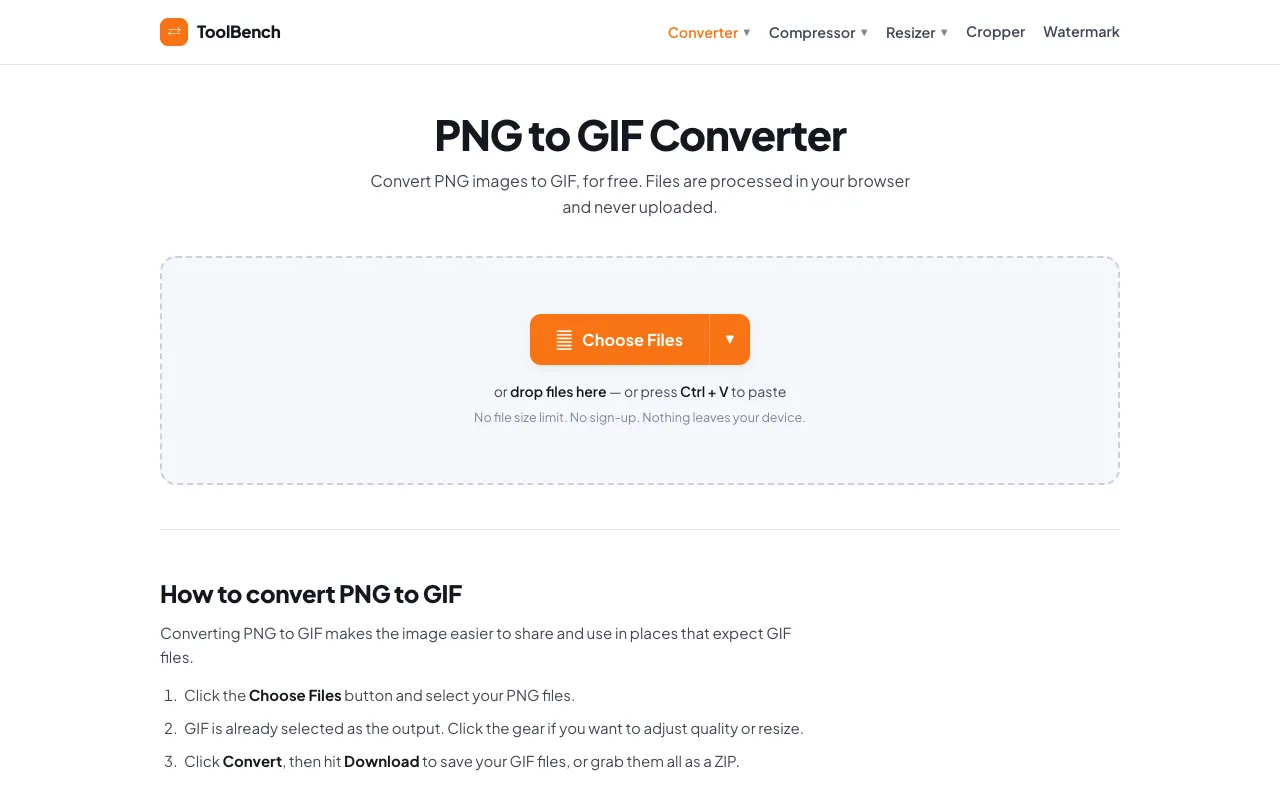
  1. Screenshot of MyToolsBench
    03
    MyToolsBench
    mytoolsbench.com

    Convert PNG to GIF online for free, right in your browser. Batch conversion with no file size limit and no sign-up — ...

Side by side

PNG to GIF converter options compared

ToolBest forStrengthsLimitations
RapidTables
rapidtables.com
Simple PNG to GIF conversion
  • Supports multiple PNG inputs
  • Retains basic visual fidelity during conversion
  • May require color palette adjustments for optimal GIF output
CodeBeautify
codebeautify.org
Batch PNG to GIF animation
  • Compiles multiple static pictures into one looping GIF
  • Sequential stitching for dynamic graphics
  • Fewer unit options
  • Interface cluttered with other converters
MyToolsBench
mytoolsbench.com
Privacy-focused local processing
  • Files processed entirely in browser, never uploaded
  • No file size limit and no sign-up required
  • Advertisement present on the page
  • Limited community feedback with 0 votes

Buyer's guide

How to choose a png to gif converter

When picking a PNG to GIF converter, consider whether you are converting a single image or creating an animation from multiple frames. If you need to animate a sequence of screenshots or graphics, choose a tool that stitches images together in order. If you are simply resizing or compressing one file, look for a converter that preserves visual fidelity while reducing file size. Privacy matters if you are working with sensitive images; some tools process files locally in your browser rather than uploading them to a server.

Questions

PNG to GIF converter FAQ

Can I convert a PNG with transparency to GIF without losing the transparent background?
GIF format limits animation to 256 colors total. If your PNG uses more colors, the converter will reduce the palette, which can cause banding or dithering. For best results, start with a PNG that already uses a limited color range.
Do these tools support converting a PNG to an animated GIF with custom frame timing?
Batch conversion limits vary by tool. RapidTables accepts one or multiple PNG inputs, CodeBeautify is designed for compiling several static pictures into a single GIF, and MyToolsBench advertises no file size limit with batch processing entirely in your browser.
Is there a file size limit when converting PNG to GIF online?
Converting a PNG to GIF typically reduces file size because GIF uses a compressed palette format. However, if the PNG contains many colors or complex details, the resulting GIF may be larger due to the need for more colors in the palette or additional frames for animation.
Keep Exploring

Related tools in Image Tools

View all →