3 tools
Converts both plain text and images into retro ASCII art formats. Users can generate stylized text using over 200 decorative fonts through its robust text-to-ASCII feature. For graphical content, the tool processes images to create detailed ASCII representations, offering advanced options like color output, edge detection, and dithering for enhanced visual fidelity. Additionally, it includes built-in shapes and a library of pre-made artistic elements to complement generated designs. Developers, digital artists, and enthusiasts looking for unique retro aesthetics find this generator highly valuable. It helps users quickly create visually striking content suitable for README files, forum signatures, or creative projects that require an 8-bit or terminal-style look.
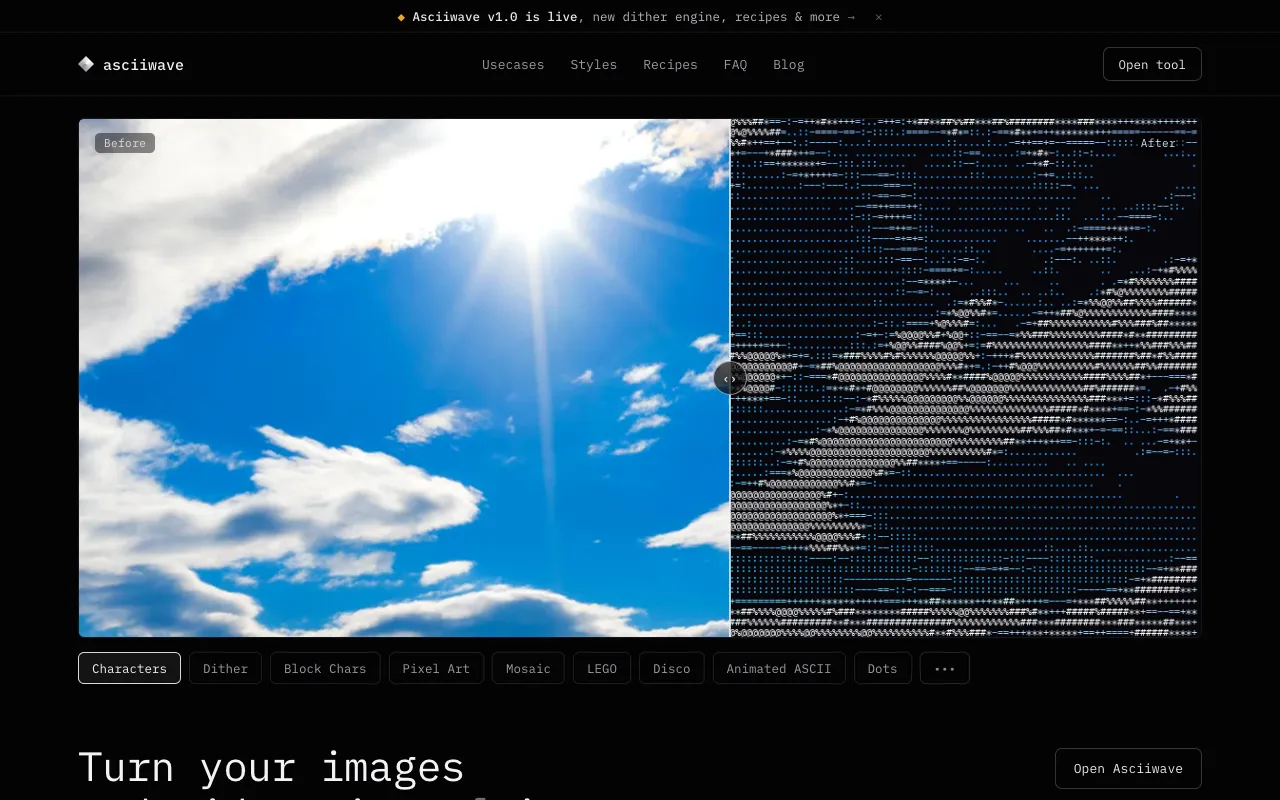
Asciiwave is a free browser-based tool that transforms images and videos into ASCII art. The converter works directly in your browser with real-time preview, so you can see how your conversion looks instantly without waiting for processing. No account or signup is required to use the tool. The tool supports multiple artistic styles beyond traditional ASCII, including pixel art, halftone patterns, and glitch effects. This variety allows you to experiment with different visual aesthetics and choose the style that best matches your creative vision for the converted image or video.
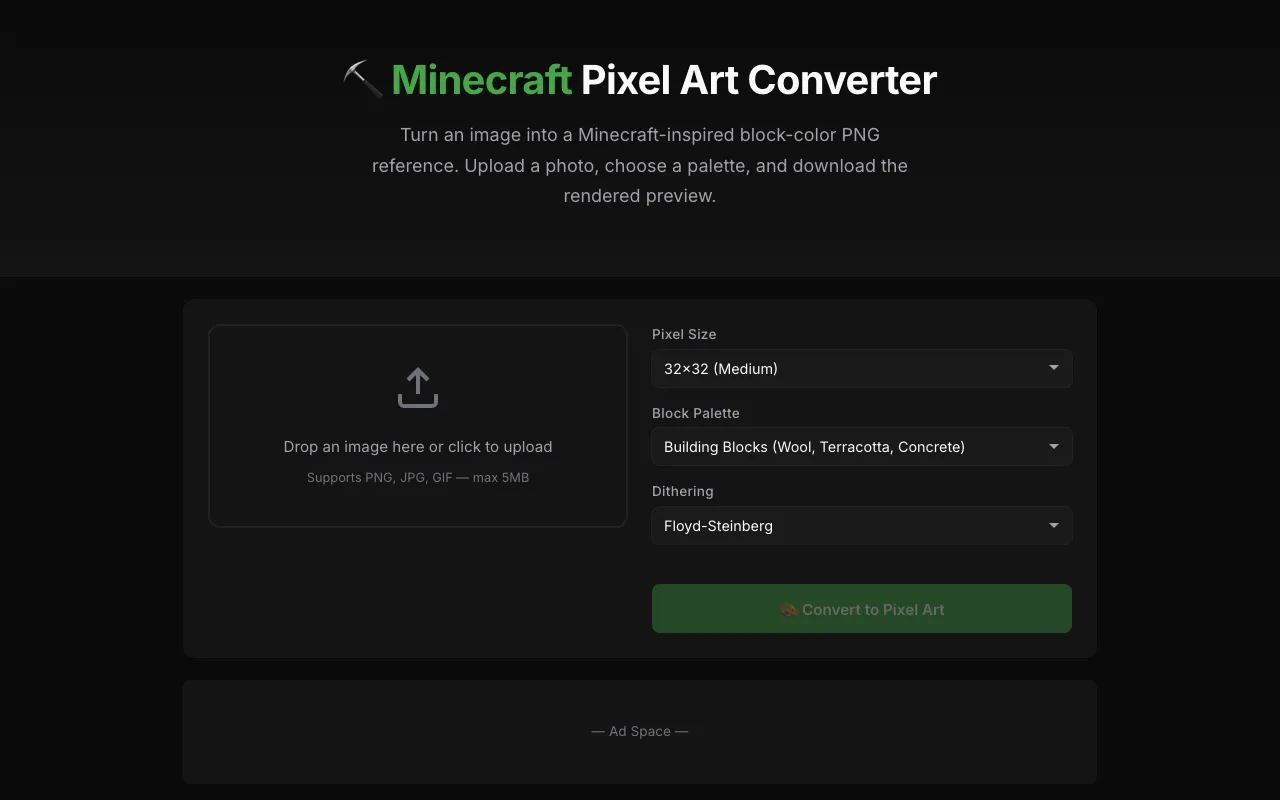
MCImgArt is a free browser tool that converts your images into detailed Minecraft pixel-art building plans. Upload any photo, artwork, or design, and the tool analyzes the image to generate precise block-by-block construction instructions showing exactly how to recreate it in Minecraft. The tool creates comprehensive block palettes that list all the Minecraft blocks needed for each color and section of the project, making it easy to source materials. The tool produces build references that display the pixel grid layout paired with specific block selections. Players can follow these generated plans to recreate artwork, designs, and photographs in their Minecraft worlds. The block palette guidance makes construction straightforward, helping players match colors accurately and build the intended design using the recommended Minecraft blocks.