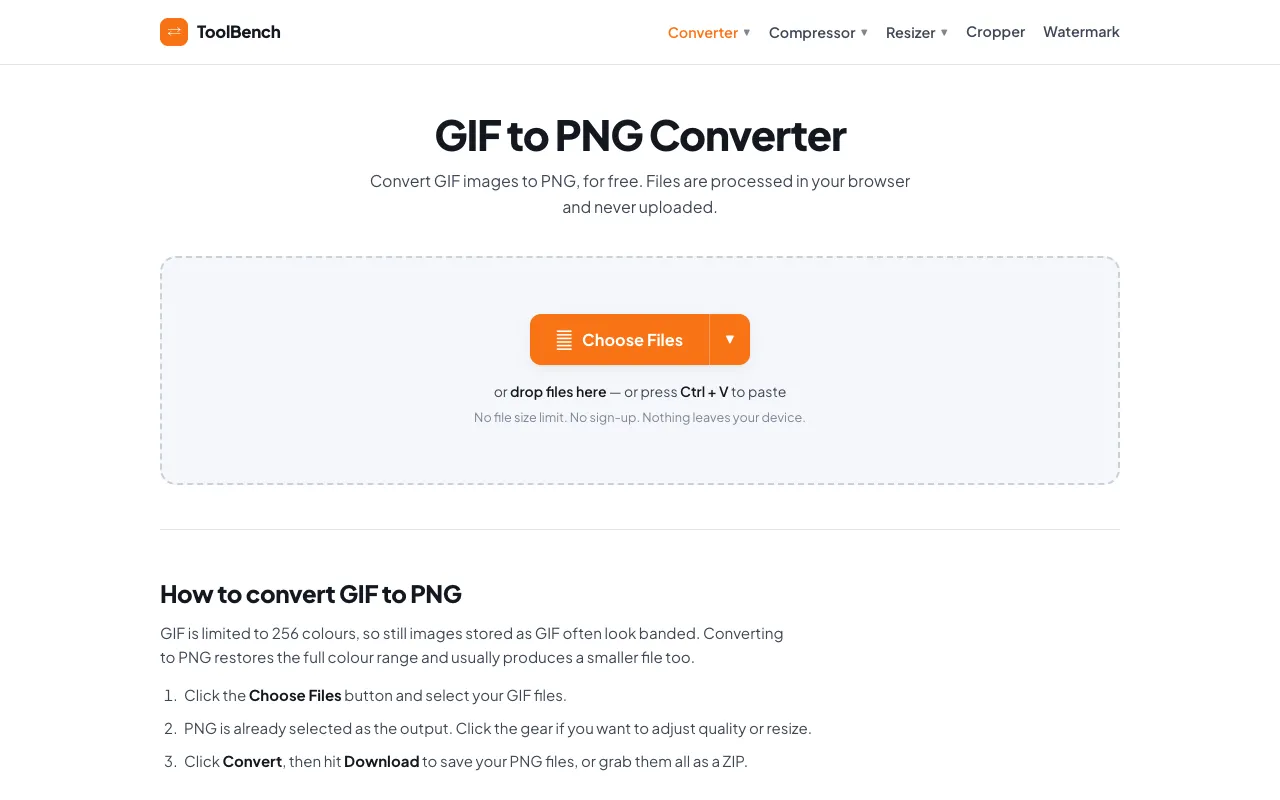
GIF to PNG converter
Converts GIF images to PNG format quickly and easily. The tool allows users to upload a GIF file, then selects the desired output settings before converting. Ideal for those needing higher resolution images or looking to remove animations from GIFs. Graphic designers, web developers, and anyone who requires static image files can benefit from this tool. It simplifies the process of updating...
- 03MyToolsBenchmytoolsbench.com
Convert GIF to PNG online for free, right in your browser. Batch conversion with no file size limit and no sign-up — ...
Side by side
GIF to PNG converter options compared
| Tool | Best for | Strengths | Limitations |
|---|---|---|---|
| RapidTables rapidtables.com | Quick single-file conversion |
|
|
| CodeBeautify codebeautify.org | Frame-by-frame extraction |
|
|
| MyToolsBench mytoolsbench.com | Batch conversion with privacy |
|
|
Buyer's guide
How to choose a gif to png converter
If you only need to convert one GIF file quickly, a simple upload tool like RapidTables saves time. If you are converting multiple files or need to ensure your images never leave your computer, choose a tool that supports batch processing and local handling.
Questions
GIF to PNG converter FAQ
- Can I convert an animated GIF to a single PNG file?
- No, the tools convert each frame of the animation into separate PNG images. If you need one static image, extract a single frame before converting.
- Will converting GIF to PNG reduce file size?
- PNG files often have a smaller file size than GIFs because they support higher color depth and more efficient compression, especially for images with many colors.
- Do these tools keep my uploaded files private?
- MyToolsBench processes files entirely in your browser and does not upload them to a server. RapidTables and CodeBeautify upload files to their servers for processing.
- Can I resize or adjust quality when converting?
- MyToolsBench offers gear settings to adjust quality or resize. RapidTables and CodeBeautify focus on format conversion without built-in editing options.
- What if my GIF has transparency?
- PNG preserves transparency information from the original GIF, so transparent areas will remain transparent in the output files.