01

Converts PNG image files into the JPG format, providing an efficient way to change file types while often reducing overall file size without significant loss of visual quality. Users simply upload their existing PNG graphic through the web interface. The tool allows users to select specific output settings and then processes the uploaded image data. Once conversion is complete, users can download...


Convert PNG images to JPG format with adjustable quality — reduce file size while preserving clarity
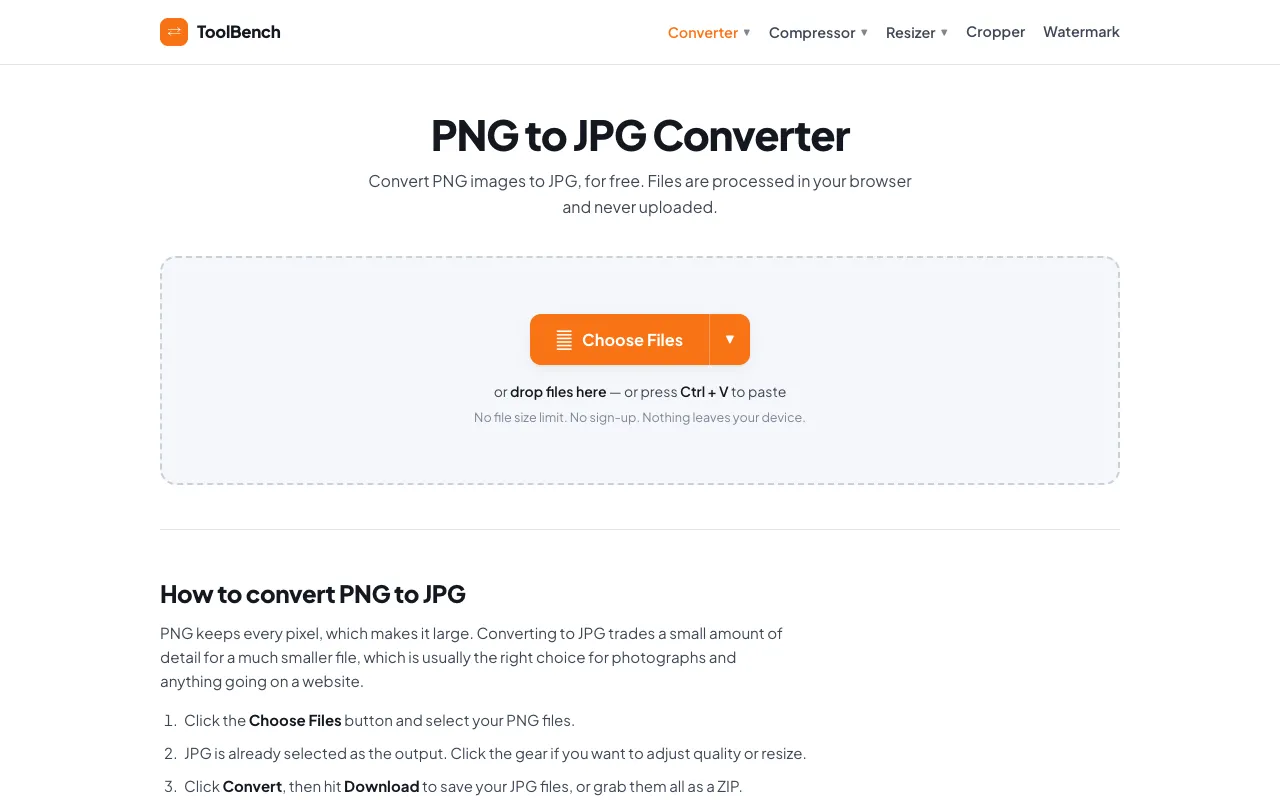
Convert PNG to JPG online for free, right in your browser. Batch conversion with no file size limit and no sign-up — ...
Side by side
| Tool | Best for | Strengths | Limitations |
|---|---|---|---|
| RapidTables rapidtables.com | Quick one-off conversions |
|
|
| CodeBeautify codebeautify.org | Multiple file conversions |
|
|
| Inventive HQ inventivehq.com | Quality-controlled conversions |
|
|
| MyToolsBench mytoolsbench.com | Privacy-focused batch conversion |
|
|
Buyer's guide
When picking a PNG to JPG converter, consider whether you need to convert a single image quickly or multiple files at once. If you have one image and want speed, choose a tool that loads immediately without requiring an account. If you have many images or large files and privacy is a concern, prioritize tools that process files locally in your browser without uploading to a server.
Questions