01

Converts BMP image files into JPG format using a simple online interface. Users upload their bitmap images to the website and follow prompts to select desired output settings for the conversion process. The tool processes the file in the cloud, allowing users to download the resulting JPG image directly after the transformation is complete. This straightforward workflow eliminates the need for...

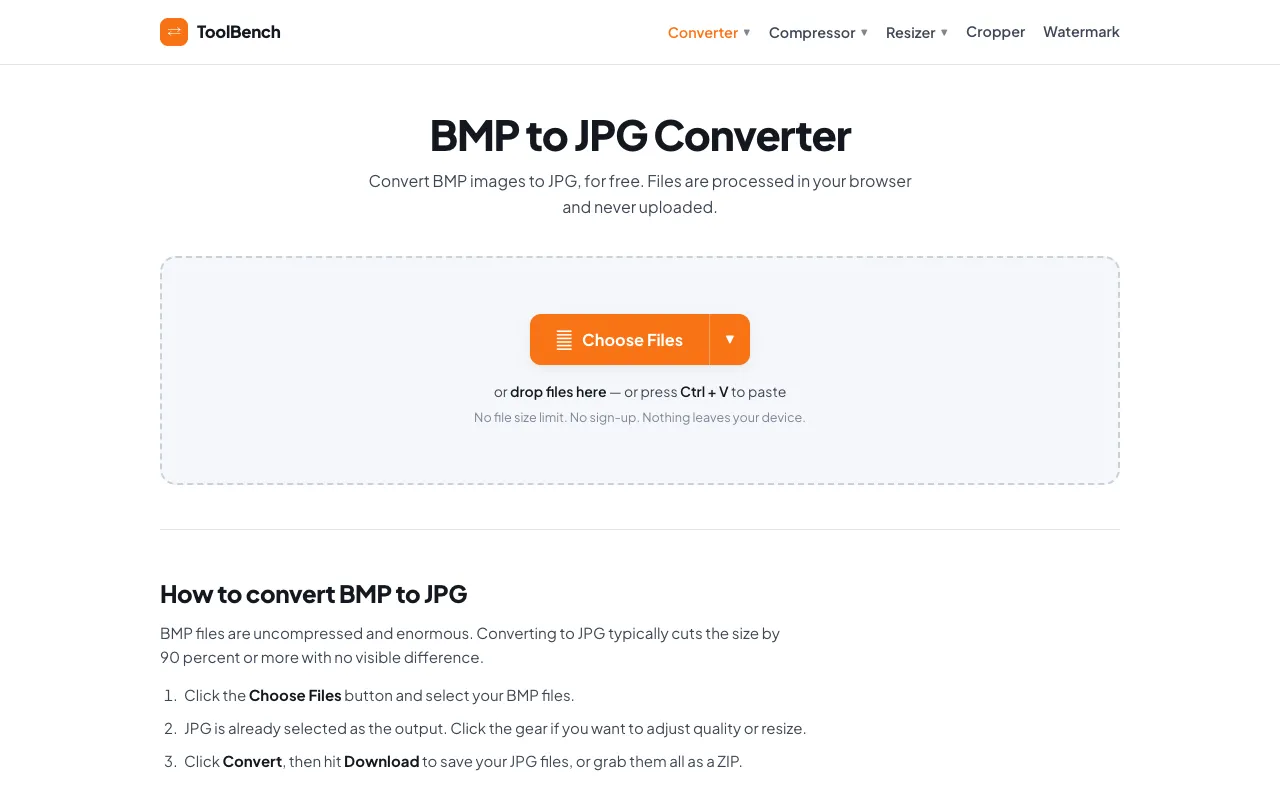
Convert BMP to JPG online for free, right in your browser. Batch conversion with no file size limit and no sign-up — ...
Side by side
| Tool | Best for | Strengths | Limitations |
|---|---|---|---|
| CodeBeautify codebeautify.org | Quick conversion with extra tools |
|
|
| RapidTables rapidtables.com | Standard BMP to JPG conversion |
|
|
| MyToolsBench mytoolsbench.com | Privacy-focused conversion |
|
|
Buyer's guide
When picking a BMP to JPG converter, consider whether you need extra features or privacy. If you want a simple, familiar interface with other image tools nearby, CodeBeautify works well. If you are handling sensitive images and want them to stay on your device, MyToolsBench processes everything locally with no upload required.
Questions