Photo Combiner
Combine 2 to 9 JPEG, PNG, or WebP images into a single photo using multiple layout options including grid, side-by-si...
What Photo Combiner does
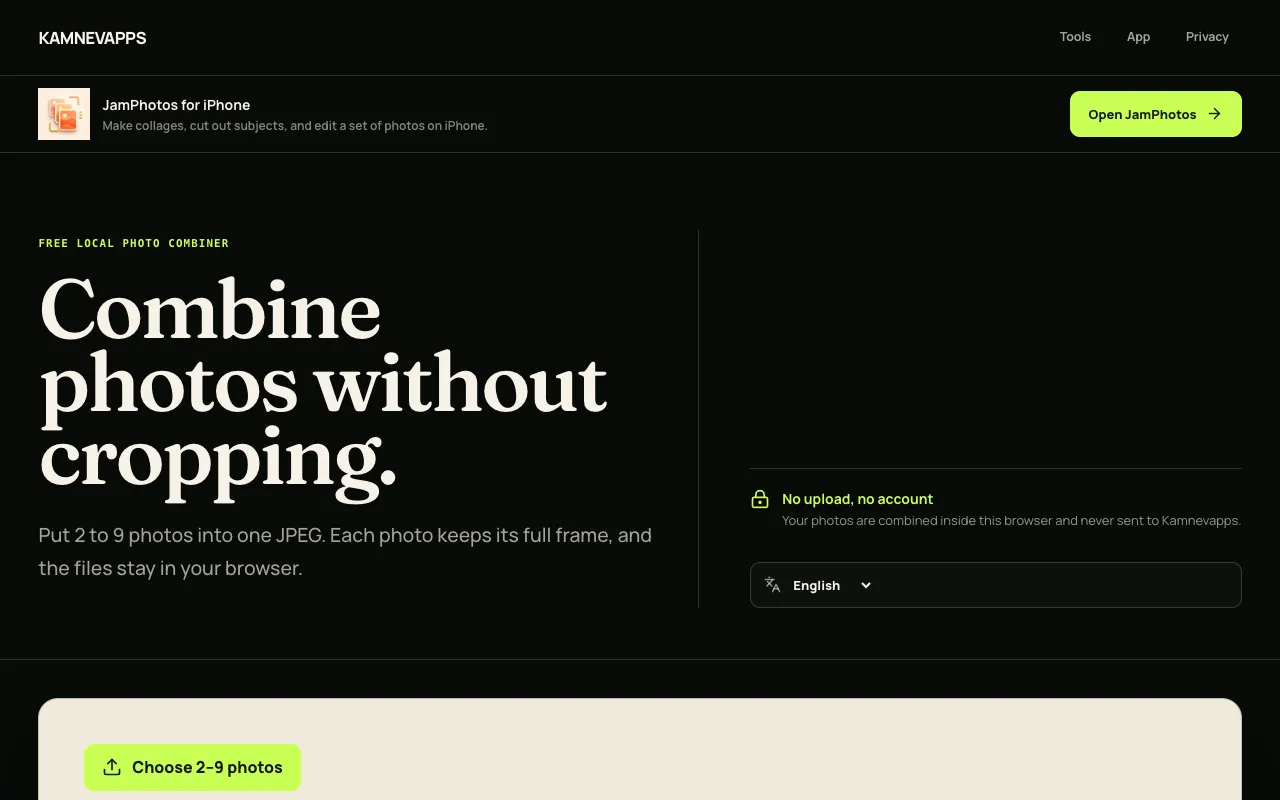
Photo Combiner lets you merge between two and nine JPEG, PNG, or WebP images into a single composite without cropping any part of the originals. The result is exported as a downloadable JPEG file. The site distinguishes itself by keeping all processing entirely local—photos are read and drawn in the browser and never uploaded to Kamnevapps servers. It offers three layout modes—grid, side‑by‑side, and stacked—with the ability to reorder images before combining, and it preserves each full frame, adding white space only when image shapes differ rather than cutting edges.
How to use the Kamnevapps Photo Combiner
- 1
Choose between 2 and 9 JPEG, PNG, or WebP photos from your device
- 2
Pick a layout: Grid, Side by side, or Stacked and adjust the order of your images
- 3
Download the combined JPEG file directly to your device
Best for
This option suits anyone who needs to quickly merge a small set of images into one file without losing any visual content, especially users who prefer a browser‑based tool that keeps their photos private.
Limitations
- No unit or size switching after the combined image is generated
- White space may appear around images of different shapes in grid layouts
- Only supports up to nine images per combined output
Photo Combiner FAQ
- Can I combine more than nine photos at once?
- No, the tool only accepts between 2 and 9 images per combined output.
- Will my photos be cropped or resized to fit the layout?
- No. Each complete photo is fitted into the output; edges are not cut off, though white space may appear when image shapes differ.
- Are my uploaded photos sent to Kamnevapps servers?
- No. All combining and export happen locally in your browser; the selected media files are never uploaded.
- What file format will the final combined image be?
- The final composite result is exported as a JPEG file that downloads directly to your device.
Similar tools
Based on shared tags