PNG to ICO
Use PNG to ICO to convert files or data into the format required by your next step. Check the exported result for fid...
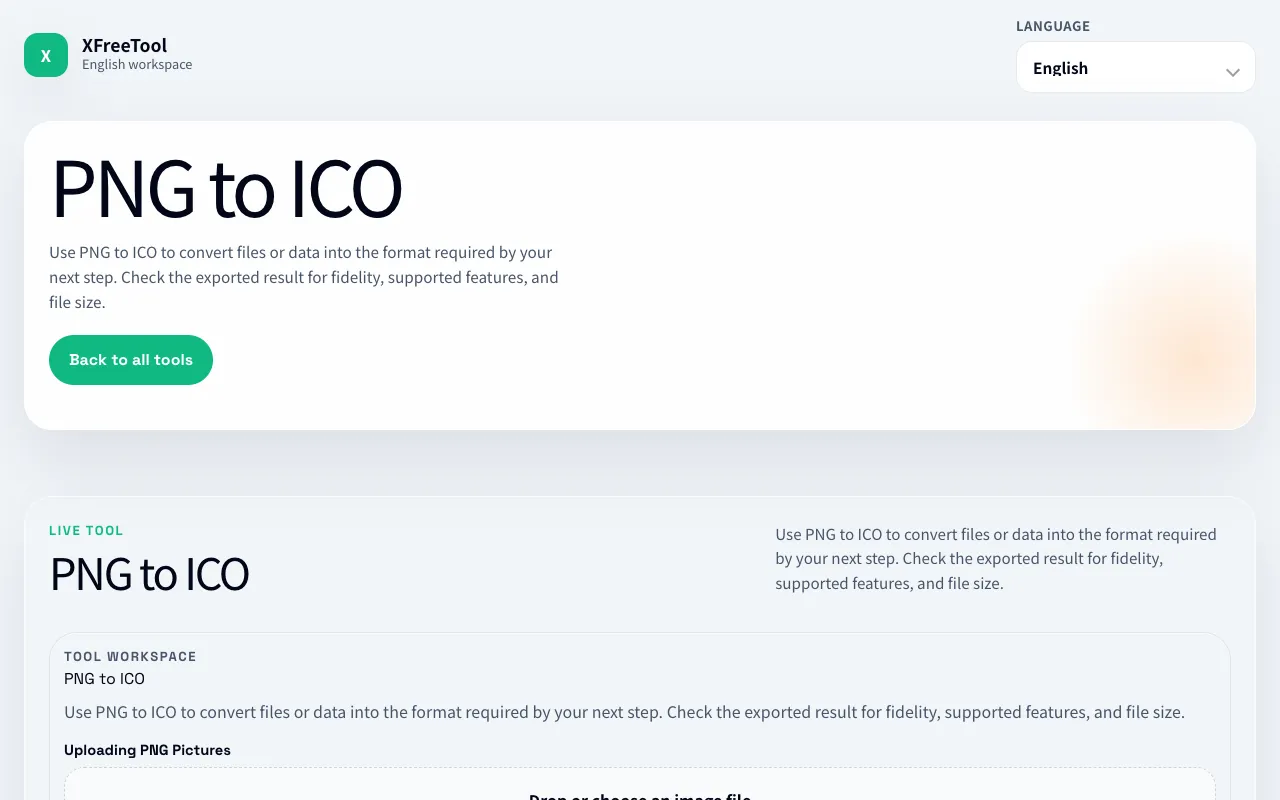
What PNG to ICO does
PNG to ICO on XFreeTool converts PNG images into the ICO format used for website favicons. Users upload a PNG file and the tool processes it into a downloadable ICO file suitable for web use. The interface presents conversion options including size selection and a preview function before downloading the final favicon. The site emphasizes checking the exported result for fidelity, supported features, and file size after processing. Unlike some competitors, this version appears to run processing locally in the browser using Canvas and Web API, keeping file handling private and avoiding server uploads. The tool is part of a broader media tools suite on XFreeTool, offering a straightforward conversion workflow without requiring account creation.
How to use the XFreeTool PNG to ICO
- 1
Upload or drag a PNG image file onto the converter area
- 2
Select desired ICO dimensions or let the tool choose the largest edge size
- 3
Preview the converted favicon quality and features before finalizing
- 4
Download the resulting ICO file for use as a website favicon
Best for
Web developers and designers needing to create favicons from existing PNG graphics quickly and without account requirements.
Limitations
- No unit switching between pixels and other measurement units
- Results may vary based on original PNG complexity and chosen dimensions
- Processing occurs client-side; very large files may impact browser performance
PNG to ICO FAQ
- Can I convert multiple PNG files at once?
- The current tool appears to handle single file conversion; batch conversion capabilities are not mentioned in the available material.
- Will the ICO file work on all browsers and devices?
- ICO is the standard format for website favicons and should display correctly across major browsers and platforms once properly uploaded to a site.
- How large can my PNG file be before conversion issues occur?
- The tool processes files locally in the browser using Canvas and Web API; very large files may affect processing speed or browser responsiveness depending on system resources.
- Do I need to install any software to use this converter?
- No installation is required; the PNG to ICO converter runs directly in your web browser on the XFreeTool website.
More PNG to ICO tools
Similar tools
Based on shared tags