Image Tools2 options compared

PNG to ICO

Converts PNG image files into ICO format, which is the standard file type for website favicons. Users simply upload their existing PNG graphic to begin the conversion process. The tool allows users to select necessary settings before processing and downloading the resulting ICO favicon file. This straightforward online utility ensures that high-quality images are properly converted into a...
Editors’ Top PickBased on community votes
Other OptionsRanked by votes
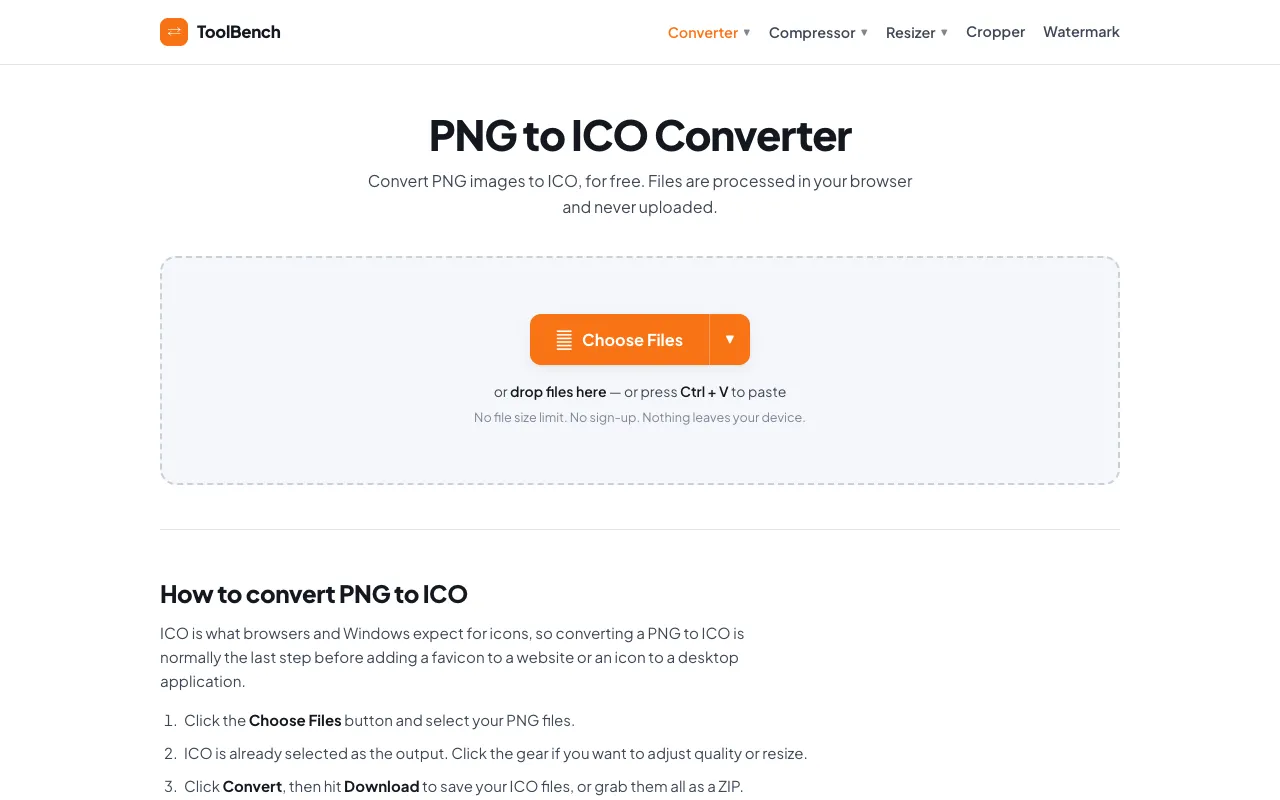
  1. Screenshot of MyToolsBench
    02
    MyToolsBench
    mytoolsbench.com

    Convert PNG to ICO online for free, right in your browser. Batch conversion with no file size limit and no sign-up — ...
Side by side

PNG to ICO options compared

ToolBest forStrengthsLimitations
Ezgif
ezgif.com
Users needing adjustable icon sizes
  • Supports up to 200MB files
  • Allows adjustment of output size and multiple icon resolutions
  • Files are uploaded to the server and deleted after 1 hour
MyToolsBench
mytoolsbench.com
Users prioritizing privacy
  • No file size limit
  • Files processed locally in browser, never uploaded
  • Fewer adjustment options for icon resolution

Buyer's guide

How to choose a png to ico

When picking a PNG to ICO converter, consider whether you need to customize the icon dimensions or if you are working with a very large file. If you require specific sizes for different platforms or need to fit a large image into a small favicon canvas, Ezgif's adjustment options are worth the trade-off of uploading your file. If your priority is keeping your image private and you are working with smaller files, MyToolsBench's local processing means nothing leaves your device.

Questions

PNG to ICO FAQ

Can I convert a PNG with a transparent background to ICO?
Yes, both tools support PNG images with transparency, and the ICO format preserves transparent pixels so the favicon will blend naturally with any browser background.
What size should my favicon PNG be before converting to ICO?
A 256x256 or 512x512 PNG is recommended as a starting point; the converter will then generate the smaller sizes needed for browser tabs and bookmarks.
Will the converted ICO file work on all browsers?
ICO is the standard format for favicons, so the output will work in Chrome, Firefox, Safari, and Edge without additional configuration.
Is there a difference in quality between the two converters?
Ezgif allows you to adjust output size, which can help maintain clarity at smaller dimensions. MyToolsBench does not offer those adjustment controls, so the output size is determined automatically by the tool.
Do I need to install anything to use these tools?
No, both are free online converters that run directly in your web browser with no download or installation required.
Keep Exploring

Related tools in Image Tools

View all →