PNG to ICO
Convert PNG to ICO online for free, right in your browser. Batch conversion with no file size limit and no sign-up — ...
What PNG to ICO does
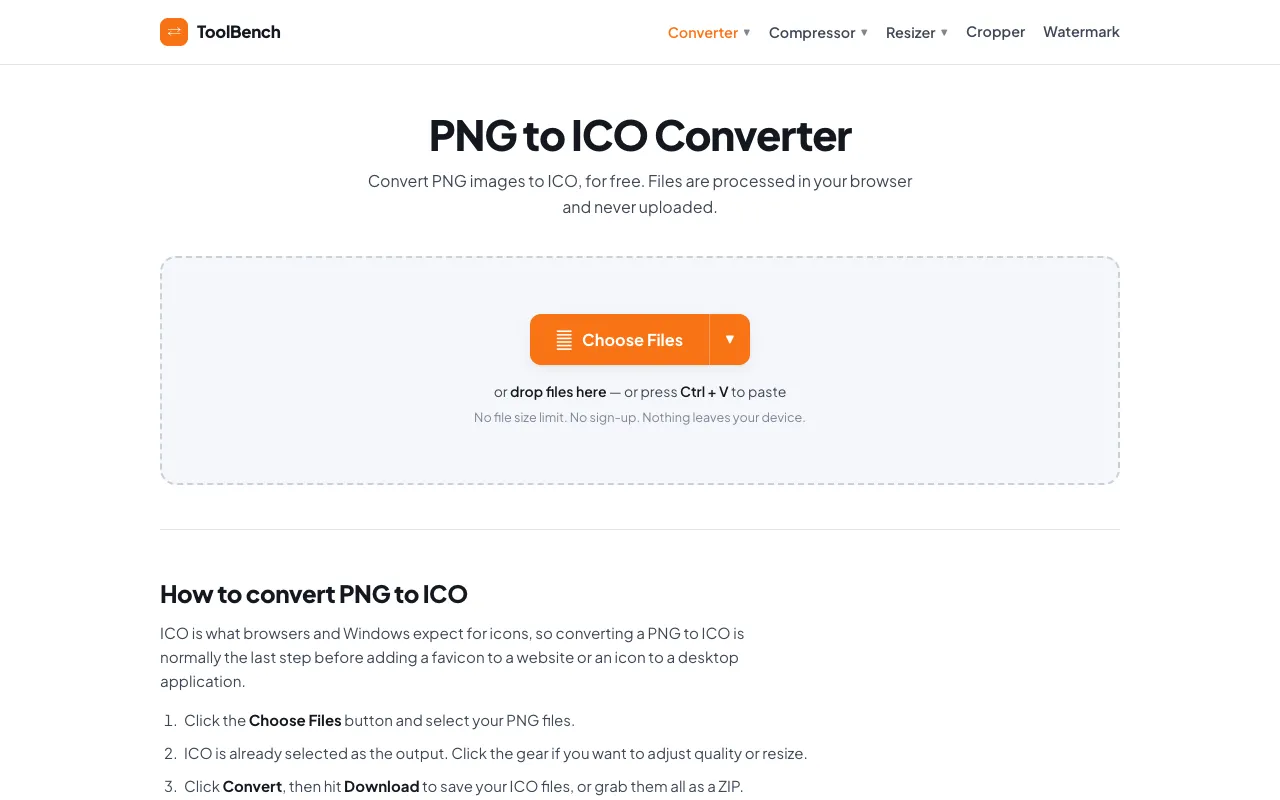
PNG to ICO converts PNG images into ICO format, the standard file type for website favicons and desktop icons. Users upload their PNG files and receive an ICO output ready for web use. The result is a single ICO file or a ZIP containing multiple icon sizes, suitable for browser tabs and application shortcuts. The tool is designed specifically for PNG inputs, handling batch conversions of any quantity without file size restrictions. The converted files remain on the user's device throughout the process, ensuring privacy for sensitive graphics.
How to use the MyToolsBench PNG to ICO
- 1
Open the PNG to ICO converter on MyToolsBench
- 2
Select your PNG files using the Choose Files button or drag and drop them into the interface
- 3
Adjust quality or resize settings per file using the gear icon if needed
- 4
Click Convert to process the files entirely in your browser
- 5
Download the resulting ICO file or a ZIP archive containing all converted icons
Best for
Ideal for web developers and designers who need to create favicons for websites or application icons for desktop use, particularly when working with PNG source files and wanting to keep files local for privacy.
Limitations
- No explicit mention of maximum file count per batch, though 'Add More Files' suggests scalability
- Output quality adjustment is available but may require manual configuration per file
- Conversion results depend on the original PNG dimensions and quality
PNG to ICO FAQ
- Will my PNG files be uploaded to a server when using this converter?
- No, files are processed entirely in your browser and never uploaded, stored, or sent to a server, so nothing leaves your device.
- Can I convert multiple PNG files at once to ICO format?
- Yes, the tool supports batch conversion; you can add as many PNG images as you like, and they will all be converted to ICO, either individually or as a ZIP archive.
- What output options are available when converting PNG to ICO?
- You can adjust quality and resize per file, and the output can be a single ICO file or a ZIP containing multiple icon sizes, depending on your needs.
- Does the converter handle PNG images with transparency properly?
- Yes, PNG files with transparency are preserved, and formats without transparency receive a clean white matte instead of black edges.
More PNG to ICO tools
Similar tools
Based on shared tags