Education Tools
18 tools



Guide
About education tools tools
Education tools address the practical needs of students, teachers, and lifelong learners who must track progress, organize study materials, and prepare for assessments. This category includes calculators for grades and GPA, flashcard generators, note-taking templates, and quiz finders that simplify routine academic tasks. Some tools also support broader learning strategies, such as second-brain frameworks or timed focus sessions, while others target specific exams or geographic requirements.
Readers should understand the distinction between calculation tools and content-creation tools. Grade and GPA calculators require input of scores and credit weights to produce a final figure; they do not teach the underlying subject matter. Flashcard and note generators produce study assets but depend on the user providing accurate terms or notes. Awareness of one's grading system, credit structure, or preferred study method helps in selecting a tool that matches those needs rather than adopting a generic option.
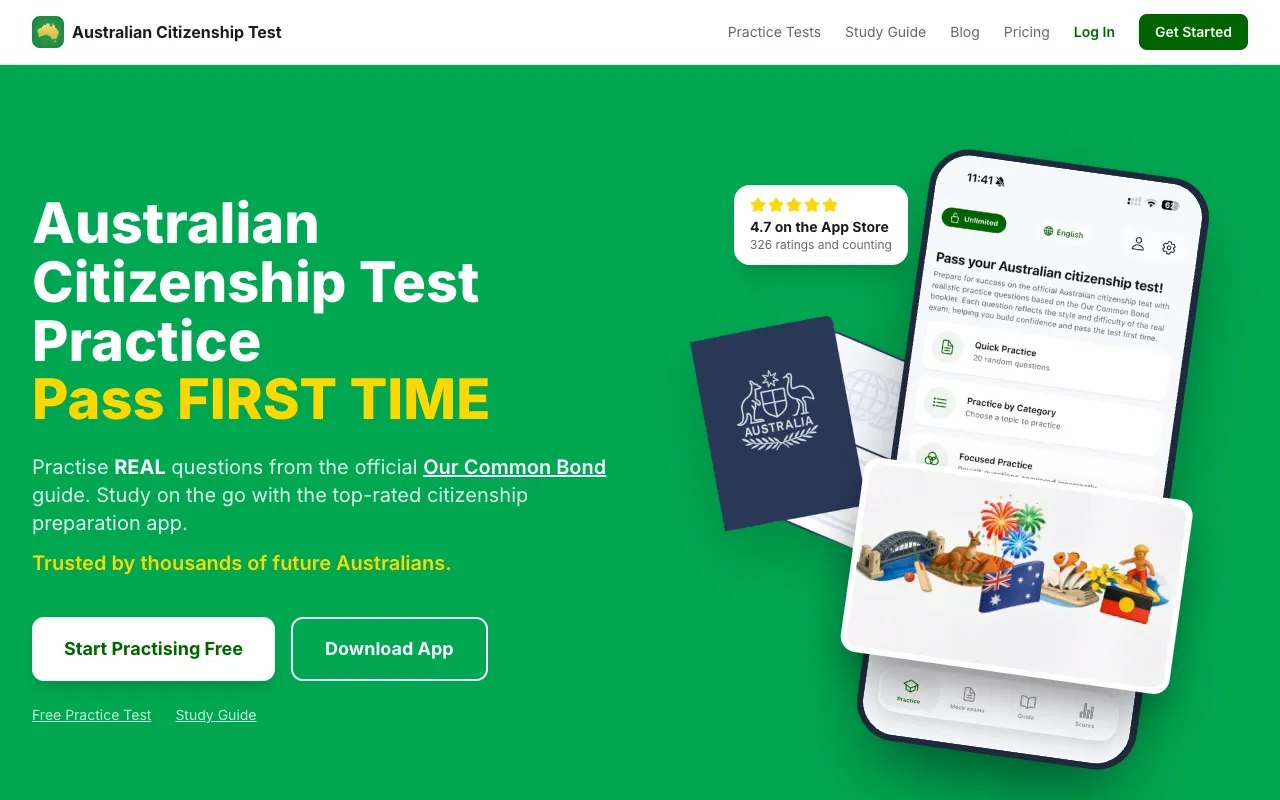
Common pitfalls include entering incorrect weightings in calculators, which produces a misleading result, and assuming that a flashcard deck covers all necessary material without verification. For exam preparation, users should confirm that practice questions align with the current test format. Additionally, some tools require specific regional knowledge, such as Australian citizenship test content, so geographic relevance must be checked before relying on the output.
Find the right tool
Education Tools tools by task
Grade & Course Planning
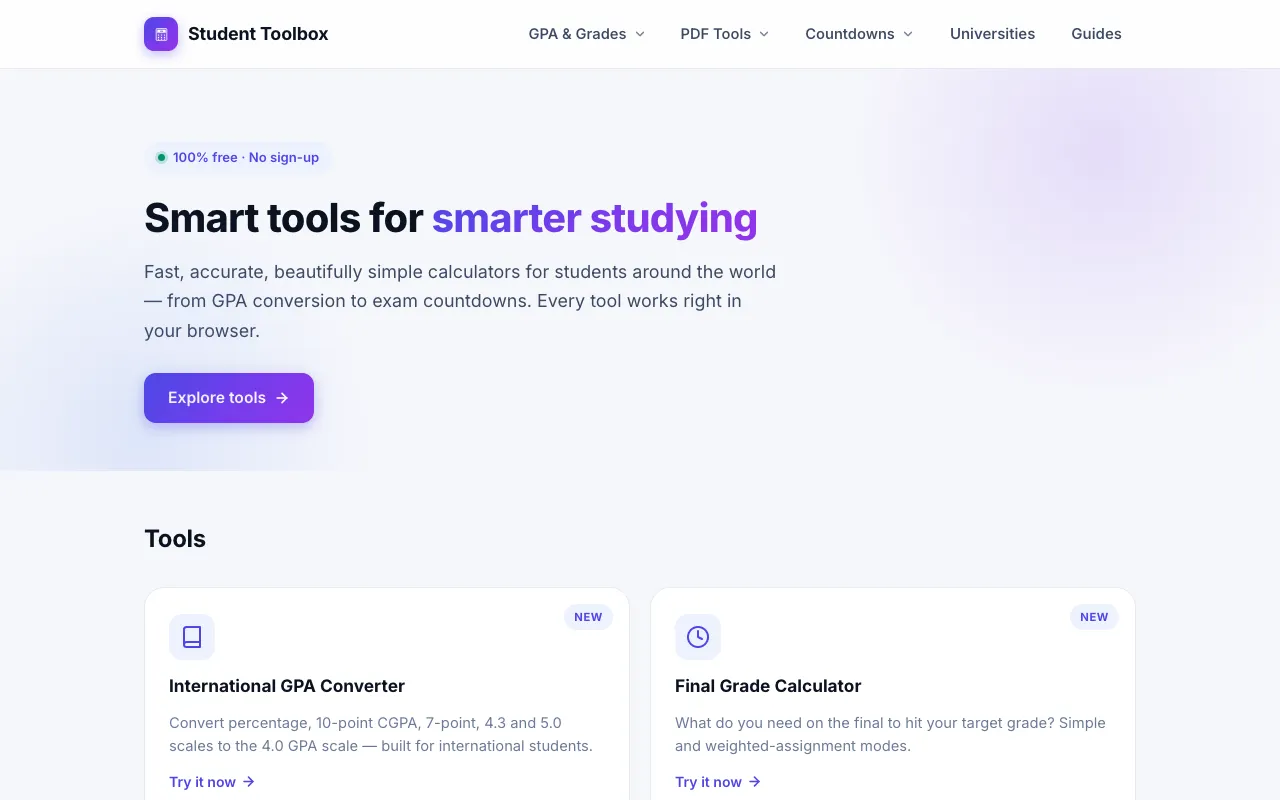
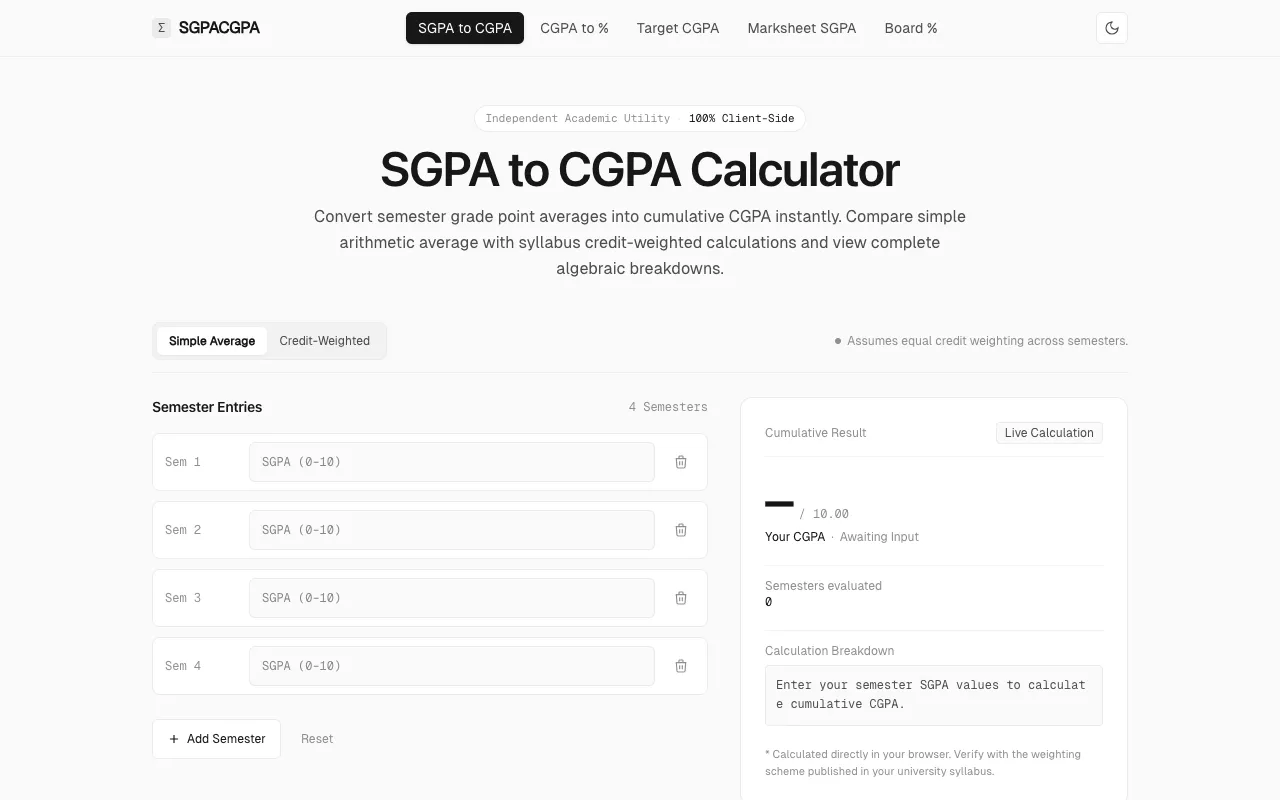
Tools in this theme help students determine final course grades, track academic progress, and plan college pathways. The grade calculator balances weighted assignments and exam scores, while the GPA calculator suite supports Indian grading systems. College planning calculators extend this planning to degree requirements and academic decisions.
Study Aids & Practice
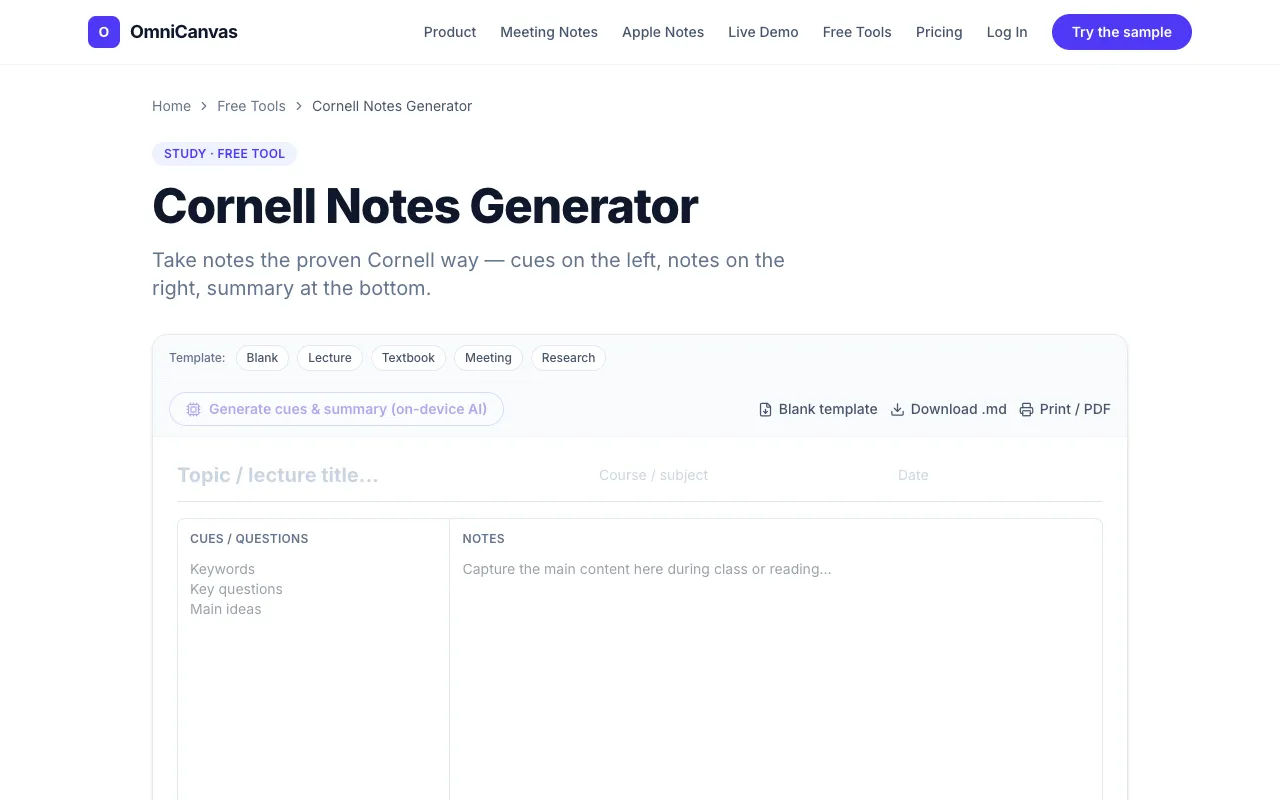
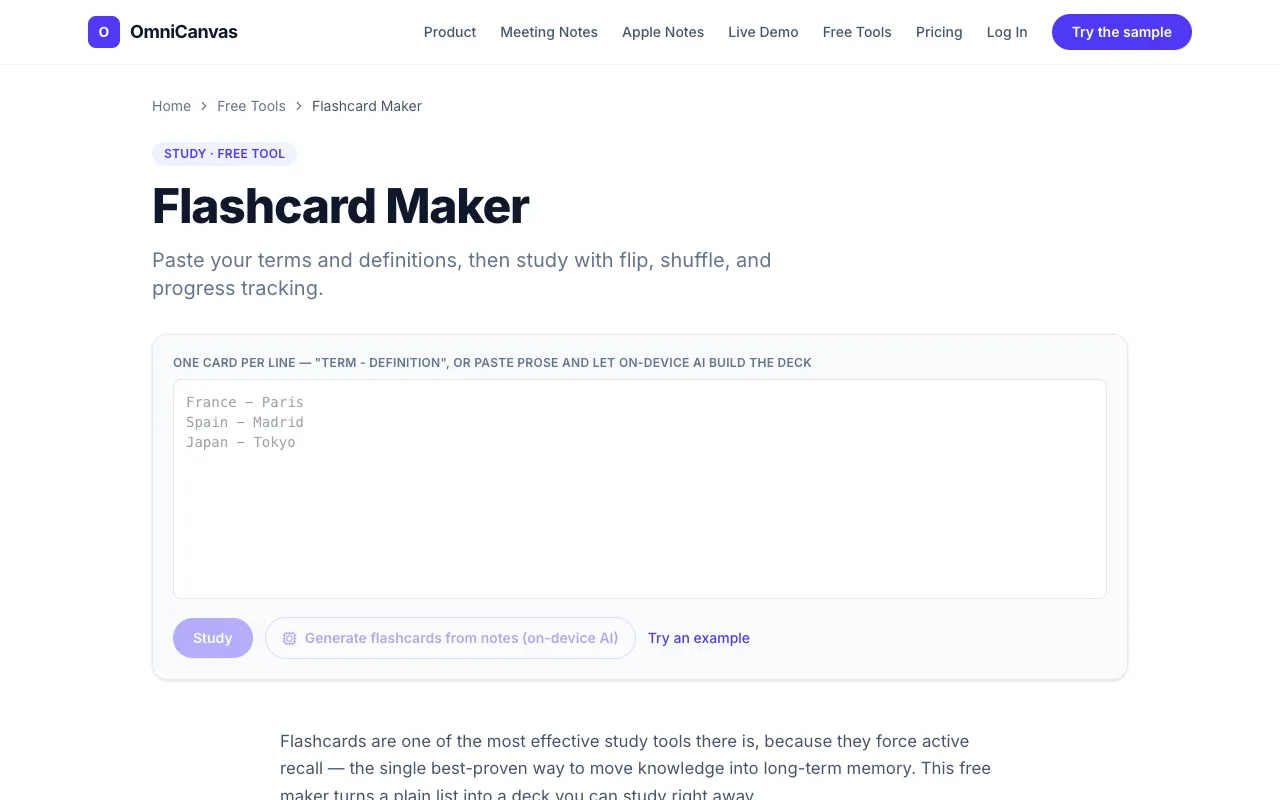
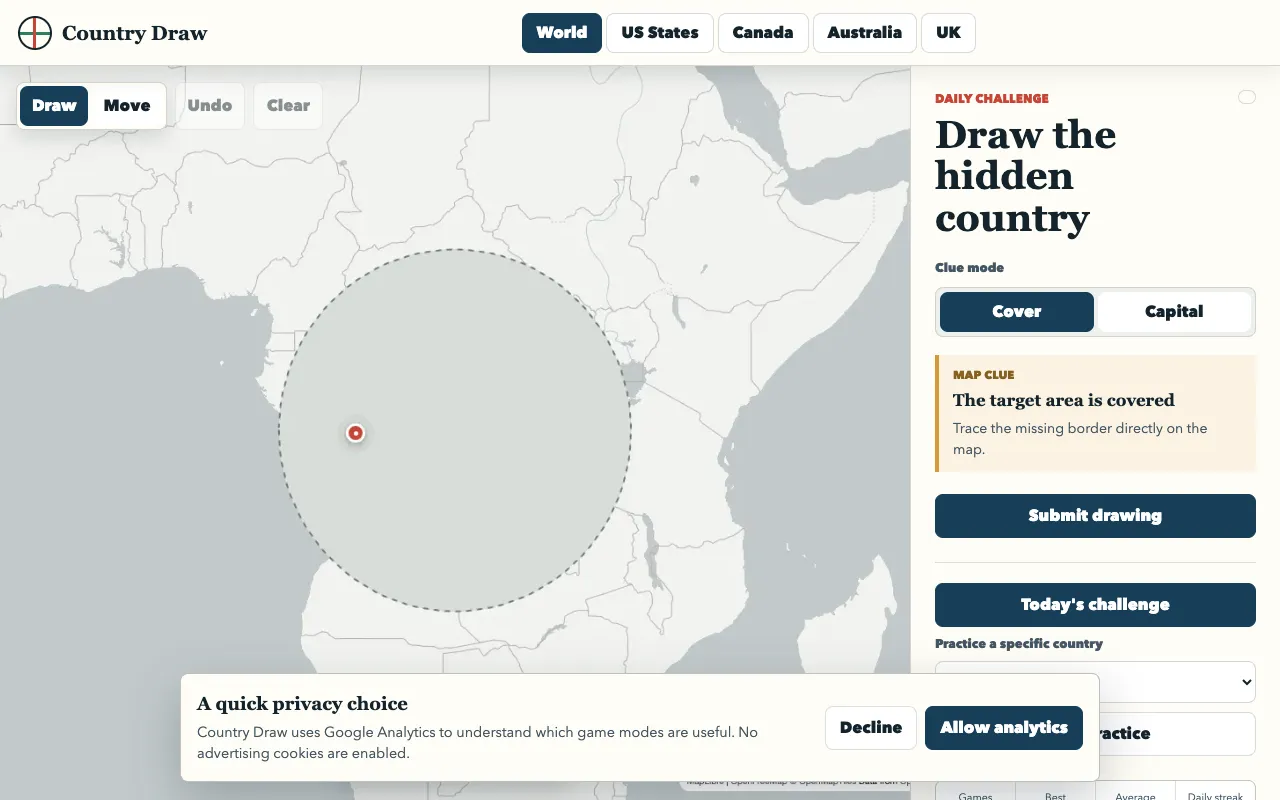
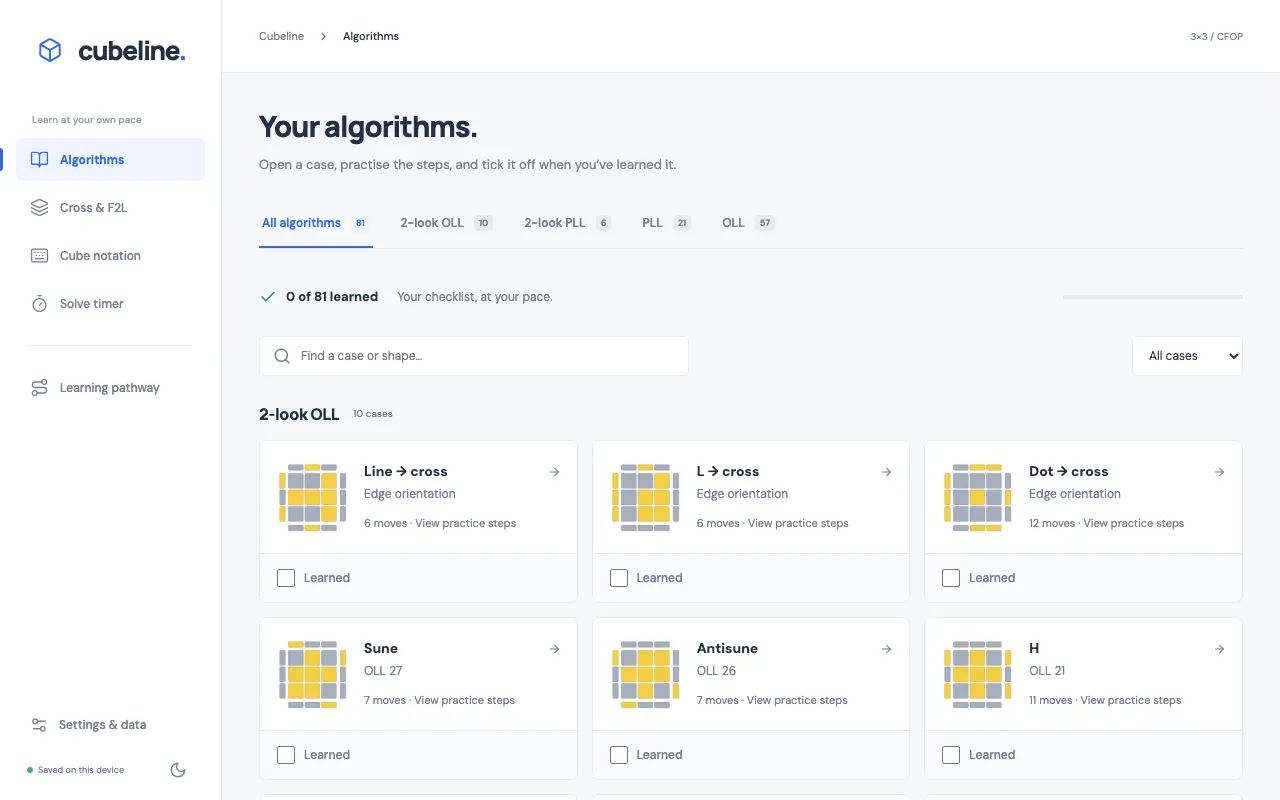
This theme covers tools that generate study materials and provide practice exercises. Flashcard makers convert terms into flippable decks, Cornell notes generators produce printable templates, and SAT practice suites offer extensive question banks. Country drawing games and speedcubing trainers add gamified practice for geography and puzzle-solving skills.
Organizational & Reference Tools
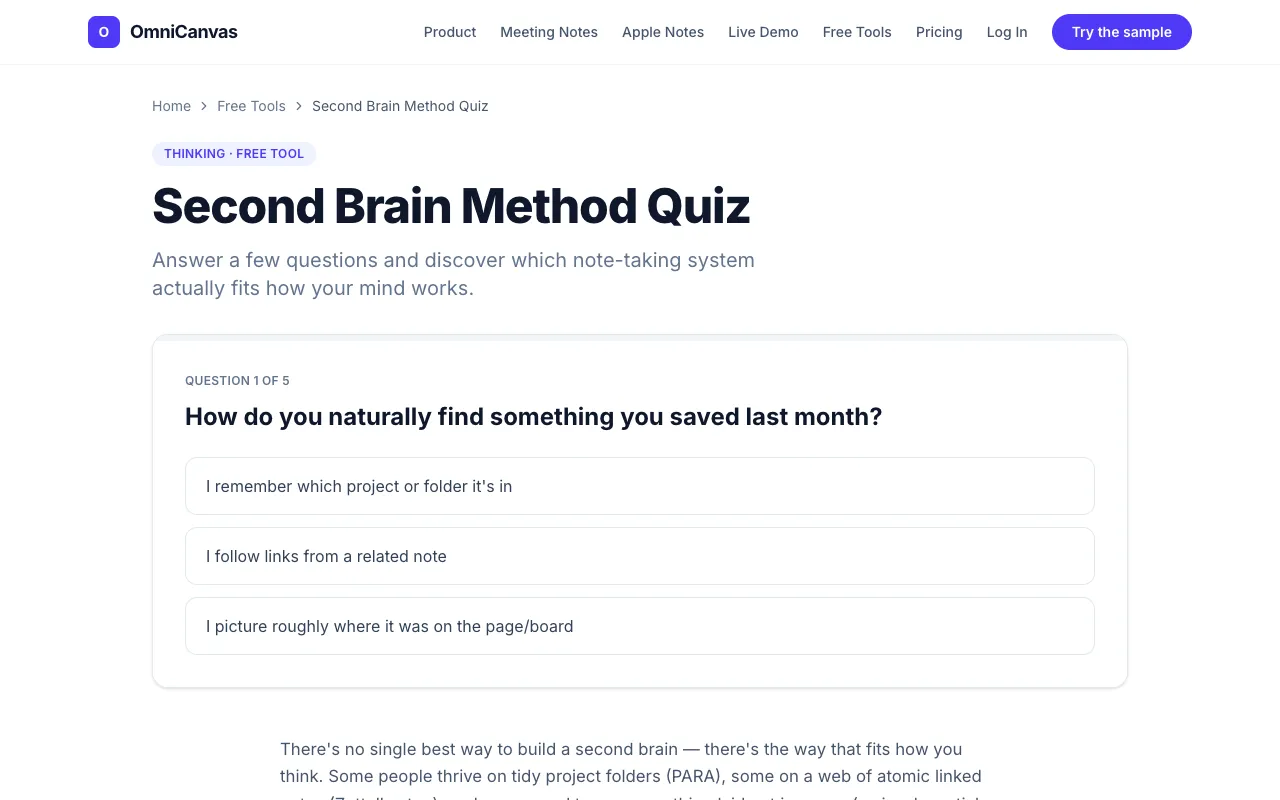
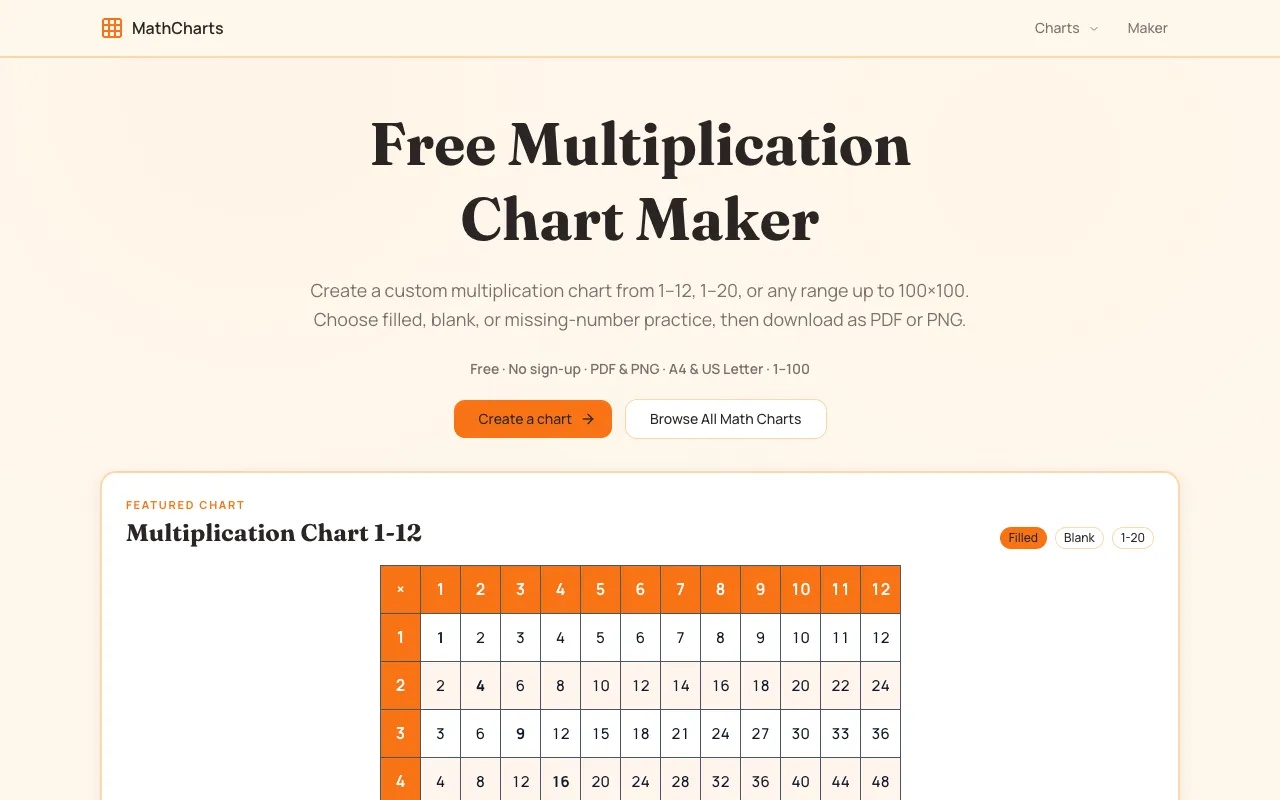
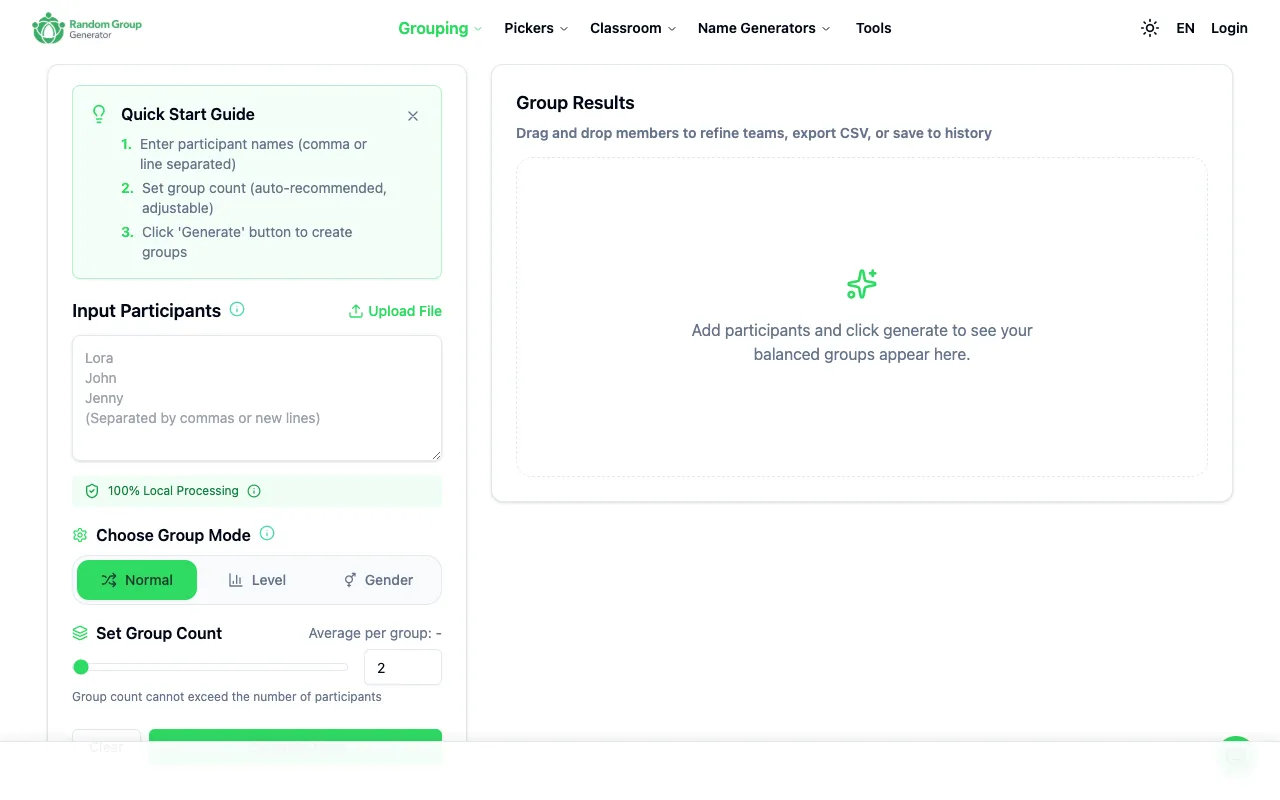
Tools here assist with structuring information, managing study groups, and accessing reference materials. Second-brain method quizzes help learners identify a note-taking system that fits their thinking style, while group randomizers quickly organize students into teams. Printable math charts and focus widgets provide reference sheets and timed productivity aids.
Specialized & Exam Preparation
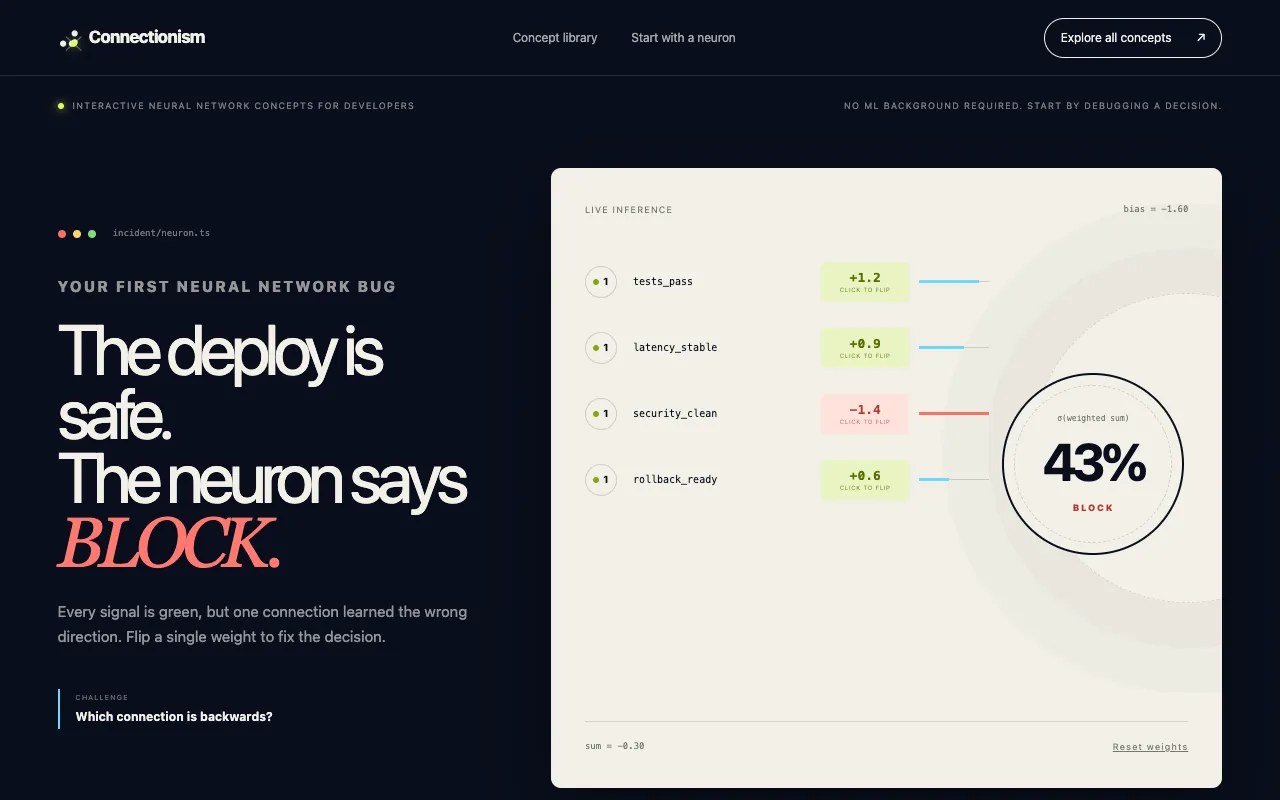
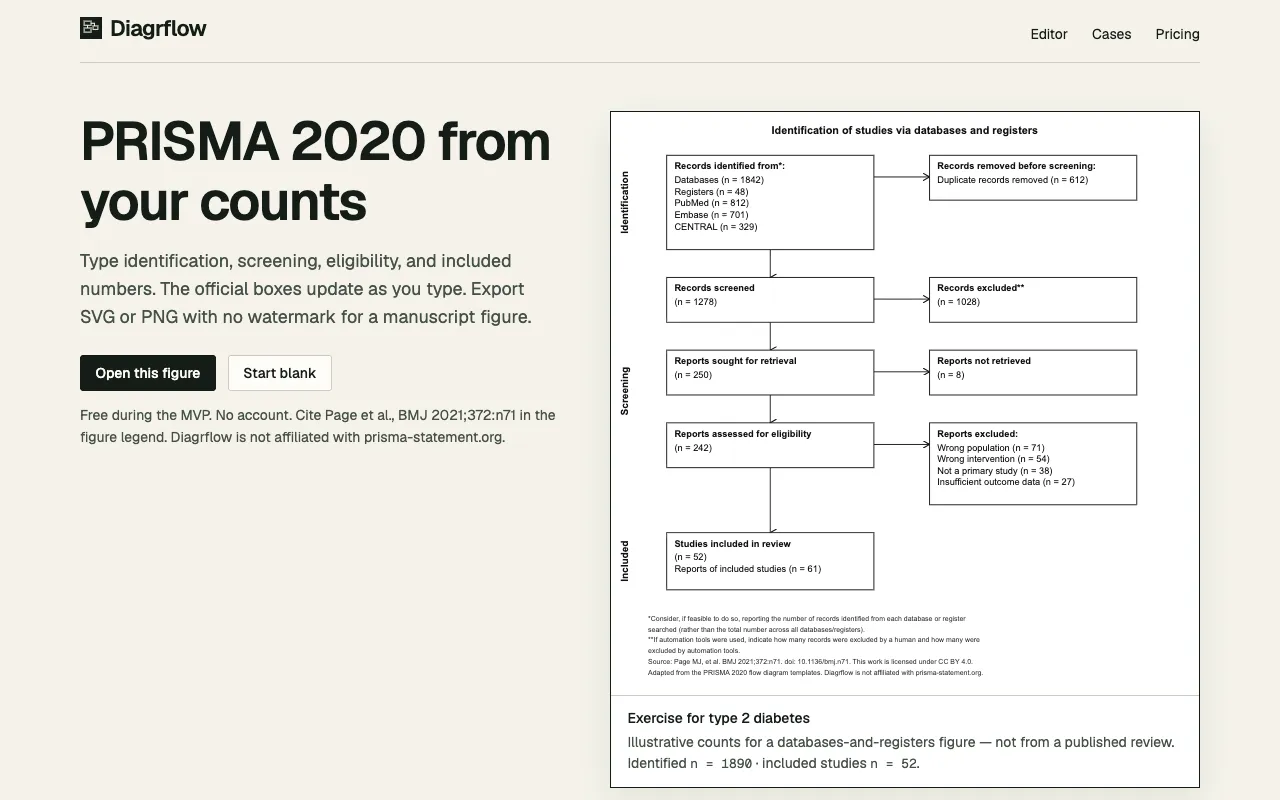
This theme includes tools designed for specific assessments and regional requirements. Australian citizenship exam prep offers multilingual practice tests, while neural network labs provide interactive lessons for developers. PRISMA flow diagram generators support research workflows, and name tracing generators create handwriting practice worksheets for younger learners.
Calculators & Interactive Demos
Calculators and interactive platforms that perform specific mathematical or technical functions. Graphing calculators plot functions and support conic sections, while student tools suites combine multiple academic calculators. Focus widgets suites embed Pomodoro timers and other productivity tools, and country drawing games provide geographic feedback based on user sketches.
Questions
Education Tools FAQ
- How do I use a grade calculator to find my final course score?
- Enter each assignment or exam score along with its weight percentage. The tool totals the weighted contributions and displays your current or projected final grade. Double-check that the weights add up to 100% before reading the result.
- What is the difference between a GPA calculator and a grade calculator?
- A grade calculator typically works for a single course, using assignment weights to produce a final course score. A GPA calculator across multiple courses converts letter grades or percentage scores into a cumulative average, often factoring in credit hours. Use the GPA tool when tracking performance across several subjects.
- How should I choose between a flashcard maker and a Cornell notes generator?
- Use a flashcard maker when you already have terms and definitions ready to turn into a study deck. Choose a Cornell notes generator if you prefer a structured template with a cue column, notes section, and summary area for organizing lecture material. Both require you to input your own content.
- Can I rely on a SAT practice suite for my test preparation?
- A SAT practice suite provides free question banks and study resources without requiring an account. It is a useful supplement to official College Board materials, but verify that the content reflects the current test format and difficulty level before depending on it as your primary source.
- What should I know before using an Australian citizenship exam prep tool?
- The prep tool offers practice questions in 13 languages and covers the official test topics. Ensure the language version matches the test you will take, and review the 280+ practice items to understand the format. The tool does not replace official study guides but helps familiarize you with question styles.
- How does a second-brain method quiz help me organize my studies?
- Answer a few questions about your thinking habits and workflow preferences. The quiz matches you to a framework such as PARA, Zettelkasten, or a visual spatial system, giving you a starting point for structuring notes, references, and projects. Use the result as a guide, not a rigid rule, and adjust as your needs change.