Math & Numbers3 options compared

Graphing Calculator

Calculates mathematical functions, plots graphs in real-time, supports points, conic sections, parametrics, and inequalities. Ideal for students, teachers, and anyone needing to visualize mathematical concepts dynamically. Helps users with homework, prepares for exams, conducts research, or explore complex mathematical ideas through interactive visualizations.

Editors’ Top PickBased on community votes
Screenshot of Desmos
01
Desmos
desmos.com

Interactive graphing calculator that plots functions, points, conic sections, parametrics, and inequalities in real t...

Other OptionsRanked by votes
  1. Screenshot of GeoGebra
    02
    GeoGebra
    geogebra.org

    Interactive graphing for functions, parametrics, and inequalities with live algebraic manipulation.
Side by side

Graphing Calculator options compared

ToolBest forStrengthsLimitations
Desmos
desmos.com
Quick browser-based graphing
  • Real-time plotting
  • No installation needed
  • Clean interface
  • Fewer advanced CAS features
  • Requires internet connection
GeoGebra
geogebra.org
Algebra + geometry combo
  • Live algebraic manipulation
  • Covers geometry and 3D graphs
  • Free and browser-based
  • Interface can feel cluttered
  • Less polished than Desmos for pure graphing
TI Calculators Online
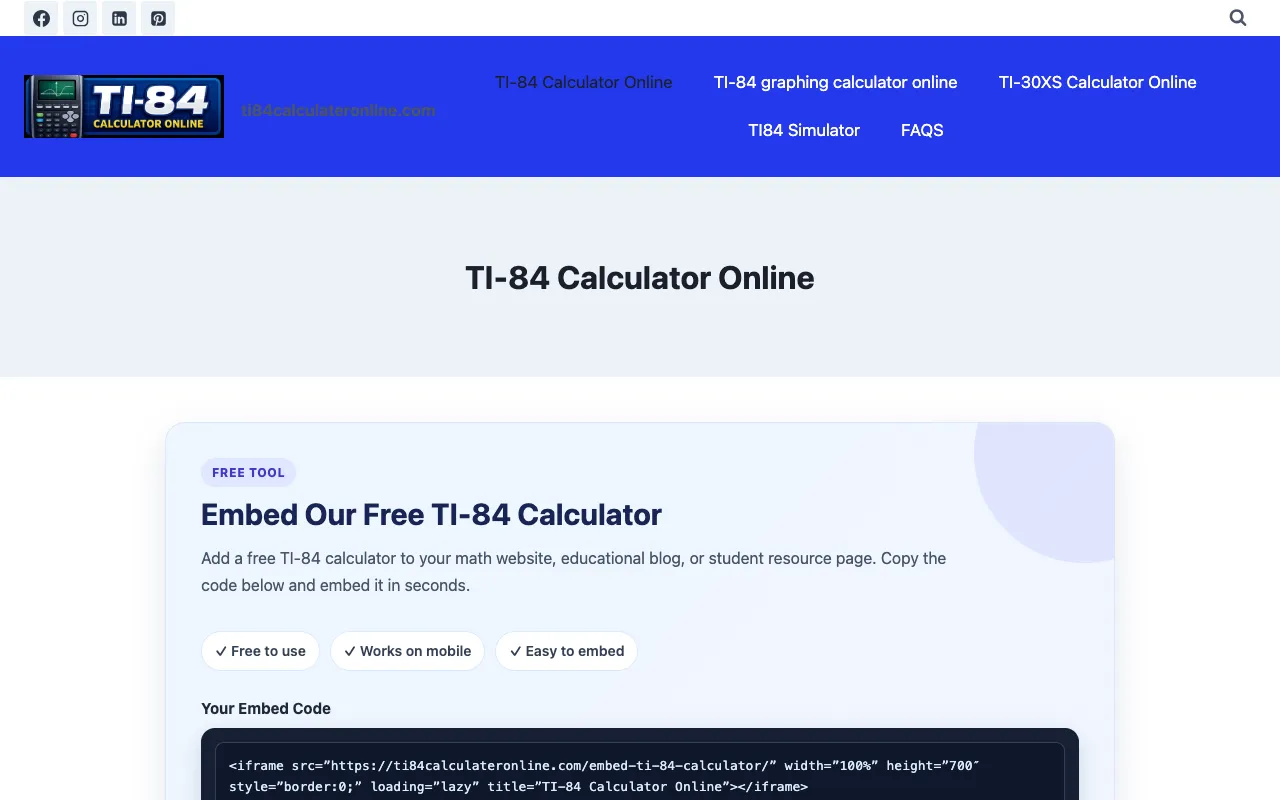
ti84calculateronline.com
Familiar TI-84 emulation
  • Emulates TI-84 layout
  • No software install
  • Good for standardized exam prep
  • Web-based emulation can feel slower
  • Fewer modern features than Desmos or GeoGebra

Buyer's guide

How to choose a graphing calculator

If you just need to plot a function and see it update as you type, Desmos wins because it starts instantly and keeps the focus on the graph. If your work involves switching between algebraic solving, geometry, and 3D visualization in one window, GeoGebra is worth the extra clicks. The TI-84 online tool is best when you need the exact key layout and function set from a physical calculator for homework or exam practice.

Questions

Graphing Calculator FAQ

Can I use these graphing calculators on a tablet or phone?
Yes, all three tools work in a mobile browser — Desmos and GeoGebra adapt their interface to smaller screens, and the TI-84 online calculator is designed to be mobile-friendly for on-the-go homework.
Do I need to create an account to start graphing?
No account is required for basic use on Desmos or the TI-84 online calculator. GeoGebra lets you save graphs for free if you sign up, but you can also use it instantly without registering.
Which tool handles inequalities best?
Desmos shades inequality regions automatically and lets you toggle them on or off. GeoGebra also shades inequalities and combines them with other geometry objects, while the TI-84 online version shades but with a more limited visual style.
Can these tools solve equations symbolically, or do they only plot?
Desmos and GeoGebra both offer symbolic algebra features alongside graphing — you can type equations and see steps or simplified forms. The TI-84 online calculator includes symbolic solving and matrix operations that mimic the physical TI-84.
Are these tools appropriate for standardized test use?
The TI-84 online calculator is the safest choice for exams that permit a TI-84, since it replicates the approved keystroke layout. Desmos and GeoGebra are often allowed on college entrance exams, but check the specific test policy before relying on them.
Keep Exploring

Related tools in Math & Numbers

View all →