Flashcard Maker
Paste terms and definitions and get a flippable study deck immediately, with shuffle and known/unknown tracking. No a...
What Flashcard Maker does
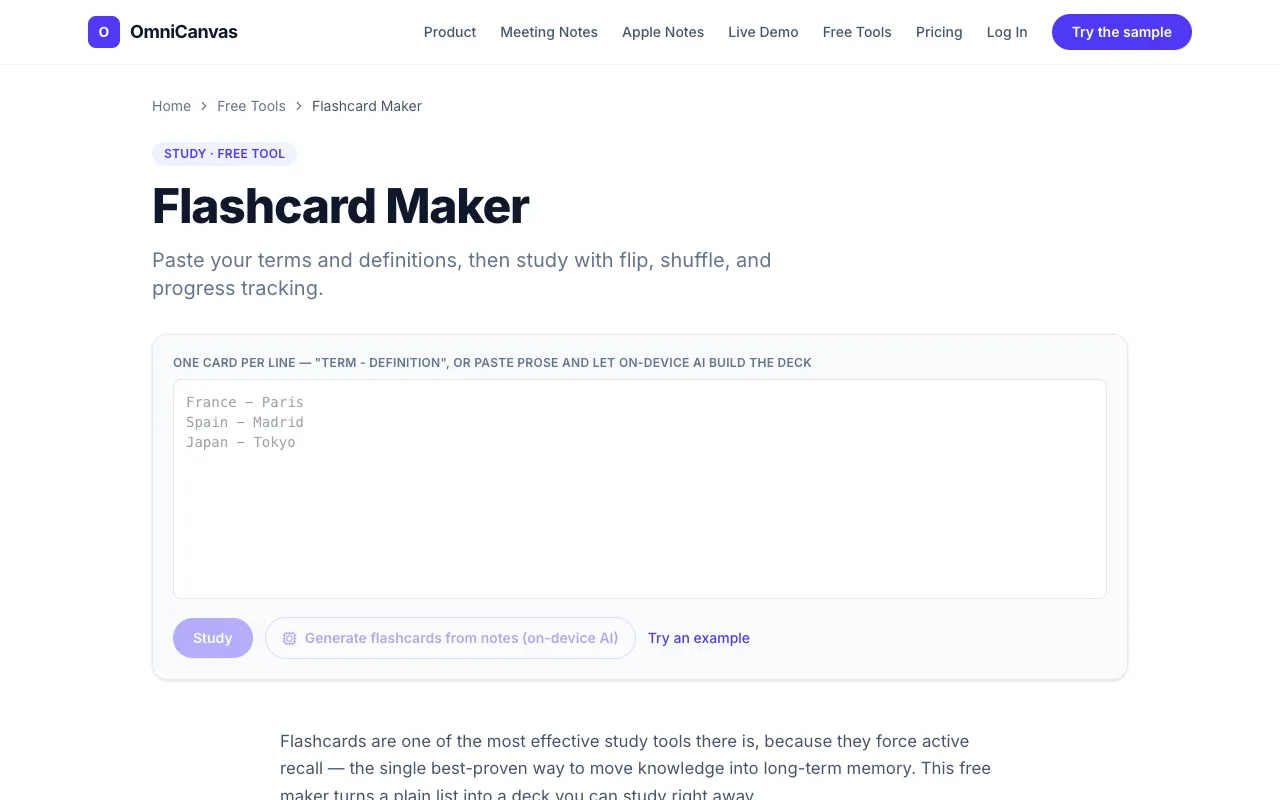
Flashcard Maker is a free web tool that instantly converts a plain list of terms and definitions into a flippable study deck. Users get a functional set of flashcards with shuffle and known/unknown tracking, requiring no account or registration. The interface focuses on active recall, letting learners flip cards, shuffle order, and mark what they know to focus subsequent sessions on the items they missed. Results appear as an immediately usable deck for self-testing, with no cost or signup barrier.
How to use the OmniCanvas Flashcard Maker
- 1
Paste one term-definition pair per line, separating them with a dash, colon, or tab
- 2
The tool automatically parses each line into a flashcard with a front and back
- 3
Review the deck by flipping cards and marking each as known or still-learning
- 4
Shuffle the deck order to add interleaving and vary study sequence
- 5
Run the deck again, focusing on cards you previously marked as still-learning
Best for
Students, self-learners, or anyone needing to quickly turn existing notes, vocabulary lists, or key facts into a study deck without signing up or paying.
Limitations
- Results depend on how the user formats the pasted list
- No unit conversion or multimedia support beyond text flashcards
- Tracking is session-based and does not persist across devices without an account
Flashcard Maker FAQ
- Can I use Flashcard Maker on my phone or tablet?
- Yes, the tool runs in any web browser on mobile devices, and no account is needed to start studying immediately.
- What file formats can I paste into the flashcard maker?
- You can paste plain text with one card per line, using a dash, colon, or tab to separate the front and back of each card.
- Does the tool save my progress if I close the browser?
- No, the known/unknown tracking is session-only; closing the browser resets the deck, so you must re-paste your list to continue tracking.
- Can I include images or formulas in my flashcards?
- No, the tool accepts only text; images and formulas must be described in the text you paste.