PRISMA Flow Diagram Generator
Diagrflow enables researchers to create PRISMA 2020 flow diagrams for systematic reviews and meta-analyses in minutes...
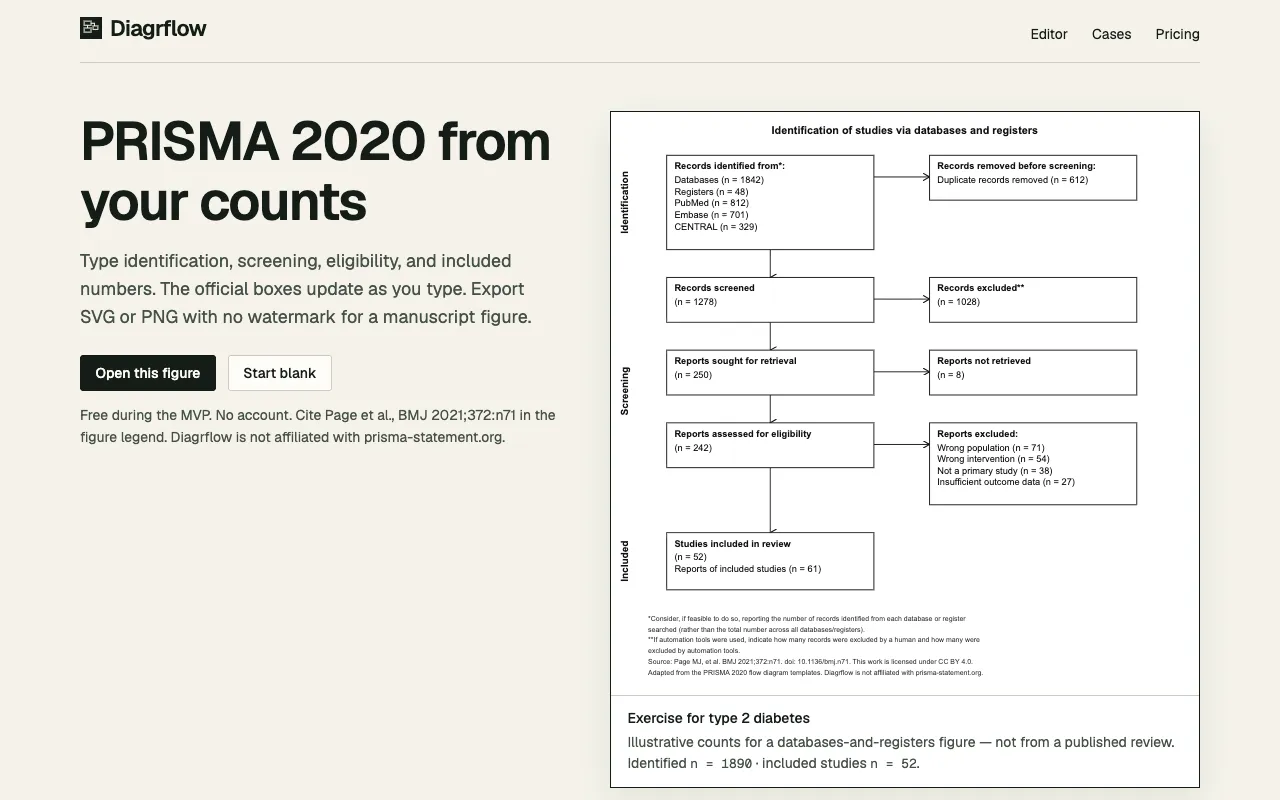
What PRISMA Flow Diagram Generator does
Diagrammatic tool for creating PRISMA-compliant flowcharts of study selection and screening processes, with real-time preview and export options for academic publishing workflows; suitable for systematic review authors and researchers needing visual documentation of study selection methodology without manual drawing requirements, supporting both standard and custom diagram configurations through an intuitive interface.
How to use the Diagrflow PRISMA Flow Diagram Generator
- 1
Select desired flow elements from the left panel
- 2
Drag and drop to position elements on the canvas
- 3
Customize colors, fonts, and layout as needed
- 4
Export as PNG or SVG for publication use
Best for
Researchers and reviewers needing to document study selection processes for systematic reviews and meta-analyses, particularly those requiring PRISMA-compliant flow diagrams for publication in academic journals or systematic review protocol
Limitations
- May have limited customization for highly specific diagram requirements beyond standard flowchart elements
- Advanced customization options may require technical familiarity
- Dependency on internet connectivity for real-time generation and rendering
PRISMA Flow Diagram Generator FAQ
- Can I customize the appearance of the flowchart?
- Yes, you can customize colors, fonts, and layout elements to match your preferences or institutional requirements.
- Can I export my flowchart as an image or PDF?
- Yes, the tool allows you to export your flowchart as an image or PDF for inclusion in publications, reports, or presentations.
- Is there a limit to the number of steps or stages I can include in my flowchart?
- The tool supports complex workflows with multiple decision points and branches, allowing you to create detailed flowcharts with multiple pathways and conditional logic.
Similar tools
Based on shared tags