Developer Tools Suite
MultiKit is a free collection of 40+ browser-based tools designed for developers and everyday productivity tasks. The...
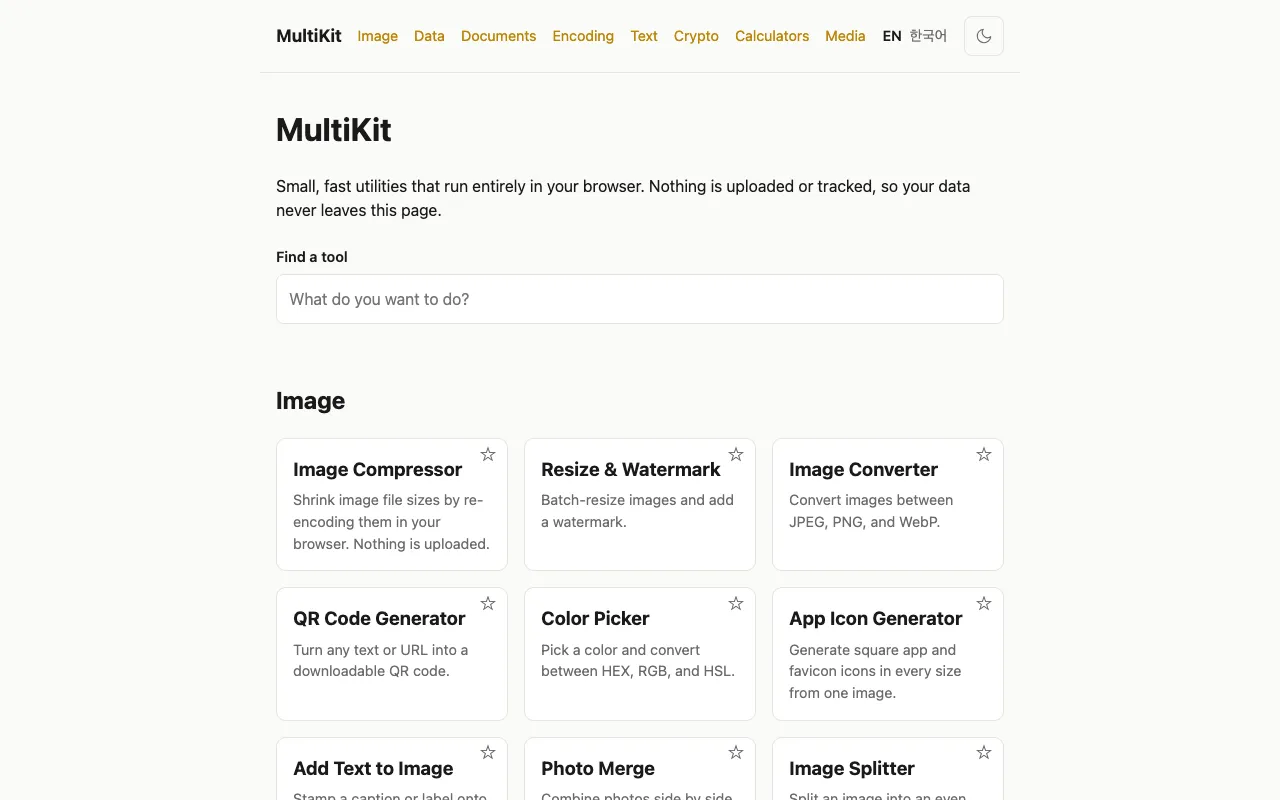
What Developer Tools Suite does
MultiKit is a free collection of over 40 browser-based developer tools designed for common coding workflows and daily development tasks. The suite includes JSON formatting and validation, Base64 encoding and decoding, and utilities for text operations, image manipulation, PDF processing, and mathematical calculations. All tools run entirely within the user's browser, ensuring data privacy since inputs are never sent to remote servers. The platform requires no account creation or payment to access its full range of utilities.
How to use the MultiKit Developer Tools Suite
- 1
Open the MultiKit website and select a developer tool from the suite
- 2
Input or paste your data (code, JSON, text, file, or calculation values) into the tool's interface
- 3
The tool processes the input locally in your browser and displays the result instantly
- 4
Copy or download the output directly from the tool's results area
- 5
Switch between different developer tools or productivity utilities using the site's navigation without leaving the page
Best for
Developers and power users who need a private, account-free collection of browser-based utilities for formatting, encoding, and processing tasks without leaving their workflow.
Limitations
- Tools are browser-based and may have input size constraints for large files
- No offline access since all tools require an internet connection to load the site
- Feature set is fixed at 40+ tools and does not expand with user contributions
Developer Tools Suite FAQ
- Do I need to create an account or pay to use MultiKit's developer tools?
- No, MultiKit is completely free and requires no account creation or payment to access all 40+ browser-based tools.
- Are my inputs processed on remote servers or kept private on my device?
- All tool inputs are processed directly in your browser locally, meaning your data stays on your device and is never uploaded or tracked.
- Can I use MultiKit tools for working with JSON data, Base64 encoding, and other developer tasks?
- Yes, the suite includes JSON formatting and validation tools, Base64 encoding and decoding utilities, and other developer utilities for common coding workflows.
- What types of tasks beyond developer tools does MultiKit support?
- MultiKit also offers image manipulation, PDF processing, text operations, mathematical calculators, and media conversion tools for everyday productivity tasks.
More Developer Tools Suite tools
- 01BytePanebytepane.com
BytePane offers a comprehensive collection of free browser-based developer tools designed for common coding workflows...
- 02CodeKitHubcodekithub.com
CodeKitHub is a free collection of over 120 browser-based tools designed for developers and everyday users who need q...
- 03JavaScript Toolsjstools.space
A free collection of privacy-first developer utilities for formatting code, inspecting JSON and tokens, generating se...
- 04KivToolskivtools.com
KivTools offers a comprehensive suite of browser-based developer utilities designed with local-first principles at th...
- 05SiteTidysitetidy.app
SiteTidy is a browser-based platform providing 180+ tools for SEO, web development, and website maintenance. The coll...
- 06X10Toolsx10tools.com
X10Tools provides a free suite of browser-based utilities designed for developers and everyday users. The collection ...
- 07XFreeToolxfreetool.com
XFreeTool is a comprehensive browser-based toolbox offering 650+ practical utilities accessible directly in your web ...
Similar tools
Based on shared tags