Cursive Text Generator
Free tool for generating cursive lettering with Unicode text output that can be copied to any application or document...
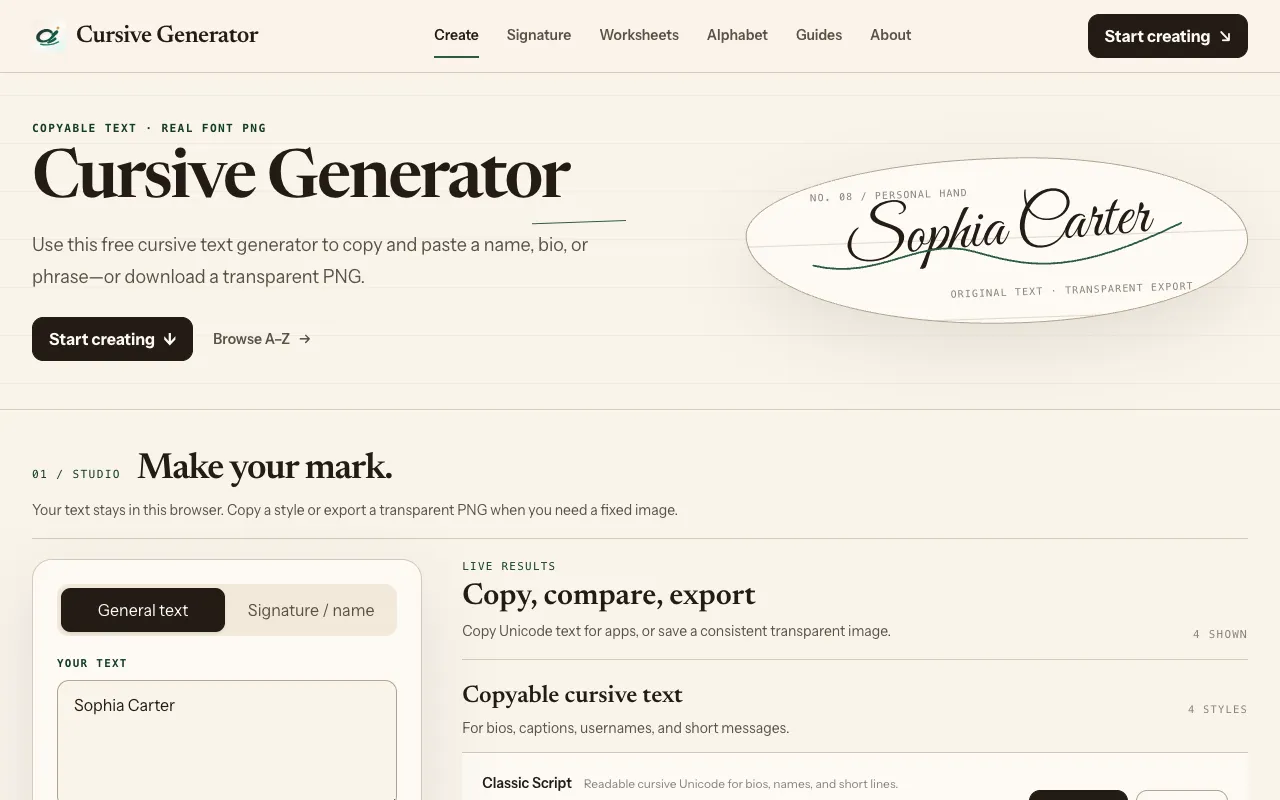
What Cursive Text Generator does
The Cursive Text Generator is a free online tool that transforms plain text into stylized Unicode cursive lettering. Users can type or paste words and phrases into the interface, then select from various script and calligraphy fonts to preview the output instantly. The result can be copied directly into any application or exported as a transparent PNG image at any size, making it suitable for personal projects, social media, or professional design work. An integrated worksheet generator also allows creating printable handwriting practice sheets with custom cursive text. The platform provides full character references for each font, showing all available glyphs for names and signatures. As a browser-based tool, it requires no installation and works across devices.
How to use the Cursive Generator Cursive Text Generator
- 1
Open the Cursive Text Generator on cursivegenerator.work
- 2
Type or paste your desired text into the input field
- 3
Select a script or calligraphy font style from the available options
- 4
Copy the generated Unicode cursive text or export it as a transparent PNG image
- 5
Use the worksheet generator to create printable handwriting practice sheets if needed
Best for
This option suits writers, social media users, and designers who need quick, copy‑and‑paste cursive text for posts, captions, or graphics without installing font software.
Limitations
- Output relies on Unicode characters, which may not render identically on all devices or platforms
- PNG export size is limited by the browser tab and may require cropping for very large formats
- The worksheet generator focuses on practice sheets rather than professional typesetting
Cursive Text Generator FAQ
- Can I use the generated cursive text in any app or social media platform?
- Yes, the tool outputs standard Unicode characters that can be copied and pasted into most apps, websites, and documents. Rendering may vary slightly depending on the viewer's device fonts.
- Does the tool offer options to adjust the size or color of the cursive text?
- The interface lets you preview different font styles, and you can export the result as a transparent PNG at any size your browser supports. Color adjustments are not mentioned in the available material.
- Is there a limit to how much text I can convert at once?
- The material does not specify a character limit, but very long inputs may affect preview performance or PNG export dimensions within the browser.
- Can I create printable worksheets for learning cursive handwriting?
- Yes, the platform includes an integrated worksheet generator that lets you produce custom printable handwriting practice sheets with your chosen cursive text and styling options.
More Cursive Text Generator tools
Similar tools
Based on shared tags