3 tools
Generates precise dimensions for circular structures within Minecraft builds. This utility allows users to specify both the desired diameter and thickness of a circle, outputting measurements that translate directly into in-game block layouts. By inputting these parameters, the tool provides the necessary specifications required to accurately construct round platforms, curved walls, or any other ring-shaped element in the game world. Players interested in architectural design or large-scale building projects will find this resource helpful. It streamlines the planning process for creating perfectly circular elements that would otherwise require complex manual calculations. Anyone looking to ensure structural consistency and accuracy when designing round features in their Minecraft environment can use this generator to obtain reliable measurements.
Generates visually appealing cursive text from any plain text input. Users simply enter their desired words or phrases into the tool's interface, then select various styling options to customize the output. The platform processes this standard text through an algorithm that converts it into a sophisticated, flowing script format, allowing for detailed adjustments to mimic authentic handwriting styles. This utility is ideal for designers who need unique graphical elements, educators creating visual learning materials, or anyone needing stylized content for presentations and projects. It provides a quick way to incorporate elegant cursive writing without the difficulty of manual calligraphy. Users appreciate its efficiency in producing high-quality, customized script suitable for print or digital media.
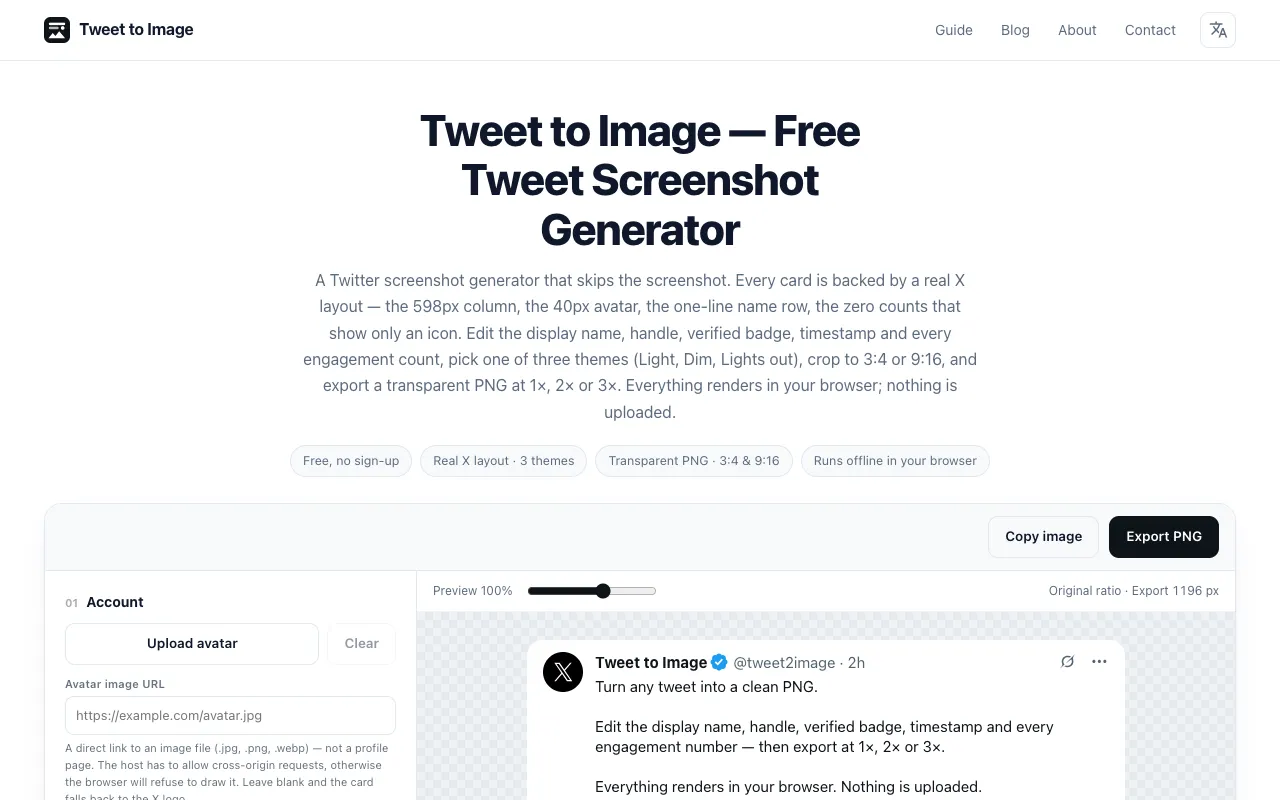
A free browser-based tool that converts manually entered tweet text into styled PNG cards suitable for presentations, newsletters, and social media posts. Users can choose from three preset themes and customize the appearance with options for transparent rounded corners and flexible aspect ratios (3:4 or 9:16). Export options include multiple resolutions (1x, 2x, or 3x) to suit different use cases. Card rendering happens entirely in your browser with no account needed. The tool handles single text posts only and does not support importing from tweet URLs. Simply enter your tweet text, select your preferred styling and dimensions, then download the PNG file to use in your presentations or social channels.