Tweet to Image
A free browser-based tool that converts manually entered tweet text into styled PNG cards suitable for presentations,...
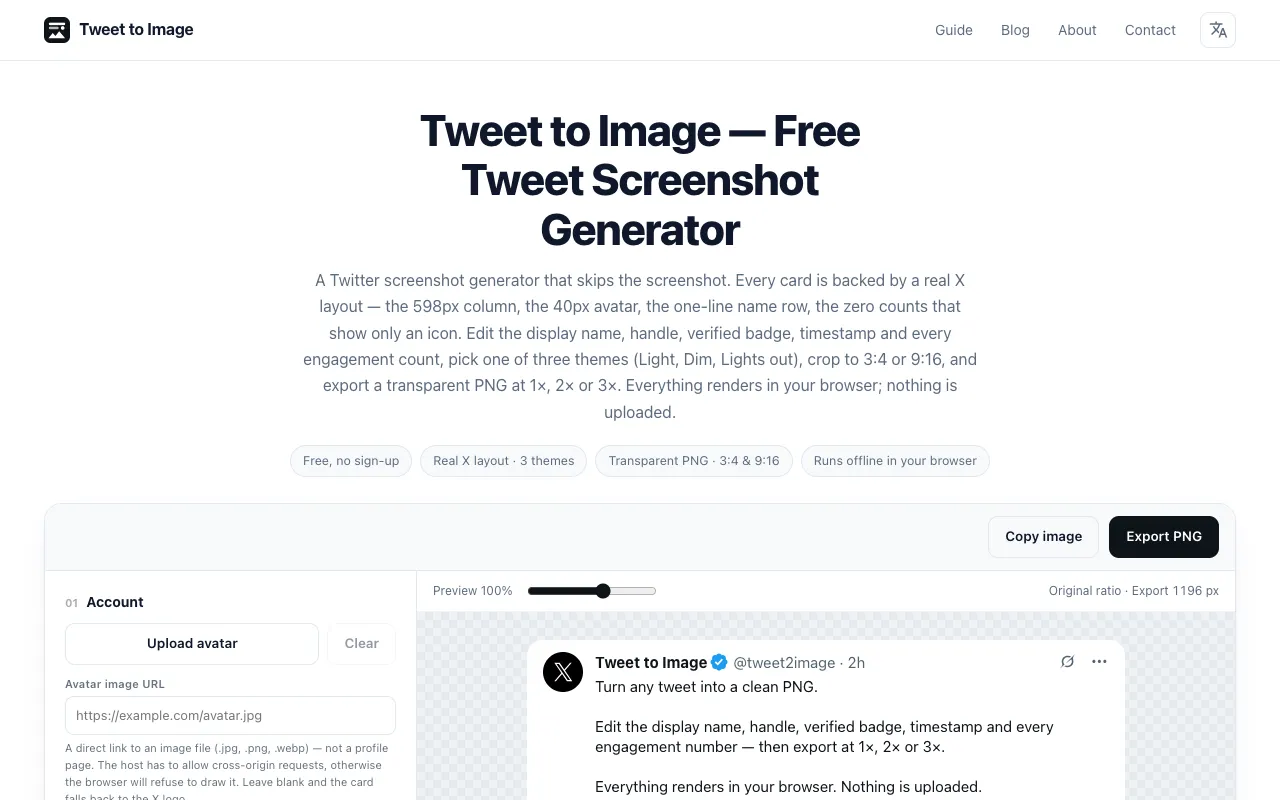
What Tweet to Image does
Tweet to Image is a free browser-based tool that converts manually entered tweet text into styled PNG cards suitable for presentations, newsletters, and social media posts. Users type in the display name, handle, body text, and engagement counts, and the tool draws a card built to the proportions of a post on X. The result is a clean, transparent PNG that can be exported at 1×, 2×, or 3× resolution for different use cases. All rendering happens locally in the browser, so no account or upload is required. The tool handles single text posts only and does not support importing from tweet URLs.
How to use the tweet2image Tweet to Image
- 1
Open the Tweet to Image site and enter the display name, handle, tweet body text, and engagement counts in the provided fields.
- 2
Choose one of three preset themes (Light, Dim, or Lights out) to style the card appearance.
- 3
Select a flexible aspect ratio of 3:4 or 9:16 to match your intended platform or layout.
- 4
Adjust the verified badge, timestamp, and other display options as needed, then click Export to generate a transparent PNG at your chosen resolution.
- 5
Download the exported PNG file for use in presentations, newsletters, or social media posts.
Best for
Best for content creators, marketers, and presenters who need clean, customizable tweet-style PNG cards without requiring a Twitter account or manual screenshot process.
Limitations
- Handles single text posts only and does not support importing from tweet URLs.
- No unit switching or advanced layout adjustments beyond theme, aspect ratio, and basic engagement count edits.
- Results are estimates based on entered text; actual X layout proportions are approximated.
Tweet to Image FAQ
- Do I need a Twitter account to use Tweet to Image?
- No, the tool runs entirely in your browser and does not require a Twitter account or any login.
- Can I import a real tweet URL instead of typing the text manually?
- No, the tool only handles single text posts entered manually; it does not support importing from tweet URLs.
- What export resolutions are available, and when should I use each?
- Export options include 1×, 2×, or 3× resolution; choose 1× for web use, 2× or 3× for print or high-detail needs.
- Is the rendered card an exact replica of a live X post?
- The card uses a real X layout structure (column, avatar, name row, engagement icons), but since it is generated from entered text, it is not a live snapshot and counts or timestamps will not update automatically.
Similar tools
Based on shared tags