Password Generator
Password Generator is a free security tool for creating strong, random passwords directly in your browser without any...
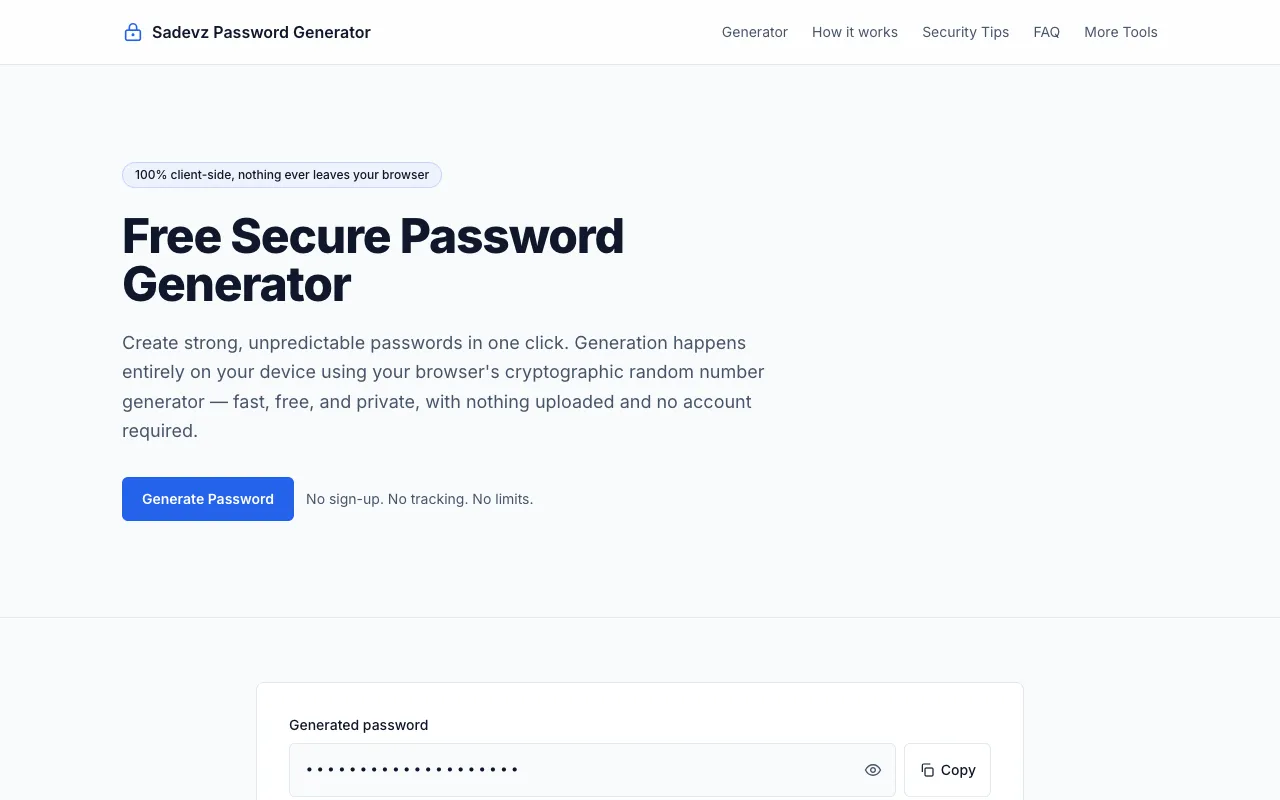
What Password Generator does
The Sadevz Password Generator creates strong, random passwords directly in your browser to enhance digital security. Users receive a complex alphanumeric string mixing uppercase letters, lowercase letters, numbers, and symbols that is resistant to guessing attacks. The output can be copied immediately for use across accounts and services. The tool produces cryptographically random passwords that maintain maximum privacy since the generation process occurs entirely within the user's device. No signup or account is required to access the generator, and no password data is ever transmitted, logged, or stored on external servers. The interface provides a straightforward method for creating secure credentials for sensitive accounts without exposing personal information. The tool is entirely free to use with no hidden costs or subscription requirements. Users receive a functional password creation utility that prioritizes privacy through local, client-side generation. The generated strings serve as robust authentication elements for various digital platforms requiring secure password standards. The tool eliminates the need to remember complex password combinations while ensuring each generated password meets high security benchmarks through cryptographic randomness. The browser-based approach means passwords never leave the user's device, addressing common concerns about data interception or unauthorized access during the generation process.
How to use the Sadevz Password Generator
- 1
Select the desired password length using the length selector, ranging from 4 to 128 characters
- 2
Choose which character types to include: uppercase letters (A-Z), lowercase letters (a-z), numbers (0-9), and symbols (!@#$%...)
- 3
Optionally check 'Exclude similar characters' or 'Exclude ambiguous symbols' to avoid confusing characters like i, l, 1, L, o, 0, O
- 4
Click the 'Generate Password' button to create a random password based on your selected criteria
- 5
Copy the generated password to your clipboard using the copy function, or regenerate with different settings as needed
Best for
This tool suits individuals and professionals needing quick, secure password creation without account requirements or data transmission concerns, particularly those prioritizing local browser-based generation for sensitive account credentia
Limitations
- No unit switching between measurement systems
- Results are estimates based on browser's cryptographic random number generator
- No mobile-specific optimization noted in the available material
Password Generator FAQ
- Is the generated password stored or transmitted anywhere after creation?
- No, the password is generated locally in your browser using cryptographic random number generation and is never uploaded, stored, or sent to any server according to the tool's design.
- Can I customize the character types included in my password?
- Yes, you can select from uppercase letters, lowercase letters, numbers, and symbols, with additional options to exclude similar or ambiguous characters for better readability.
- What is the maximum password length I can generate?
- The tool supports password lengths from 4 up to 128 characters, allowing for highly secure password generation suitable for sensitive accounts.
- Do I need to create an account or pay to use the password generator?
- No sign-up, tracking, or limits are required; the generator is completely free to use directly in your browser without any account creation.
More Password Generator tools
- 01CodeBeautifycodebeautify.org
Password Generator
- 02Inventive HQinventivehq.com
Generate secure random passwords with customizable options
- 03Calculator.netcalculator.net
A random password generator to create strong and secure passwords. To ensure security, they are generated on the webp...
- 04RapidTablesrapidtables.com
Password generator
- 05DevBoltdevbolt.dev
Generates strong, secure random passwords with configurable character classes.
- 06PasswordSeguropasswordseguro.com
PasswordSeguro is a free online password generator that creates strong, random passwords directly in your browser. Th...
- 07PineToolspinetools.com
Generates strong random passwords.
- 08RANDOM.ORGrandom.org
Generates strong random passwords backed by true randomness.
Similar tools
Based on shared tags