Video Compressor
Compress MP4 video files in your browser. Reduce video size with adjustable quality and resolution without uploading ...
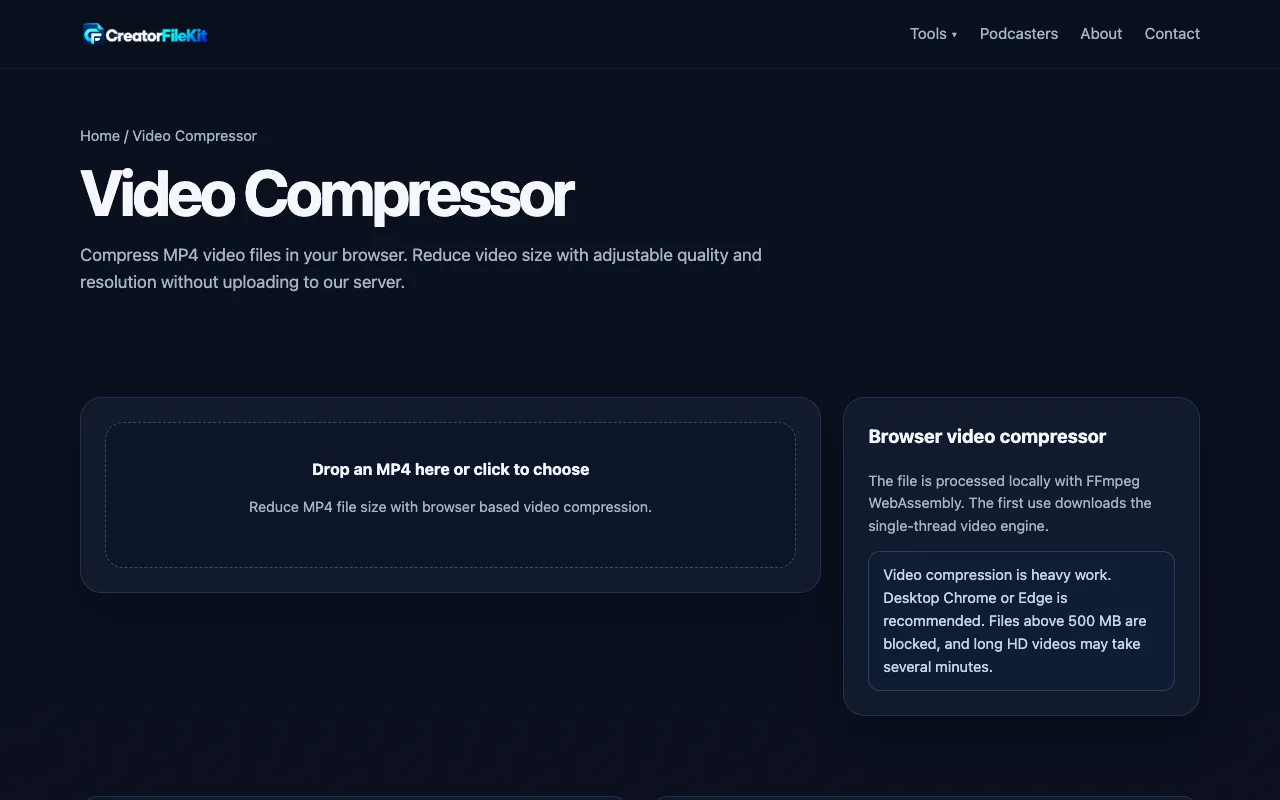
What Video Compressor does
Video Compressor is a free online tool that lets users shrink MP4 and other video files directly in the browser without uploading to a server. The output provides the original size, compressed size, and space saved, allowing comparison before sharing. The platform supports MP4, MOV, WebM, MKV, AVI, and WMV formats with adjustable quality settings and resolution presets from 480p to original. Users can select compression levels based on whether they prioritize better quality or a smaller file, and can play the result before downloading. The tool is designed for shrinking videos for chat, email, or social media uploads while keeping the original master untouched.
How to use the CreatorFileKit Video Compressor
- 1
Choose an MP4 video file to compress
- 2
Pick a compression level based on whether you need better quality or a smaller file
- 3
Compress the video and compare the new size against the original
- 4
Play the result before sharing or download the compressed file
Best for
Best for content creators and professionals who need to shrink videos for email, chat, or social media uploads without leaving their browser or paying for software.
Limitations
- Compression always trades some quality for a smaller file size
- Large videos may require significant RAM and processing time
- Results are estimates and depend on the source video's duration, resolution, and codec
Video Compressor FAQ
- Why does video compression take a while to process?
- The browser decodes and re-encodes the video on your device, and duration, resolution, and codec all affect processing time.
- Will the compressed video look identical to the original?
- No. Any meaningful size reduction normally removes some data; use a lighter setting when fine text or detailed motion matters.
- Is my video uploaded to CreatorFileKit's servers?
- No. The current tool processes supported files in your browser and does not send the source video to a CreatorFileKit server.
- What compression level should I choose?
- Pick a lighter setting like 'Better quality' if you need fine text or detailed motion preserved, or 'Smaller file' or 'Maximum resolution' if file size is the priority.
More Video Compressor tools
Similar tools
Based on shared tags