01
01
CreatorFileKit
creatorfilekit.com
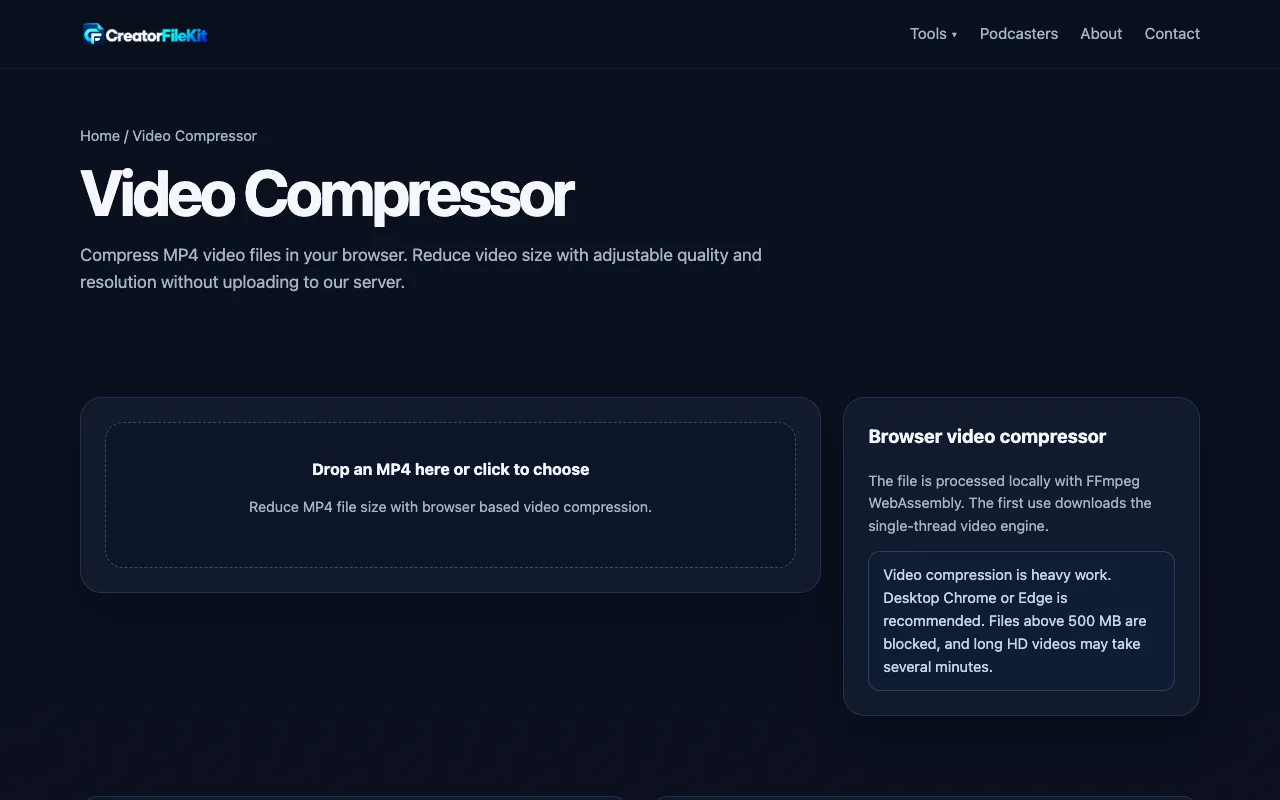
Compress MP4 video files in your browser. Reduce video size with adjustable quality and resolution without uploading ...
Video Compressor is a free online tool that allows users to compress their videos directly in the browser without uploading them. The platform supports various video formats including MP4, MOV, WebM, MKV, AVI, and WMV. With practical controls for target size, bitrate, frame rate, resolution, and audio settings, it offers efficient compression tailored to different needs such as email attachments,...
Compress MP4 video files in your browser. Reduce video size with adjustable quality and resolution without uploading ...

Video Compressor is a free online tool that allows users to compress their videos directly in the browser without upl...

Side by side
| Tool | Best for | Strengths | Limitations |
|---|---|---|---|
| CreatorFileKit creatorfilekit.com | Browser-based compression |
|
|
| OnlineCompress onlinecompress.net | Preset size targets |
|
|
| XConvert xconvert.com | Percentage or bitrate targeting |
|
|
Buyer's guide
If privacy is your top priority, choose a tool that processes video locally in your browser so the file never leaves your device. If you have a strict file-size limit for a specific platform (like an email attachment or messaging app), look for preset target sizes rather than guessing at percentages. The difference between these options comes down to whether you want to type in a target number or click a pre-made button that matches common upload limits.
Questions