Rotate PDF
Rotate sideways or upside-down PDF pages upright, one page or all at once. The rotation is baked in permanently, so p...
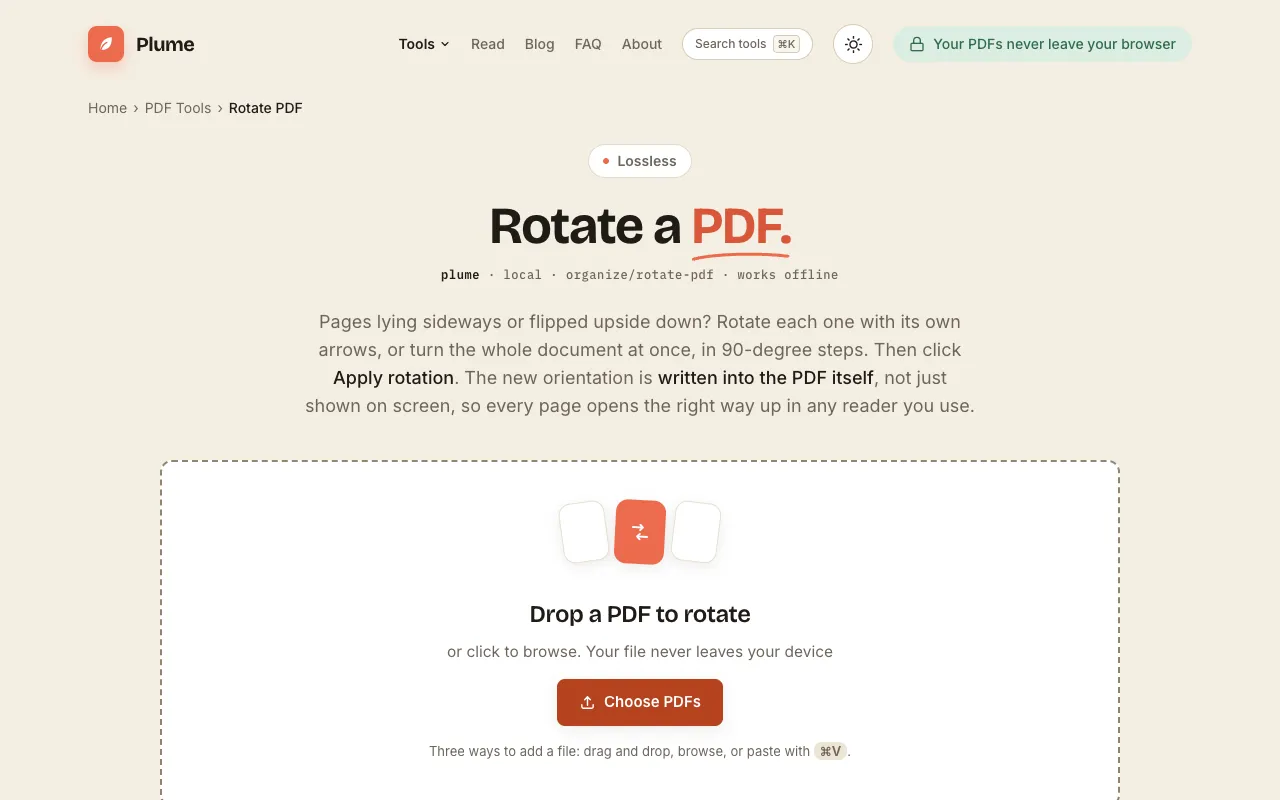
What Rotate PDF does
PlumeDocs' Rotate PDF tool corrects the orientation of sideways or upside-down pages in a PDF document. Users upload a PDF, rotate individual pages using arrows or apply the same angle to all pages at once, and download a modified file where the rotation is baked into the document itself. The result opens correctly in any PDF reader without requiring special software. The service is free, requires no sign-up, and emphasizes that files never leave the user's device. It is part of a larger suite of 49 PDF tools on the same site, allowing for further organization, splitting, merging, or compression after rotation.
How to use the PlumeDocs Rotate PDF
- 1
Drop a PDF file onto the PlumeDocs rotate page or click to browse and select a file from your device
- 2
Rotate individual pages using the page-specific arrows or select 'Turn all pages at once' to apply the same angle to every page
- 3
Choose the desired rotation angle in 90-degree steps (90°, 180°, or 270°) using the provided controls
- 4
Click 'Apply rotation' and then download the corrected PDF, which is saved permanently with no quality loss
Best for
Business professionals and students who need to quickly correct page orientation issues in PDFs without installing software, especially when preparing documents for printing or reading on different devices.
Limitations
- Rotation angles are limited to 90-degree increments (90°, 180°, 270°)
- No option to preview the rotated result before downloading
- File size or page count limits are not specified in the available material
Rotate PDF FAQ
- Does the rotated PDF maintain its original quality after rotation?
- Yes, the rotation is lossless and the modified PDF opens pixel-for-pixel with no quality loss, as the rotation is written into the document itself.
- Are uploaded PDF files kept private when using PlumeDocs' Rotate PDF tool?
- The tool states that files never leave the user's device and no uploads are made to external servers, emphasizing privacy during the rotation process.
- Can I rotate only specific pages in a PDF, or must I rotate all pages at once?
- You can rotate individual pages using their own arrows, or apply the same rotation angle to all pages simultaneously, giving you control over which pages change orientation.
- Is there a cost or sign-up requirement to use the Rotate PDF feature on PlumeDocs?
- The Rotate PDF tool is free to use and does not require sign-up or account creation to rotate and download your document.
More Rotate PDF tools
Similar tools
Based on shared tags