Rotate PDF
Rotate PDF pages online for free. Rotate all pages or specific PDF pages 90 degrees clockwise, 180 degrees, or counte...
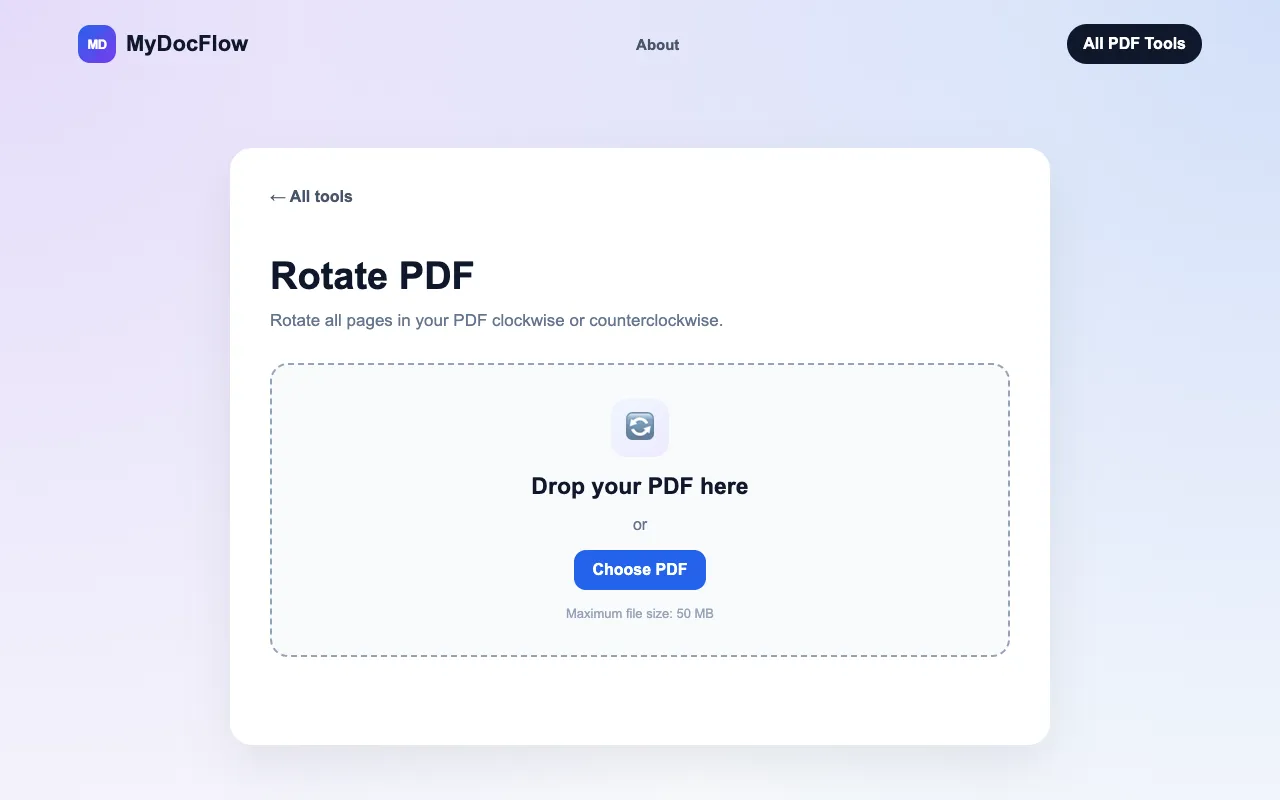
What Rotate PDF does
Rotate PDF is a free online utility that lets users adjust the orientation of pages in a PDF document. Upload a file and choose to rotate all pages or select specific pages using page numbers or ranges, then apply a 90-degree clockwise, 180-degree, or 90-degree counterclockwise turn. The result is a downloadable PDF with the corrected orientation, suitable for fixing scanned documents or preparing files for printing. MyDocFlow’s version emphasizes simplicity: no registration is required, the interface lists rotation directions clearly (90° clockwise, 180°, 90° counterclockwise), and users can target individual pages or all pages at once. Compared to other free PDF rotators, MyDocFlow’s page-specific controls and straightforward three-step workflow stand out as notably direct.
How to use the MyDocFlow Rotate PDF
- 1
Upload your PDF by dragging it into the upload area or selecting a file from your device
- 2
Choose pages and rotation direction: select all pages or enter specific page numbers/ranges, then pick 90° clockwise, 180°, or 90° counterclockwise
- 3
Apply the rotation and download the updated PDF document
Best for
Professionals and students who need to quickly correct page orientation in PDFs without creating an account or installing software.
Limitations
- Maximum file size of 50 MB
- Rotation is baked in permanently with no undo option
- No unit switching or advanced PDF editing features beyond rotation
Rotate PDF FAQ
- How do I rotate just one page in my PDF?
- Enter a single page number, such as 3, in the Pages to rotate field to rotate only that page while leaving others unchanged.
- Can I rotate pages counterclockwise?
- Yes, the tool offers a 90° counterclockwise option alongside 90° clockwise and 180-degree rotations.
- What happens if my PDF is larger than 50 MB?
- Files exceeding 50 MB cannot be uploaded to MyDocFlow’s Rotate PDF tool.
- Do I need to sign up to use the Rotate PDF feature?
- No registration is required; you can upload, rotate, and download your PDF without creating an account.
More Rotate PDF tools
Similar tools
Based on shared tags