PDF Converter
Free online PDF converter that turns JPG, PNG, WebP, AVIF, GIF and other image formats into PDF entirely in your brow...
What PDF Converter does
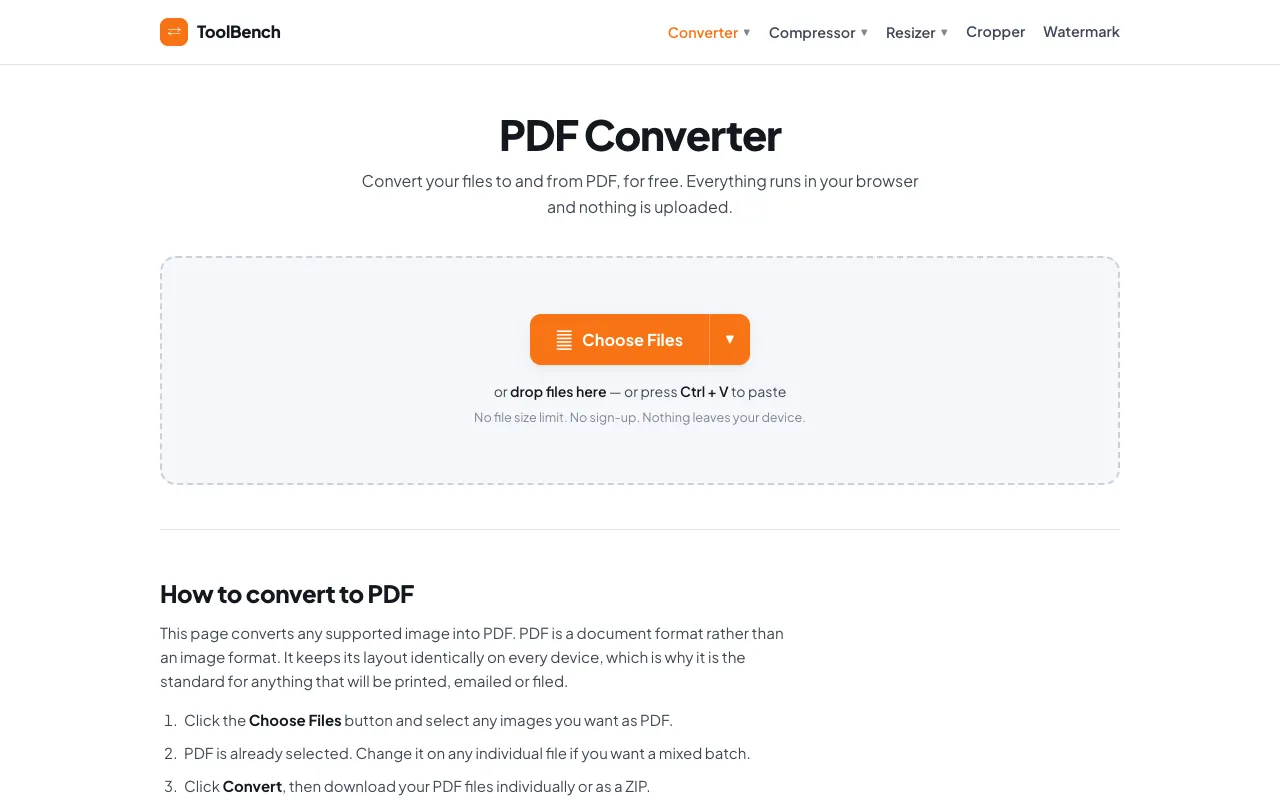
PDF Converter on MyToolsBench is a web-based tool that converts image files — JPG, PNG, WebP, AVIF, GIF, BMP, and TIFF — into PDF format entirely within the user's browser. The output is a PDF document that preserves layout across devices, suitable for printing, emailing, or filing. Users can process single or multiple files in a batch, adjust quality and resize images during conversion, and download results individually or as a ZIP archive. The service emphasizes privacy by processing files locally, meaning nothing is uploaded, stored, or sent to a server. It also offers additional image editing tools running in the same secure environment.
How to use the MyToolsBench PDF Converter
- 1
Click the Choose Files button or drag images from your device to upload files
- 2
Select the desired output format (PDF is default; change per file for mixed batches)
- 3
Adjust quality settings and resize images if needed, then click Convert
- 4
Download individual PDFs or a ZIP archive of all converted files
Best for
Ideal for business professionals, students, or anyone needing to convert images to PDF without uploading files to external servers, especially when processing sensitive or large batches of documents.
Limitations
- Only supports image-to-PDF conversion, not document-to-PDF or other format conversions
- No unit switching or advanced editing features beyond quality and resizing
- Advertisements may appear on the page
PDF Converter FAQ
- Can I convert multiple image files to a single PDF?
- Yes, the tool supports batch conversion; you can add several images and they will be combined into one PDF or kept as separate files in a ZIP archive.
- Are my uploaded images stored or sent to a server?
- No, all processing happens within your browser; files are never uploaded, stored, or deleted from a server.
- What image formats are supported for conversion to PDF?
- JPG, PNG, WebP, AVIF, GIF, BMP, and TIFF can all be converted to PDF in this tool.
- Is there a file size limit for conversion?
- No, the service states there is no file size limit since files are processed entirely in the browser.
More PDF Converter tools
Similar tools
Based on shared tags