Inches to Pixels Calculator
Converts physical dimensions in inches to their pixel equivalents based on a specified DPI or PPI (dots per inch or p...
What Inches to Pixels Calculator does
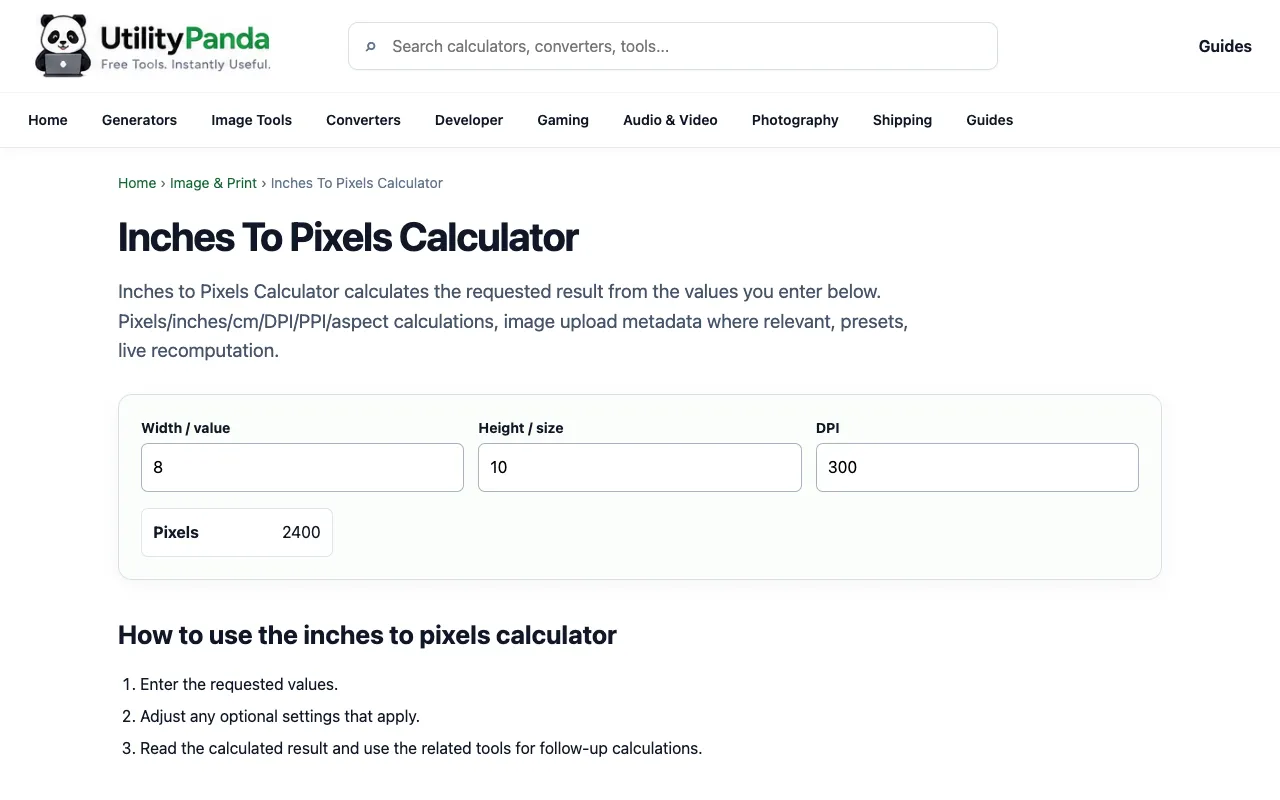
The Inches to Pixels Calculator on UtilityPanda converts physical measurements in inches to their pixel equivalents by applying a user-specified DPI or PPI value. This eliminates the need for manual multiplication, instantly providing the digital dimensions needed for design and development work. The tool is designed for quick, one-off conversions without requiring account creation or software installation.
How to use the UtilityPanda Inches to Pixels Calculator
- 1
Enter the width in inches into the input field
- 2
Enter the height in inches into the input field
- 3
Specify the DPI or PPI value (dots per inch or pixels per inch)
- 4
View the calculated pixel dimensions for width and height displayed instantly
- 5
Use the reset function to clear inputs and start a new conversion
Best for
Designers and developers who need to quickly translate physical measurements into precise digital pixel specifications for screen layouts, print projects, or asset sizing.
Limitations
- Requires the user to know the appropriate DPI or PPI value for accurate results
- No unit switching between metric and imperial systems beyond inches
- Results depend entirely on the DPI value entered by the user
Inches to Pixels Calculator FAQ
- Do I need to install any software to use the Inches to Pixels Calculator?
- No, the tool operates entirely in your browser and requires no account creation or software installation for immediate use.
- What DPI or PPI value should I use for web design?
- For standard web design, 72 DPI or 96 DPI are commonly used, though the appropriate value depends on the specific device and context of your project.
- Can I convert pixels back to inches using this tool?
- The Inches to Pixels Calculator on UtilityPanda is designed specifically for converting inch measurements to pixel equivalents based on a specified DPI value.
- Is there a limit to the inch measurements I can convert?
- The tool accepts inch measurements for conversion, but extremely large or small values may display results that are impractical for typical design applications.
Similar tools
Based on shared tags