Media Tools Suite
MediaToolify is a collection of free browser-based utilities for working with images and videos. The platform offers ...
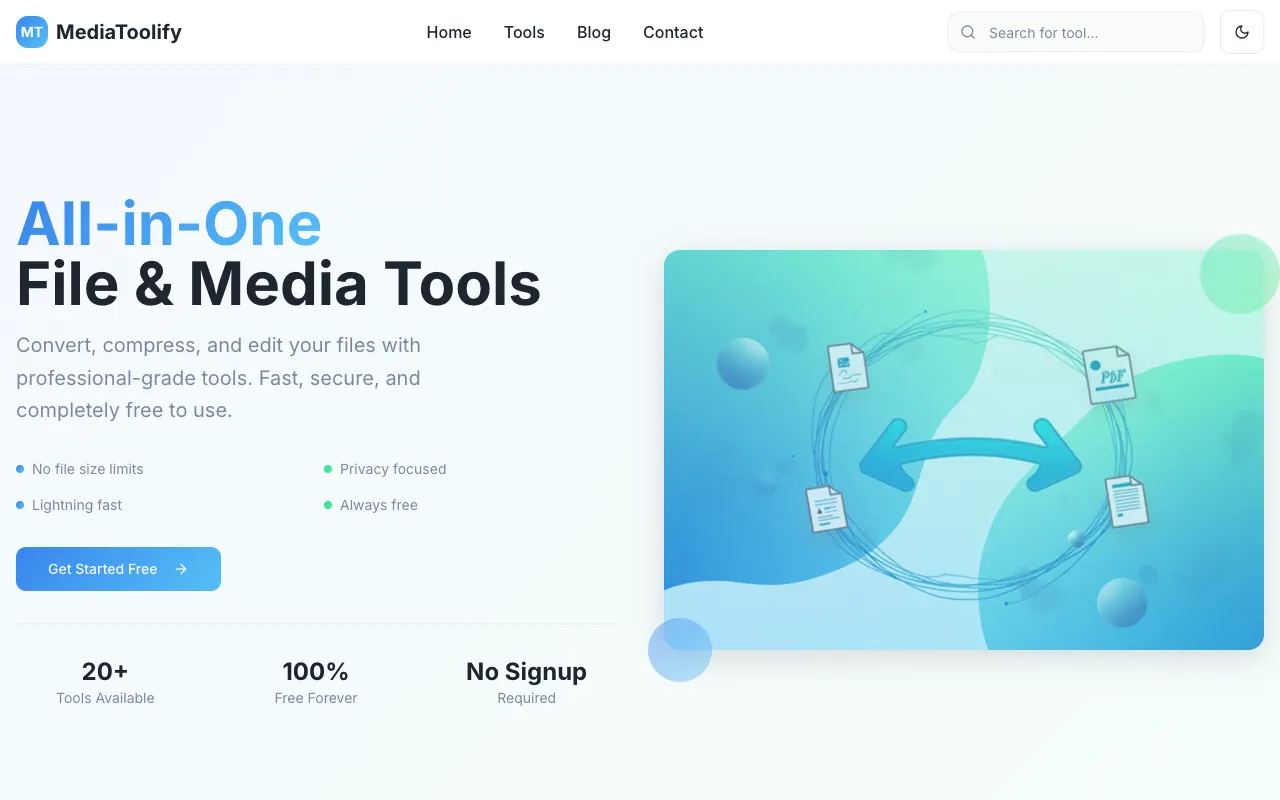
What Media Tools Suite does
MediaToolify is a browser-based suite of free utilities for converting, compressing, and editing images and videos. Users can transform media files without installing software or creating an account. The platform supports a wide range of formats and provides tools for resizing, cropping, and optimizing files to reduce size while preserving quality, making it suitable for quick media processing tasks.
How to use the MediaToolify Media Tools Suite
- 1
Open MediaToolify and select the Image Converter tool
- 2
Upload the image file you wish to convert or edit
- 3
Choose the desired output format or adjustment option
- 4
Initiate the processing and download the resulting file
Best for
Ideal for creators, professionals, and anyone needing quick, free conversion or compression of image and video files without software installation or account requirements.
Limitations
- No account or login required, but may include ads on the page
- Processing speed depends on file size and internet connection
- Results are estimates and may vary based on source material
Media Tools Suite FAQ
- Is MediaToolify completely free to use with no hidden costs?
- Yes, MediaToolify is described as 100% free forever with no signup required and no file size limits for the tools provided.
- What image and video formats does MediaToolify support for conversion?
- MediaToolify supports conversion between popular formats including JPG, PNG, WEBP, SVG for images and MP4, AVI, MOV, WEBM for video, as well as audio formats like MP3, WAV, FLAC, and AAC.
- Do I need to install any software or create an account to use MediaToolify?
- No, all utilities run directly in your browser with no account or login required, allowing you to process media files quickly without installing software.
- Can I compress or optimize images using MediaToolify without losing quality?
- Yes, MediaToolify offers compression and optimization features designed to reduce file sizes while maintaining visual quality, though results may vary based on the source material.
Similar tools
Based on shared tags