WebP to JPG
Convert WebP to JPG or PNG free, right in your browser. Images are never uploaded. Batch convert many at once and dow...
What WebP to JPG does
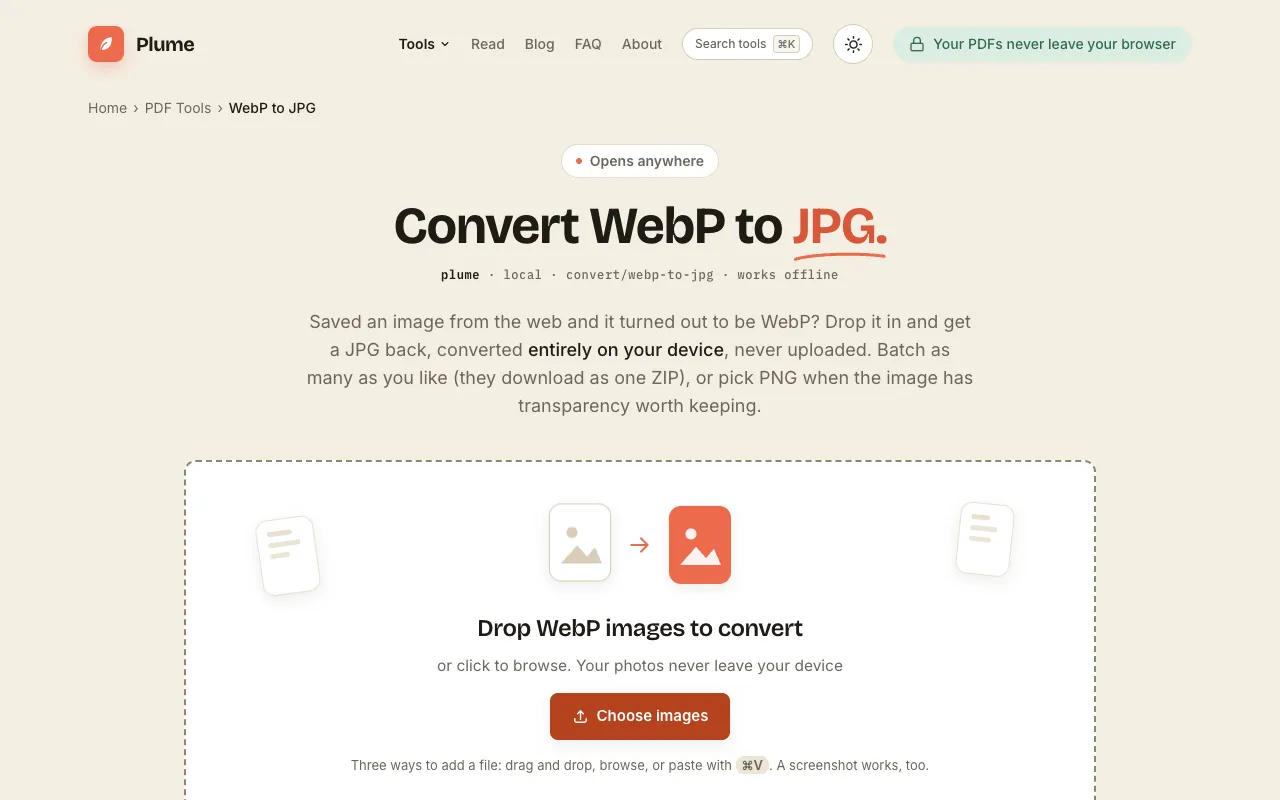
PlumeDocs' WebP to JPG tool converts WebP image files into the widely compatible JPEG format directly in the browser. Users upload a WebP image and receive a JPG version that works across phones, email clients, printers, and older applications. The service also supports converting to PNG when transparency is important, offering both JPG for photographs and PNG for graphics. All processing happens locally on the user's device, ensuring images are never uploaded or sent to external servers.
How to use the PlumeDocs WebP to JPG
- 1
Drop a WebP image onto the page or click to browse and select a file
- 2
Choose JPG for photographs or PNG for graphics and transparency
- 3
The tool processes the conversion locally and saves the result
- 4
A single image downloads as one file; batches download as one ZIP archive
Best for
Anyone who needs to convert WebP images to a universally compatible format for photographs or graphics without uploading files to the cloud.
Limitations
- JPG format does not support transparency, so alpha channels are flattened onto a white background
- Quality is reduced slightly due to JPG's lossy compression
- The tool is designed for still images and may not support animated WebP files
WebP to JPG FAQ
- Will converting WebP to JPG reduce image quality?
- Choose PNG when the WebP image has transparency you want to keep, such as logos, screenshots, or graphics. PNG is lossless and preserves the alpha channel, while JPG flattens transparency onto a white background.
- Can I convert multiple WebP images at once?
- Yes, the tool supports batch conversion. Multiple images are downloaded together as a single ZIP file after processing.
- Are my images uploaded to the PlumeDocs server when I use this tool?
- No, all conversions happen locally on your device. Images are never uploaded, sent, or stored on external servers.
More WebP to JPG tools
- 01CreatorFileKitcreatorfilekit.com
Convert WebP images to JPG in your browser. Choose output quality and download without uploading the image to our ser...
- 02Ezgifezgif.com
Converts WebP images to JPG.
- 03Free Image Editorfreeimageeditor.io
Convert a still WebP image to JPG on your device. Choose a background for transparency, preview quality and download ...
- 04Let's Resize Itletsresizeit.com
Convert WebP images to JPG online for free. Fast, private WebP to JPEG conversion directly in your browser with no si...
Similar tools
Based on shared tags