WebP to JPG
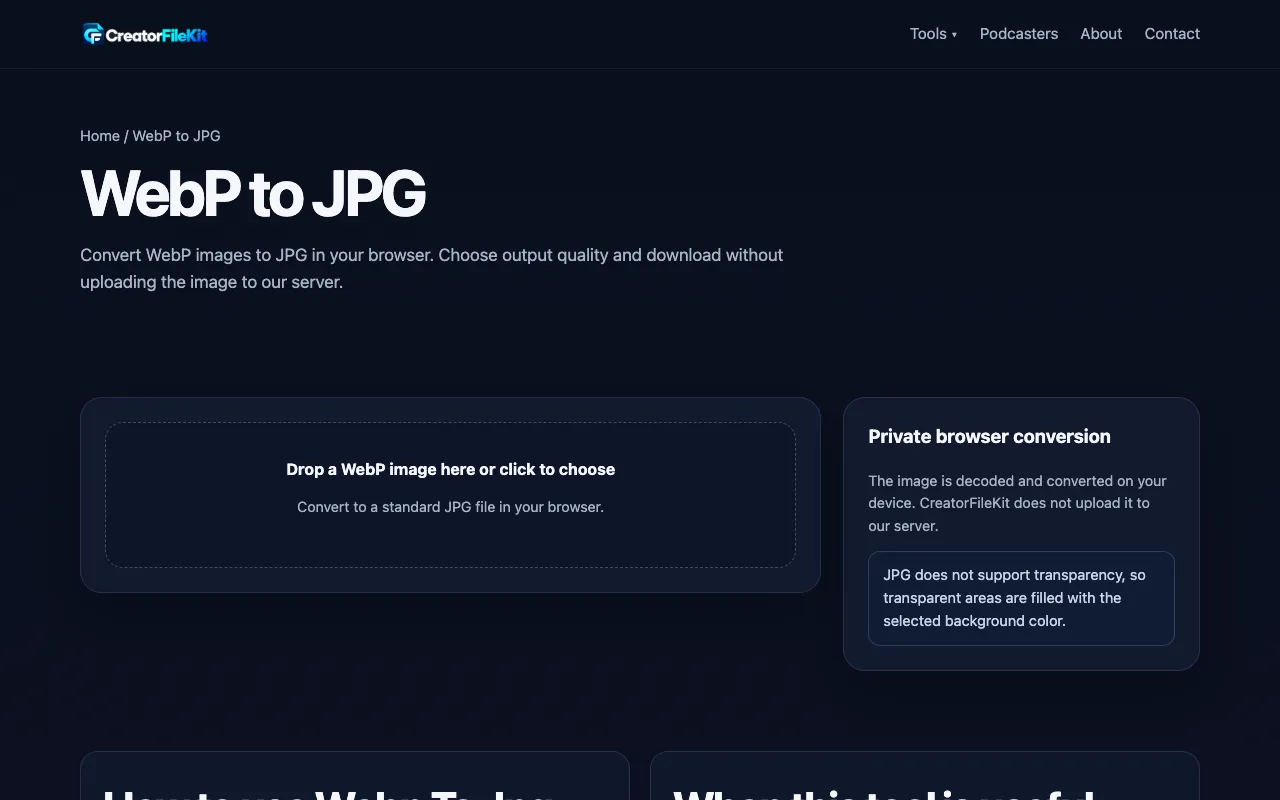
Convert WebP images to JPG in your browser. Choose output quality and download without uploading the image to our ser...
What WebP to JPG does
WebP to JPG by CreatorFileKit is a browser-based converter that transforms WebP images into the widely compatible JPEG format without sending files to a remote server. Users upload a WebP file and receive a downloadable JPG, with options to select output quality ranging from smaller file size to higher fidelity. The tool displays the original and resulting file sizes side by side, allowing for quick comparison of the conversion outcome. It is designed for anyone needing to make WebP content usable on platforms or software that only accept JPG files.
How to use the CreatorFileKit WebP to JPG
- 1
Choose a WebP image to convert using the drop zone or file selector
- 2
Select the desired output quality (Smaller file, Balanced, or High quality)
- 3
Click Convert to JPG and wait for the processing to complete
- 4
Download the resulting JPG file and inspect transparent areas
- 5
Check the displayed original and JPG file sizes for reference
Best for
This option suits designers, developers, and content creators who need to quickly convert WebP images to JPG for compatibility with legacy systems, websites, or upload forms without leaving their browser or exposing private files to externa
Limitations
- JPG does not support transparency, so transparent areas are flattened during conversion
- Conversion is lossy, which may add another generation of compression artifacts
- Output quality settings affect file size but cannot fully preserve original WebP fidelity
WebP to JPG FAQ
- What happens to transparency when converting WebP to JPG?
- JPG cannot store transparency, so transparent areas are flattened during conversion. Users can choose a background color (White or Black) to replace transparent pixels.
- Will the converted JPG file be smaller than the original WebP?
- Sometimes, but final size depends on the image content and the selected quality setting. The tool shows both original and JPG dimensions and file sizes for comparison.
- Does the WebP image upload to CreatorFileKit's server?
- No, the converter works entirely in the browser. The image is processed locally and is not uploaded to the site's server, enhancing privacy for sensitive files.
- What quality options are available for the JPG output?
- The tool offers three quality presets: Smaller file, Balanced, and High quality. These presets adjust the compression level to balance file size against visual fidelity.
More WebP to JPG tools
- 01Ezgifezgif.com
Converts WebP images to JPG.
- 02Free Image Editorfreeimageeditor.io
Convert a still WebP image to JPG on your device. Choose a background for transparency, preview quality and download ...
- 03Let's Resize Itletsresizeit.com
Convert WebP images to JPG online for free. Fast, private WebP to JPEG conversion directly in your browser with no si...
- 04PlumeDocsplumedocs.com
Convert WebP to JPG or PNG free, right in your browser. Images are never uploaded. Batch convert many at once and dow...
Similar tools
Based on shared tags