WebP to JPG
Convert WebP images to JPG online for free. Fast, private WebP to JPEG conversion directly in your browser with no si...
What WebP to JPG does
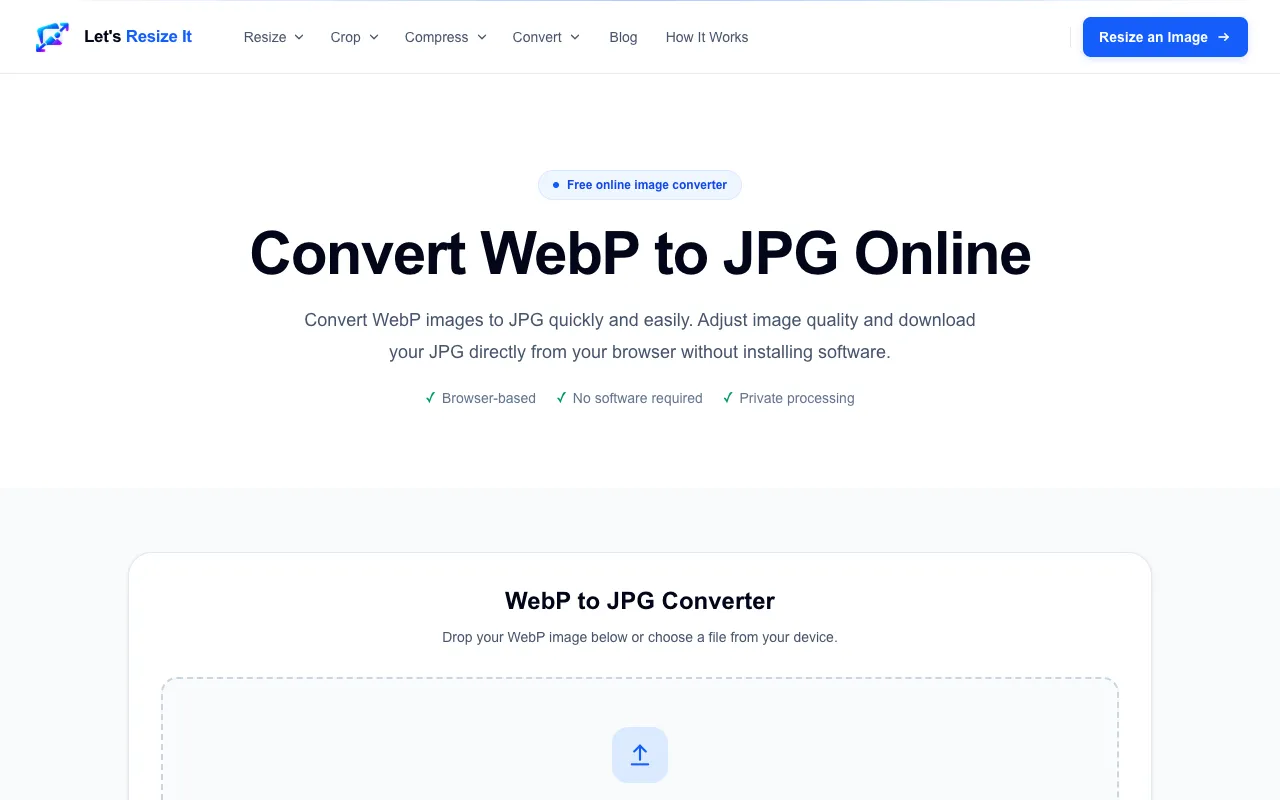
The WebP to JPG converter on Let's Resize It provides a straightforward way to transform WebP images into the widely compatible JPEG format. Users upload a WebP file, select a quality level, and receive a downloadable JPG version. The service emphasizes that processing occurs entirely within the browser, keeping images private and eliminating the need for software installation. This makes it a practical solution for anyone needing to convert images saved from modern websites or shared via WebP links into a format that works across more applications, email clients, and editing tools.
How to use the Let's Resize It WebP to JPG
- 1
Drop a WebP image into the converter or click to select a file from your device
- 2
Choose the desired JPG quality level using the provided slider or input
- 3
Initiate the conversion process to generate the JPG file
- 4
Download the resulting JPEG file once processing is complete
- 5
Repeat the process for additional images as needed
Best for
This tool suits users who need to quickly convert WebP images to JPG for broader compatibility without installing software or uploading files to external servers.
Limitations
- Quality settings affect file size, with higher quality producing larger JPG files
- The tool processes WebP files only; other formats require separate handling
- Browser-based processing may have file size limits not specified in the material
WebP to JPG FAQ
- Will my WebP image lose quality when converted to JPG?
- The converter allows you to adjust JPG quality settings, so you can balance file size and visual fidelity. Higher quality settings preserve more detail but create larger files, while lower settings reduce file size at the potential cost of some image clarity.
- Do I need to create an account to use the WebP to JPG converter?
- No account or signup is required. The tool is designed for immediate use, with image processing happening directly in your browser without uploading to external servers.
- Can I convert multiple WebP images to JPG at once?
- The material does not specify batch conversion capabilities. Each image would likely need to be processed individually through the converter.
- What types of files can I convert using this tool?
- The converter specifically handles WebP files input and produces JPG output. Other image formats would need to be converted to WebP first or handled by different tools.
More WebP to JPG tools
- 01CreatorFileKitcreatorfilekit.com
Convert WebP images to JPG in your browser. Choose output quality and download without uploading the image to our ser...
- 02Ezgifezgif.com
Converts WebP images to JPG.
- 03Free Image Editorfreeimageeditor.io
Convert a still WebP image to JPG on your device. Choose a background for transparency, preview quality and download ...
- 04PlumeDocsplumedocs.com
Convert WebP to JPG or PNG free, right in your browser. Images are never uploaded. Batch convert many at once and dow...
Similar tools
Based on shared tags