01

01
CreatorFileKit
creatorfilekit.com
Convert WebP images to JPG in your browser. Choose output quality and download without uploading the image to our ser...
Converts WebP image files into the widely compatible JPEG format with ease. Users simply upload their desired WebP images, and the tool automatically processes them to generate corresponding JPG versions. This process effectively transitions the image file type while maintaining high visual quality and optimizing the resulting size for various online platforms. Web developers, content creators,...
Convert WebP images to JPG in your browser. Choose output quality and download without uploading the image to our ser...

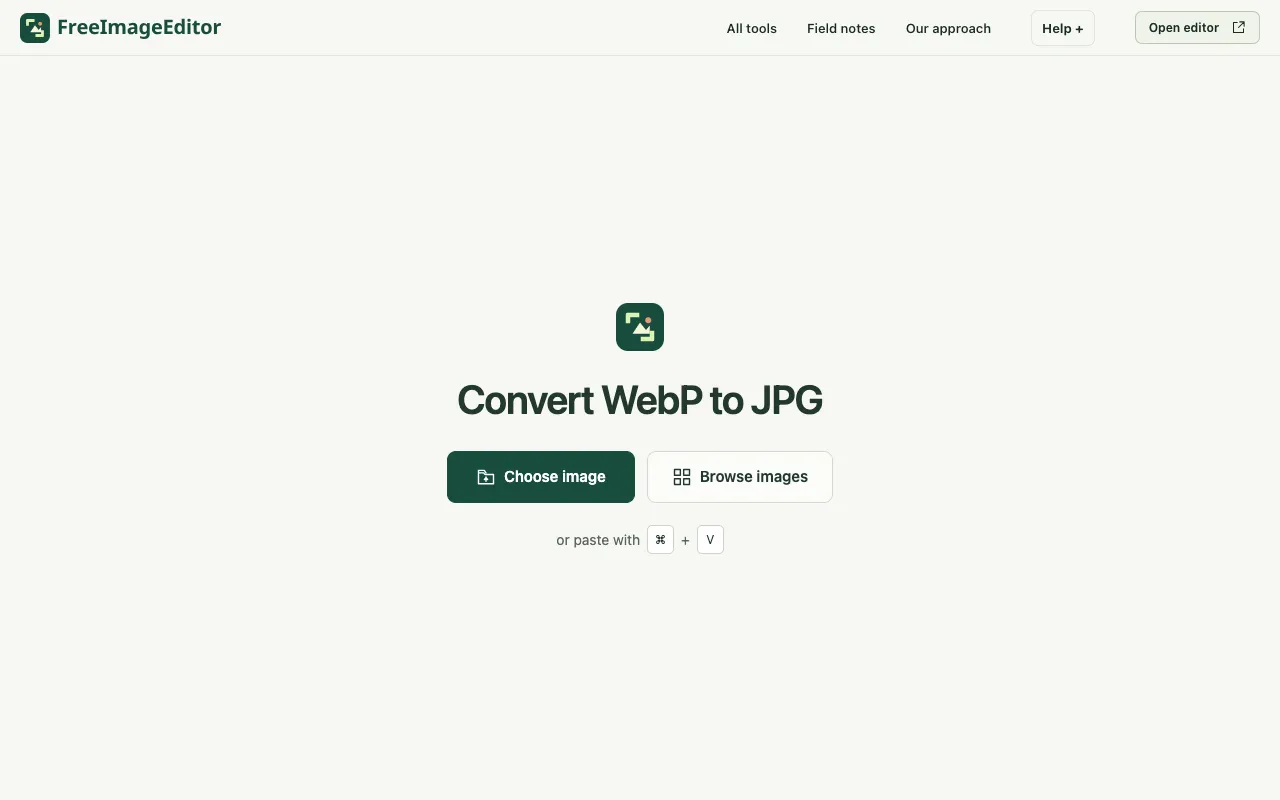
Convert a still WebP image to JPG on your device. Choose a background for transparency, preview quality and download ...
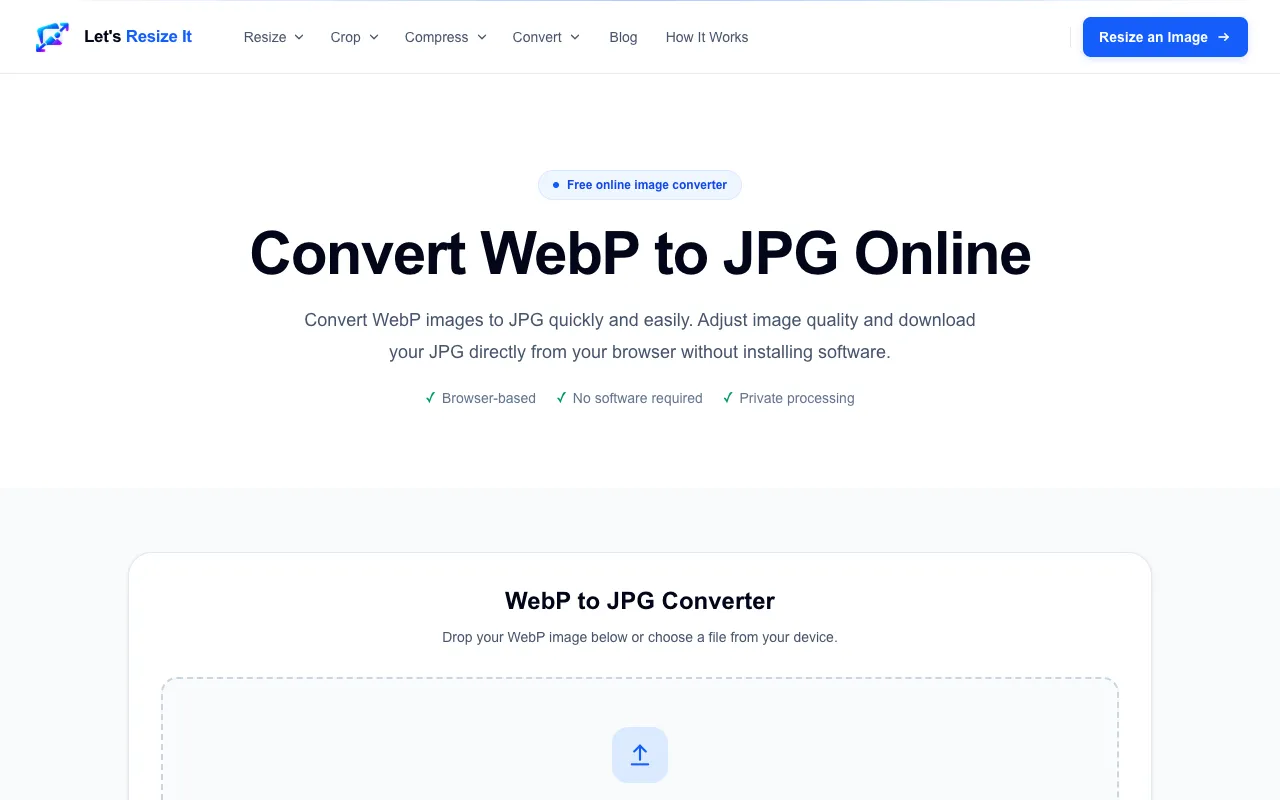
Convert WebP images to JPG online for free. Fast, private WebP to JPEG conversion directly in your browser with no si...
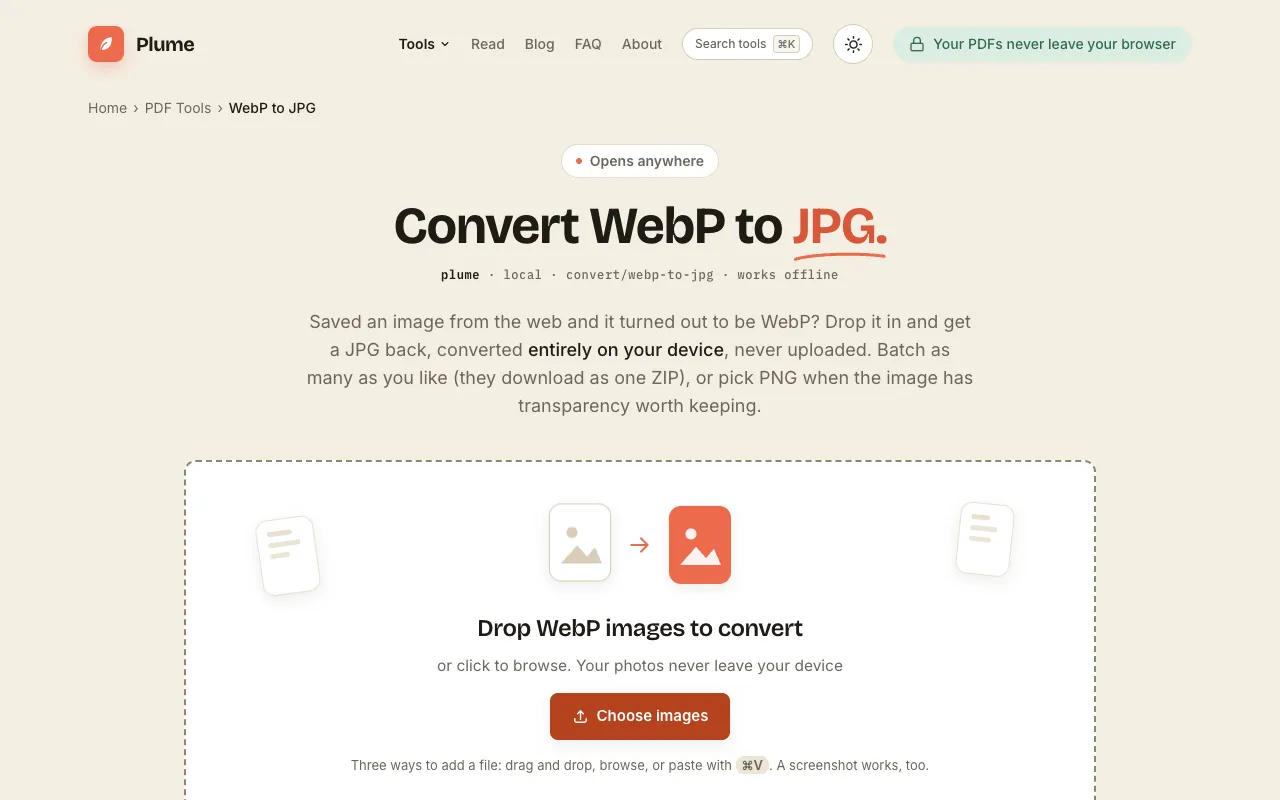
Convert WebP to JPG or PNG free, right in your browser. Images are never uploaded. Batch convert many at once and dow...
Side by side
| Tool | Best for | Strengths | Limitations |
|---|---|---|---|
| CreatorFileKit creatorfilekit.com | Privacy-conscious single conversions |
|
|
| Ezgif ezgif.com | Large or animated WebP files |
|
|
| Free Image Editor freeimageeditor.io | Local conversion with background selection |
|
|
| Let's Resize It letsresizeit.com | Quick private conversions without signup |
|
|
| PlumeDocs plumedocs.com | Batch conversion and offline use |
|
|
Buyer's guide
If privacy is your top priority, pick a tool that processes images entirely in your browser so nothing ever leaves your device. If you are converting a single WebP for a specific use—like uploading to a form that only accepts JPG—CreatorFileKit gives you quality control without uploading. For animated WebP or files larger than 200MB, Ezgif handles the format conversion and deletes your files automatically afterward. When you have many images to convert at once, PlumeDocs batches them into a ZIP and keeps everything on your computer.
Questions