01

Generates animated GIFs from video files or images by uploading them to ezgif.com/maker's web interface, which then compresses and animates the input into a compact GIF format. Ideal for users who need quick, easy-to-share animations for social media, presentations, or website use. Helps users create engaging visual content without requiring any specific technical skills or software installation,...
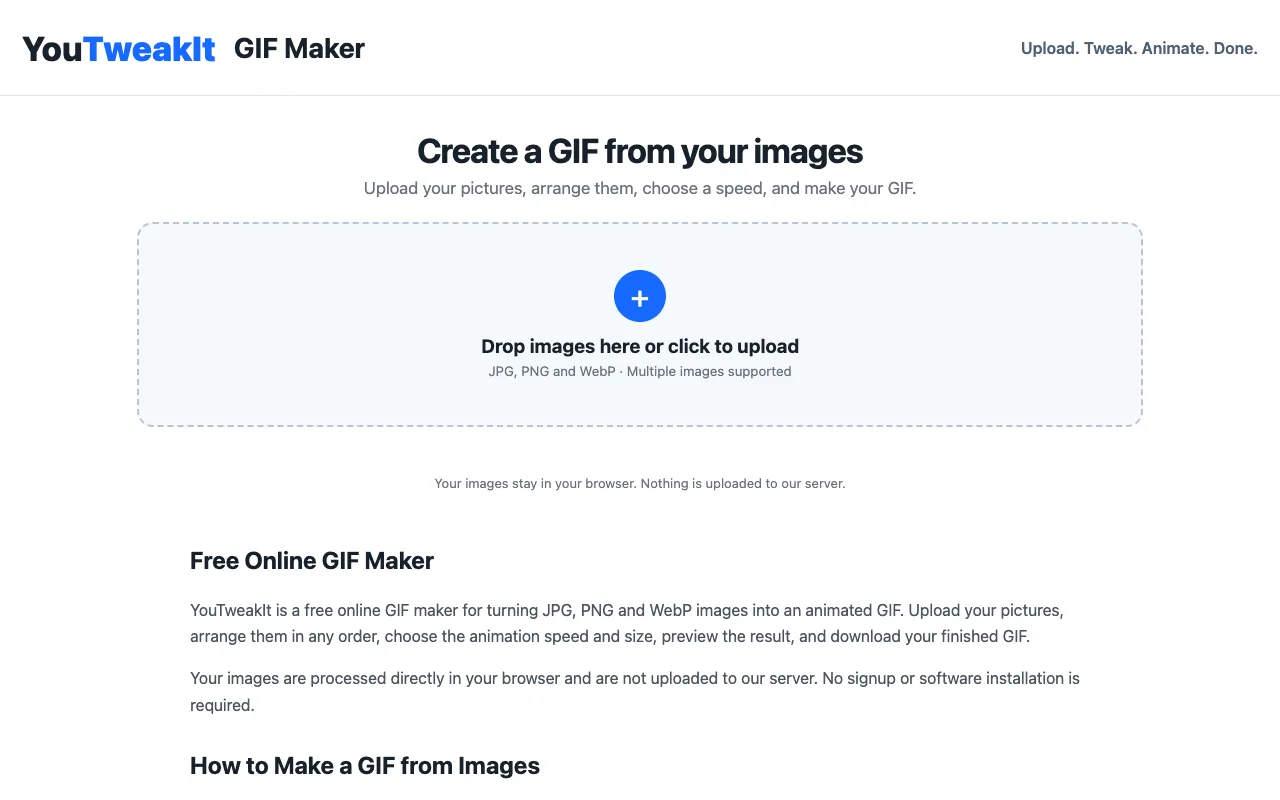
Create animated GIFs from JPG, PNG and WebP images with YouTweakIt. Arrange images, choose speed and size, preview, a...
Side by side
| Tool | Best for | Strengths | Limitations |
|---|---|---|---|
| Ezgif ezgif.com | Users needing video-to-GIF or bulk image conversion |
|
|
| YouTweakIt youtweakit.com | Users with few JPG/PNG/WebP images wanting private processing |
|
|
Buyer's guide
If your source material is a video clip or a large set of images, Ezgif handles the conversion and compression in one place. If you only have a handful of local image files and privacy is a priority, YouTweakIt processes everything inside your browser with no upload needed.
Questions