Resize Image
Resize images online for free with exact width and height controls. Reduce image file size, convert to JPG, PNG or We...
What Resize Image does
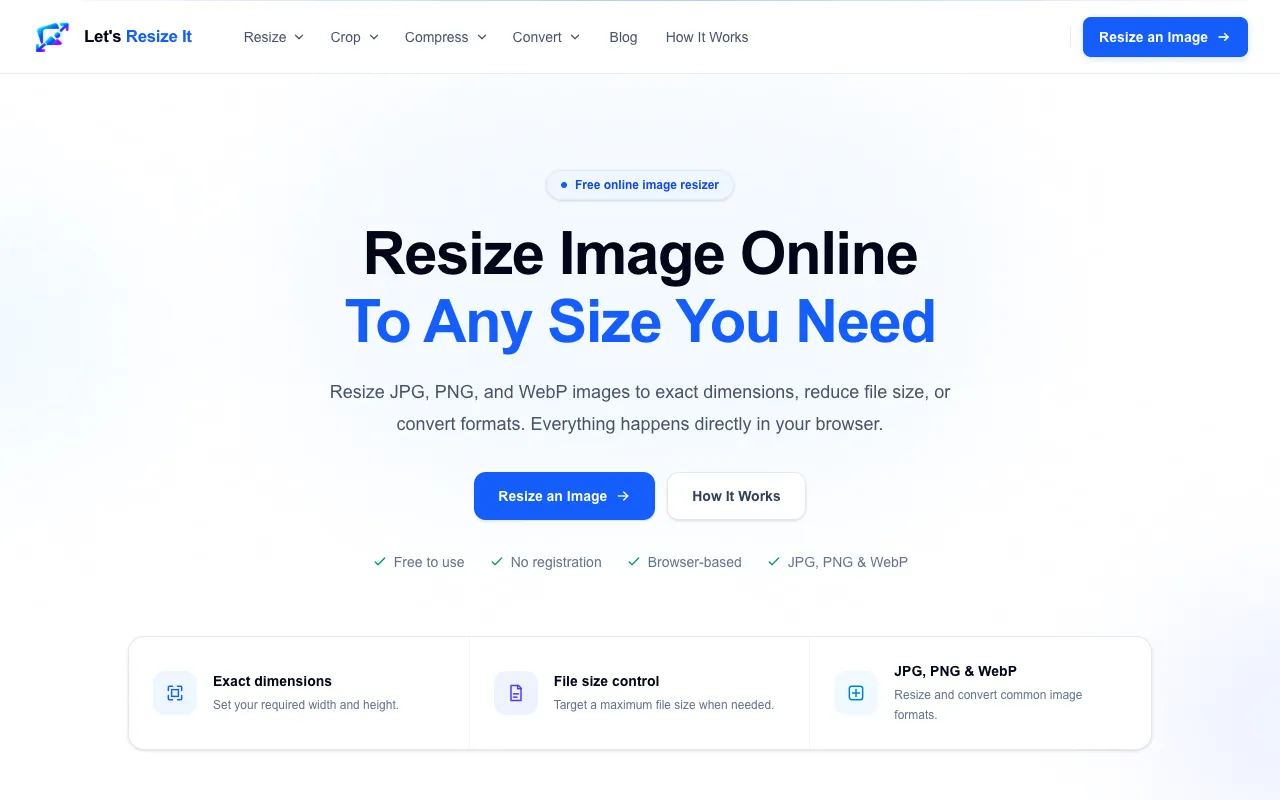
Resize Image Online Free is a browser-based tool that lets users resize JPG, PNG, and WebP images by setting exact width and height values or by applying a resize percentage. Beyond simple scaling, the interface supports reducing file size to a target maximum, converting between formats, and preserving image quality during processing. The service is designed for common resizing needs—website layouts, social media uploads, forms, and documents—without requiring software installation or account creation. All image processing occurs locally in the user's browser, ensuring privacy and speed.
How to use the Let's Resize It Resize Image
- 1
Drop an image onto the interface or choose a file from your device
- 2
Set the required width and height in pixels or select a resize percentage
- 3
Optionally adjust the maximum file size or choose a preferred output format (JPG, PNG, WebP)
- 4
Preview the resized result and download the file to your computer
Best for
Web developers, graphic designers, and anyone needing to reduce image file size or adjust dimensions for websites, social media, or upload limits without installing software.
Limitations
- Supports JPG, PNG, and WebP formats only; GIF and SVG are not listed in the supported formats
- Maximum file size limit of 25 MB per upload
- No unit switching between pixels and inches or centimeters within the interface
Resize Image FAQ
- Do I need to create an account to use Let's Resize It?
- No, the tool is free to use and does not require registration; all processing happens directly in your browser.
- What image formats does Let's Resize It support?
- The tool supports JPG, PNG, and WebP formats for resizing, conversion, and file size control.
- Can I resize an image to a specific file size rather than dimensions?
- Yes, the interface includes a file size control that lets you target a maximum file size when needed.
- Is my image uploaded to a remote server when I use this tool?
- No, image processing happens locally in your browser, so your images are not uploaded to a remote server.
More Resize Image tools
- 01Ezgifezgif.com
Resizes and rotates images and GIFs.
- 02Free Image Editorfreeimageeditor.io
Set the width and height of a JPEG, PNG or WebP image. Keep its proportions, preview the result and export on your de...
- 03ImageToolsProimagetoolspro.in
Resize Image from ImageToolsPro.
- 04iLoveIMGiloveimg.com
Resizes JPG, PNG, SVG, and GIF images by percentage or specific dimensions.
Similar tools
Based on shared tags