Resize Image
Resize Image from ImageToolsPro.
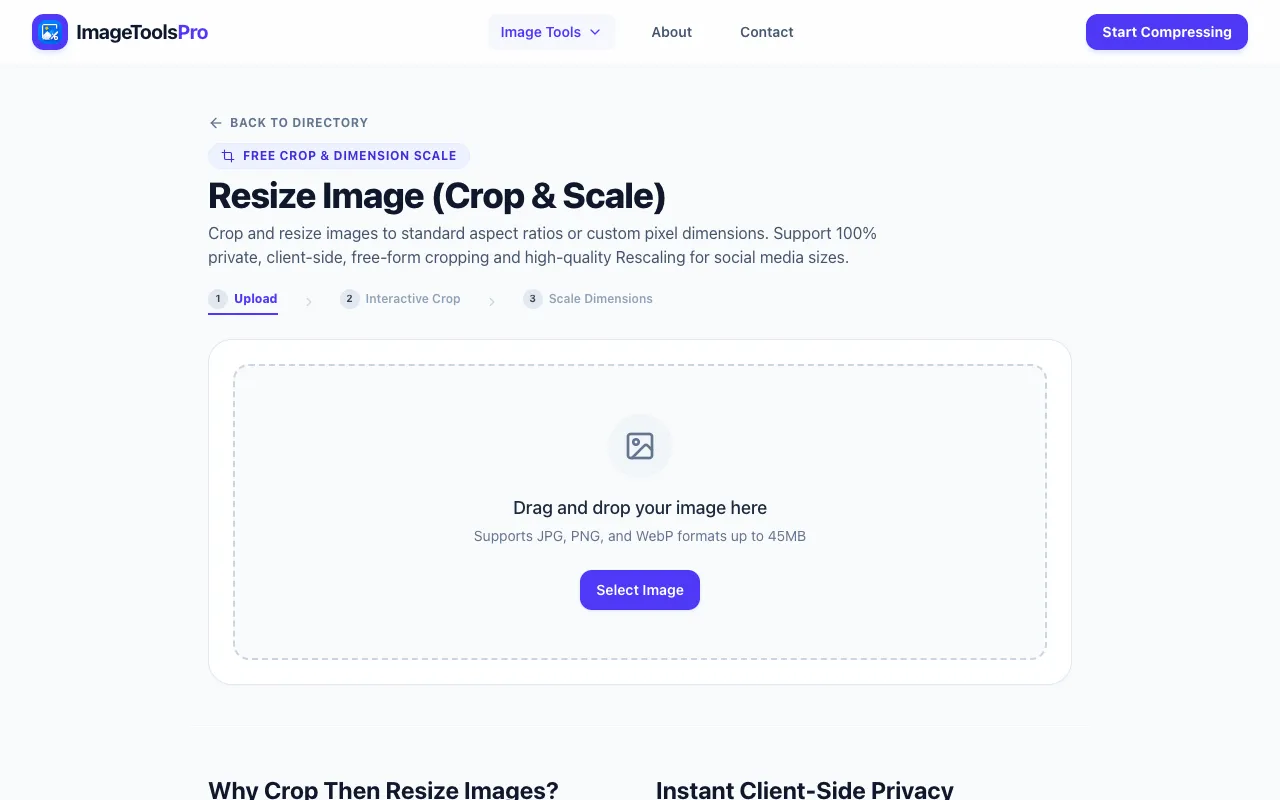
What Resize Image does
Resize Image is a free online tool hosted on ImageToolsPro that lets users upload JPG, PNG, SVG, or GIF files and adjust their size by entering specific pixel dimensions or a resize percentage. The service produces a downloadable resized file suitable for reducing image weight for websites, emails, or social media. It supports common raster and vector formats, making it useful for both photo compression and graphic scaling.
How to use the ImageToolsPro Resize Image
- 1
Upload an image file from your device to the Resize Image interface on ImageToolsPro
- 2
Enter new dimensions in pixels or select a resize percentage to scale the file proportionally or non-proportionally
- 3
Preview the adjusted image and confirm the output settings
- 4
Download the resized file to your computer
Best for
Web developers, graphic designers, and anyone needing to quickly reduce image file size or adjust dimensions for web use without installing software.
Limitations
- No information about file size limits or maximum upload restrictions
- No explicit mention of output quality settings or compression options
- Interface and functionality not personally tested; features may vary from other resize tools
Resize Image FAQ
- Can I resize multiple images at once using Resize Image?
- The material does not specify whether Resize Image supports batch processing; it appears to handle single uploads per session.
- Does Resize Image maintain the original aspect ratio when I enter custom dimensions?
- The tool allows selecting a resize percentage or specific dimensions, but the material does not confirm if aspect ratio locking is automatic or optional.
- What image formats does Resize Image support for upload and download?
- Resize Image supports JPG, PNG, SVG, and GIF formats for both uploading input files and downloading the resized output.
- Is there a cost or watermark associated with using Resize Image on ImageToolsPro?
- Resize Image is listed as a free online tool on ImageToolsPro; the material does not mention any payment requirements or watermarks on exported files.
More Resize Image tools
- 01Ezgifezgif.com
Resizes and rotates images and GIFs.
- 02Free Image Editorfreeimageeditor.io
Set the width and height of a JPEG, PNG or WebP image. Keep its proportions, preview the result and export on your de...
- 03Let's Resize Itletsresizeit.com
Resize images online for free with exact width and height controls. Reduce image file size, convert to JPG, PNG or We...
- 04iLoveIMGiloveimg.com
Resizes JPG, PNG, SVG, and GIF images by percentage or specific dimensions.
Similar tools
Based on shared tags